
Cut the script into 8-second chunks
One chunk and one line of dialogue per clip.
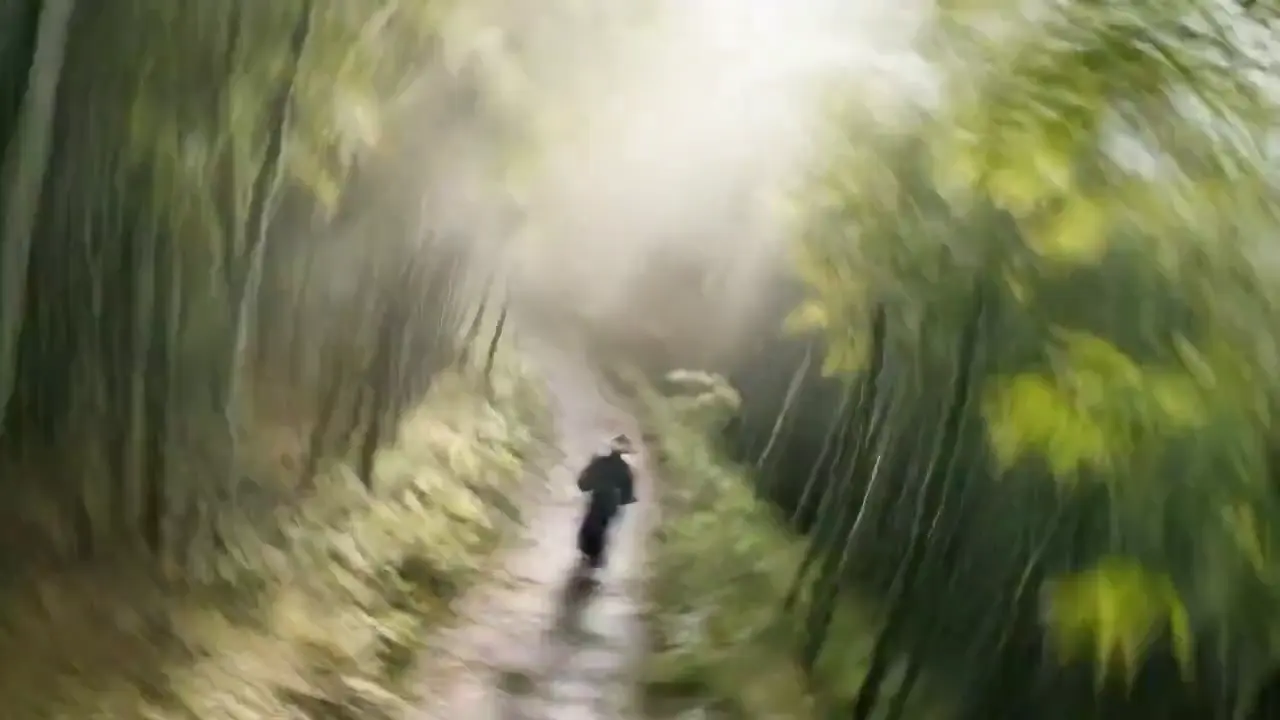
One prompt can carry picture, dialogue, effects and music into a cinematic short clip.
715 credits for this generation
Checking generation availability…
Checking your sign-in status…
Explore image and video models in one place. Choose another model to compare the same idea and find the right look.
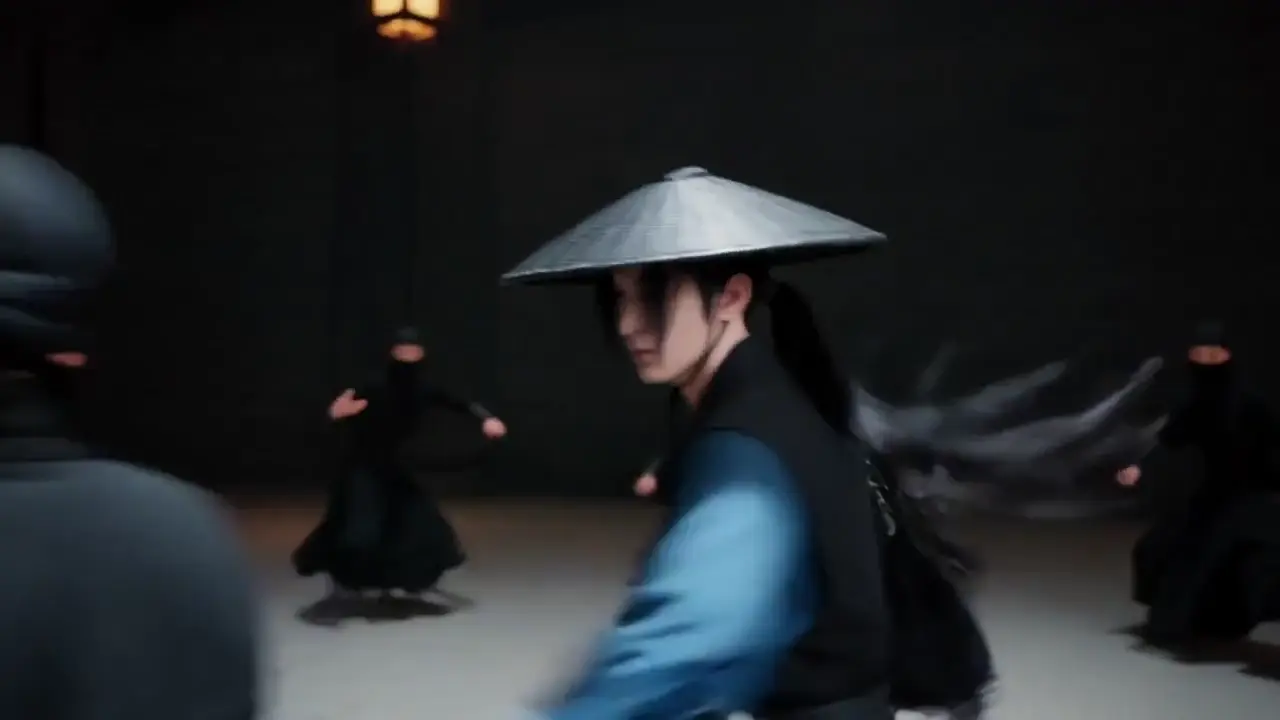
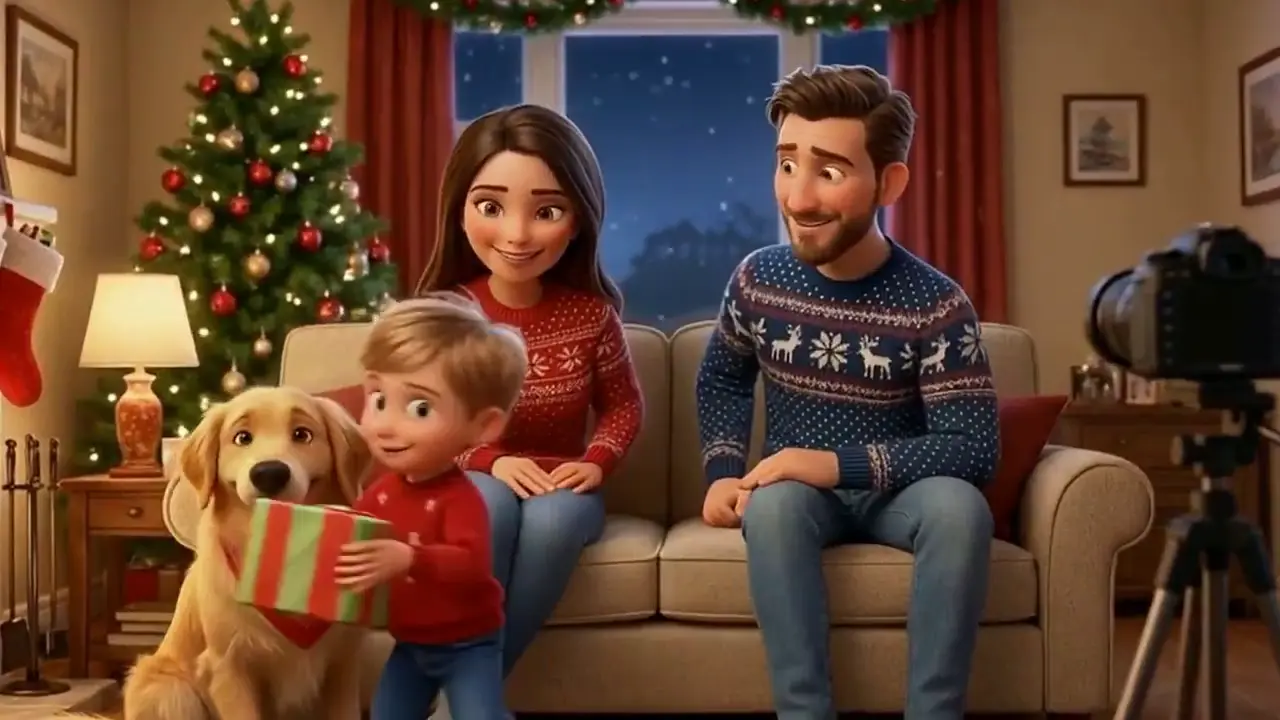
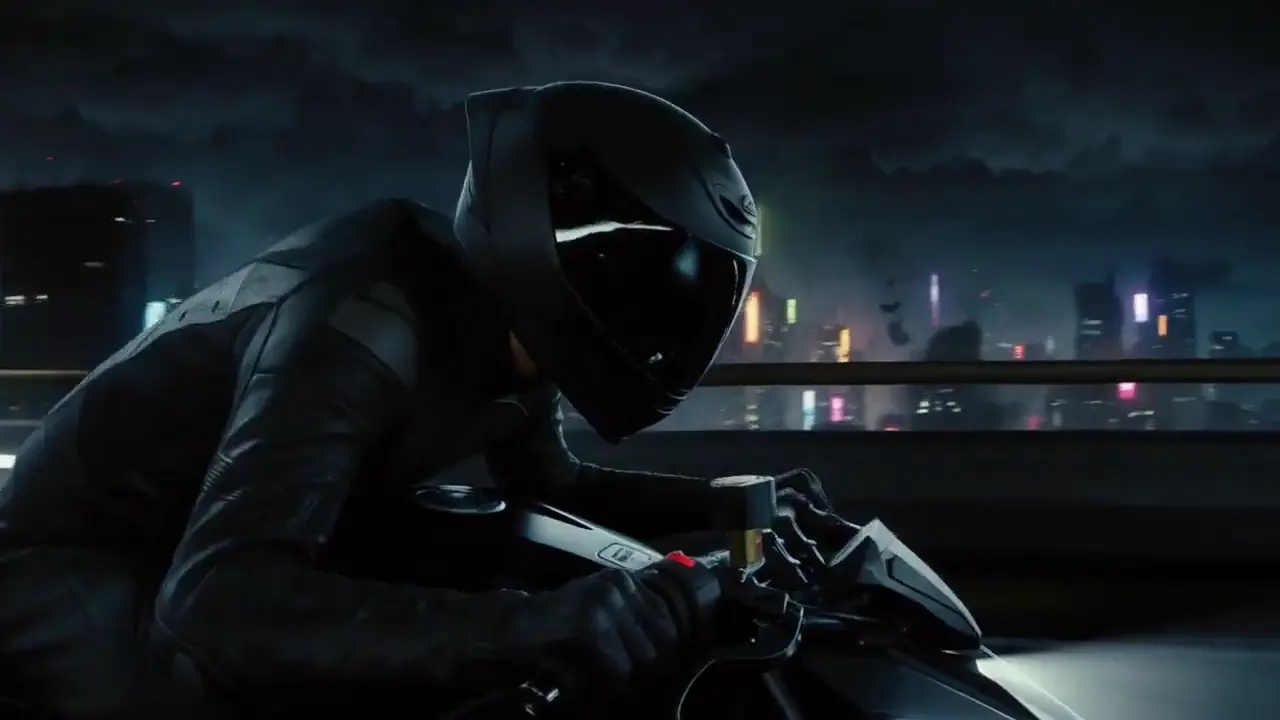
Reference clips observed on the source page; not Virvy customer work.
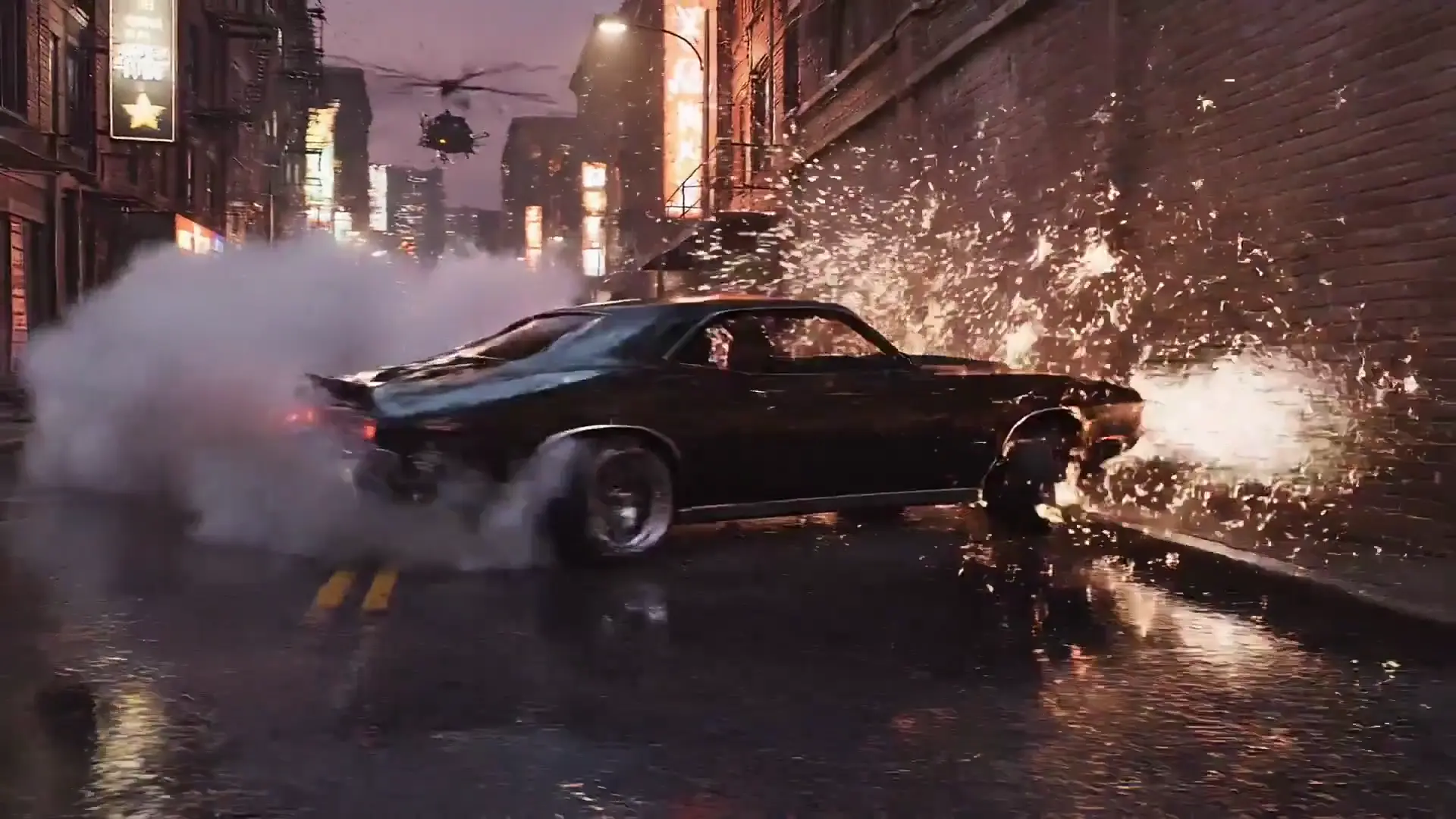
Keep each shot focused and carry the character description forward.
One chunk and one line of dialogue per clip.
Reuse the same starting image for every shot.
Pick the delivery ratio before generating.
Only move up when the shot works.
Choose your settings and check the displayed credits, then click Generate. Your task starts after the automatic checks pass.
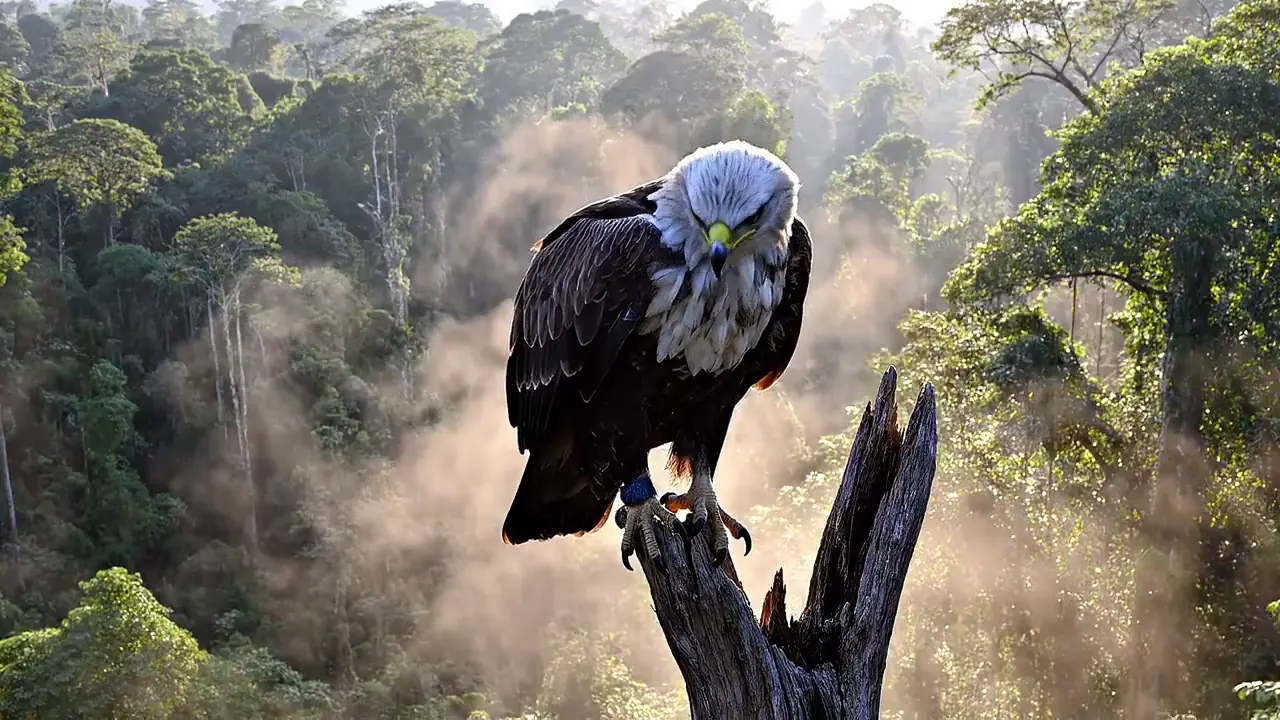
VEO 3.1 ON VIRVY
Start from a prompt or a visual reference.
The source model page presents audio as part of the pass.
Virvy keeps the controls usable without a paid request.
Reference notes, not enabled-provider claims.
A moving shot needs more than a good picture. Plan the room tone, footsteps and spoken line alongside the visual action, then check whether they land at the same moment. The reference clips make it easy to listen separately before deciding what the edit still needs.
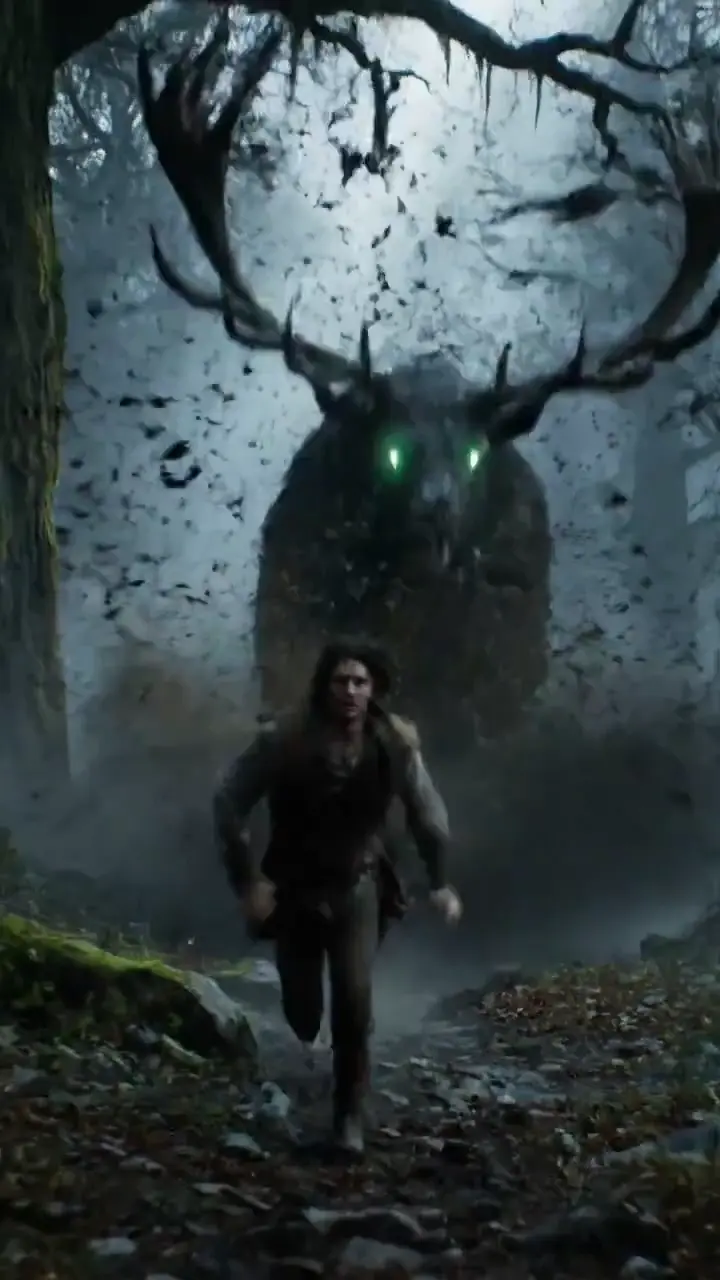
Build the subject once, then describe the change in framing. A wide shot and a close-up should still show the same person, clothes and setting. Follow a single camera path so the result can reveal continuity problems instead of hiding them behind a cut.
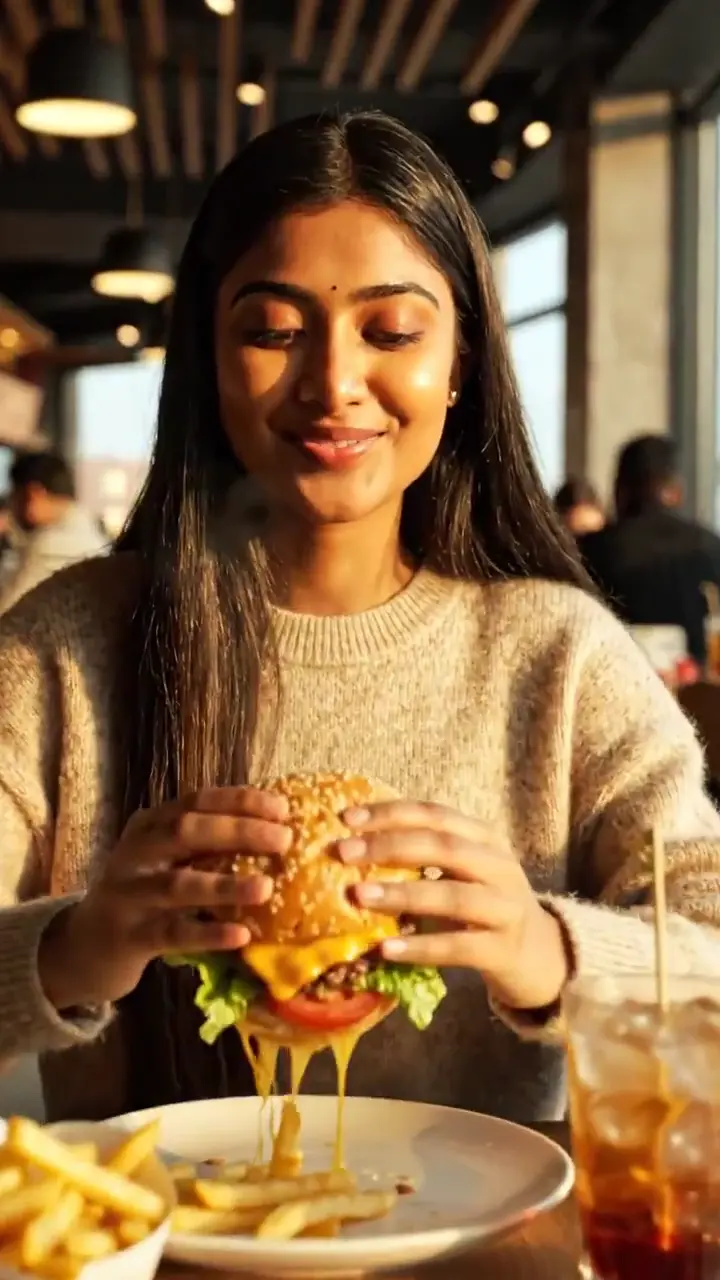
Keep the product easy to read while the surrounding scene does the work. Light, texture and one small action can carry a short food or product shot. Review the final frame as carefully as the opening, especially if it needs room for a later caption.
Use these scene recipes as a starting point. Each one follows the subject and visual idea of the reference clip, with original wording you can edit.
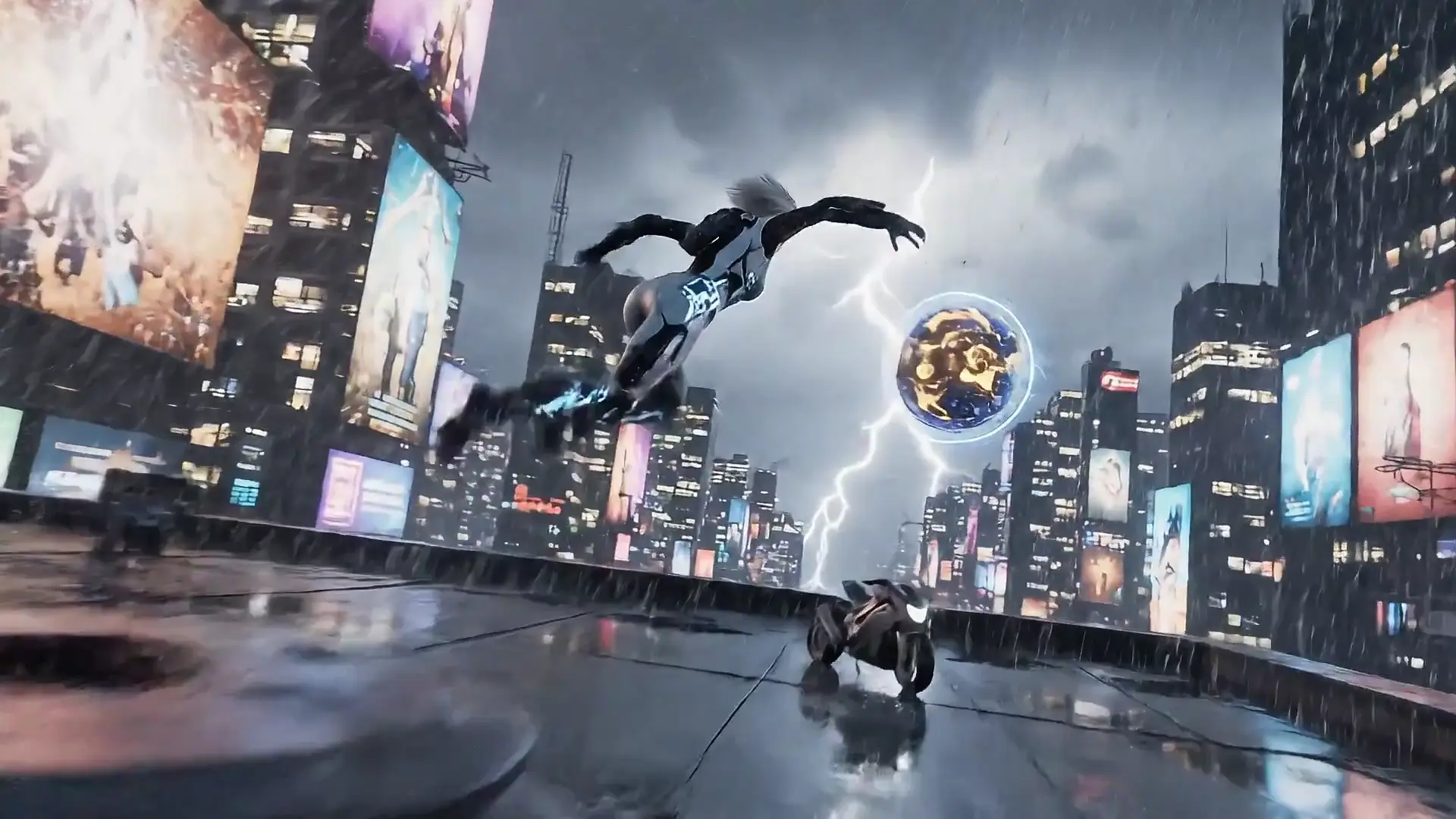
A moving camera, a clear escape route and a short spoken cue.
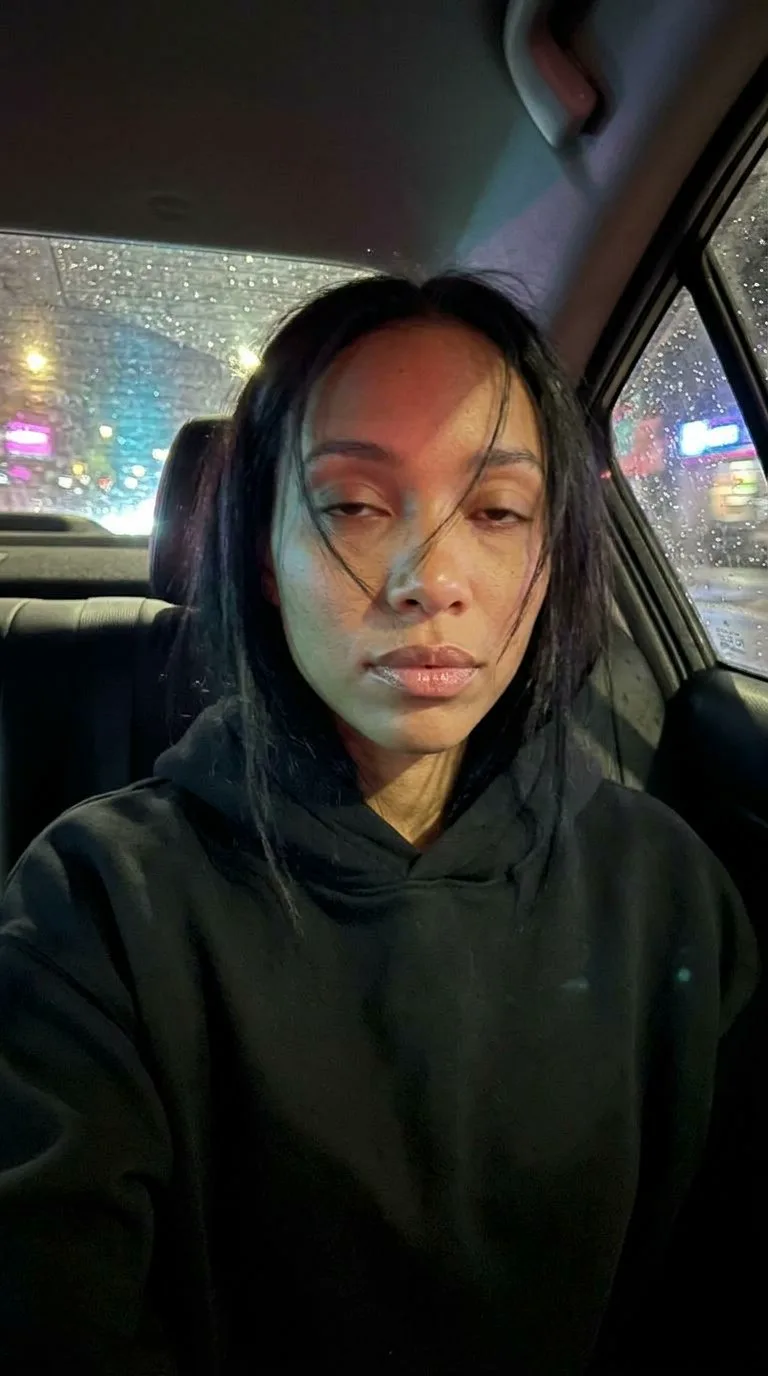
A courier in a weathered yellow jacket runs across a rain-soaked rooftop above a neon city. Track beside her at shoulder height as she ducks beneath a cable, checks a small glowing device and jumps a narrow gap between buildings. Keep the jacket, face and device consistent. Let the camera slow as she reaches a ventilation unit and listens for the pursuer behind her. Blue signs reflect in puddles; a warm doorway gives the final shot a point of contrast. Include quick footsteps, rain on metal, a distant siren and one short whispered line: "This way." Avoid extra dialogue or a change of location.
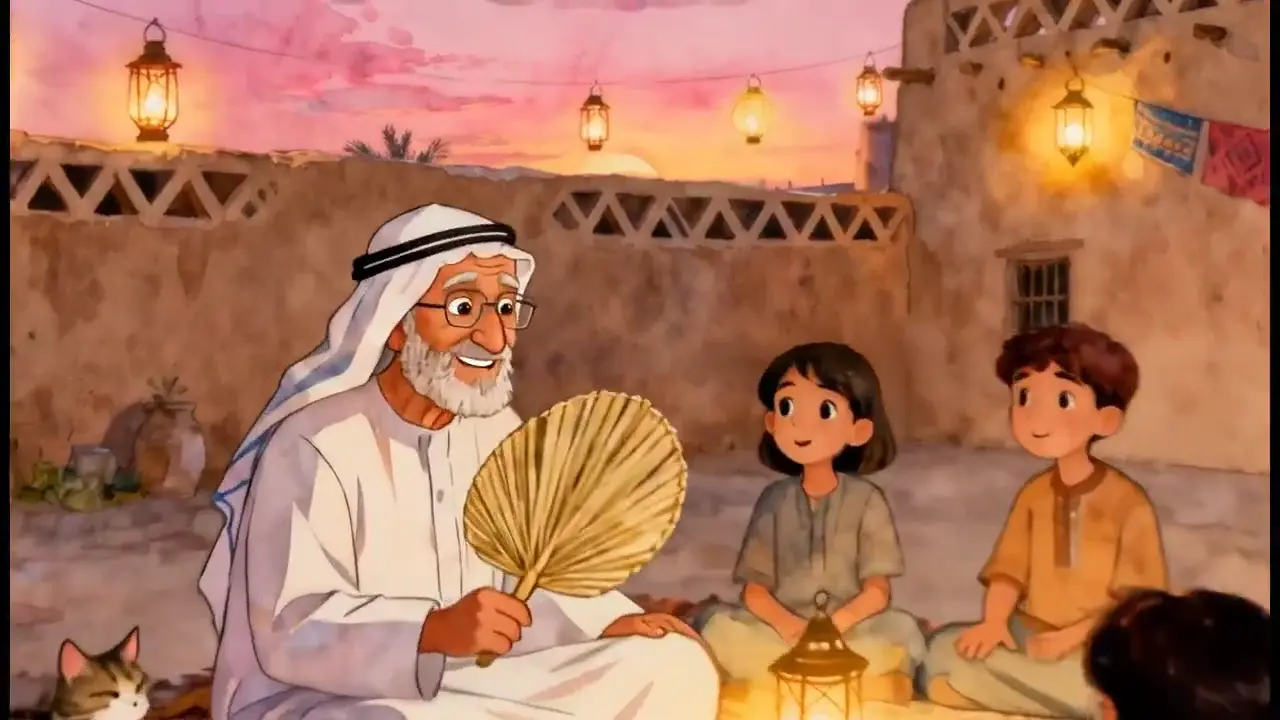
A quiet performance built around one face and one line.
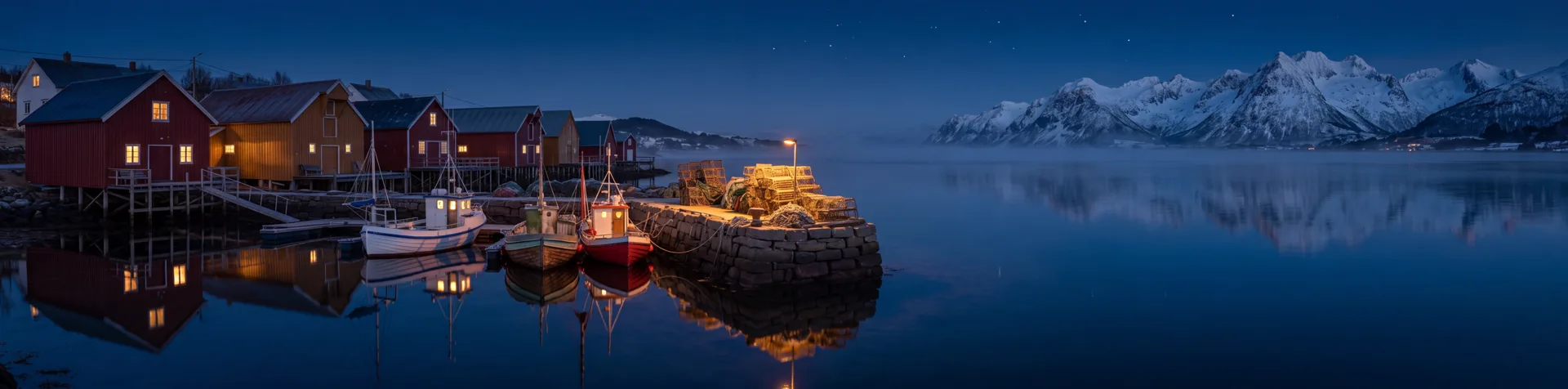
At sunset in a stone courtyard, an elderly storyteller sits beside a low table while a small circle of listeners gathers around him. Begin on his hands turning a worn wooden charm, then tilt up as he smiles and says, "The sea was quiet that morning." Move into a gentle close-up without changing his face, clothing or position. The listeners remain attentive in the soft background. Olive leaves move in a light breeze and the last sunlight touches the wall behind him. Keep the atmosphere intimate, with clear speech, a few birds and quiet fabric sounds. End on the pause before his next sentence.
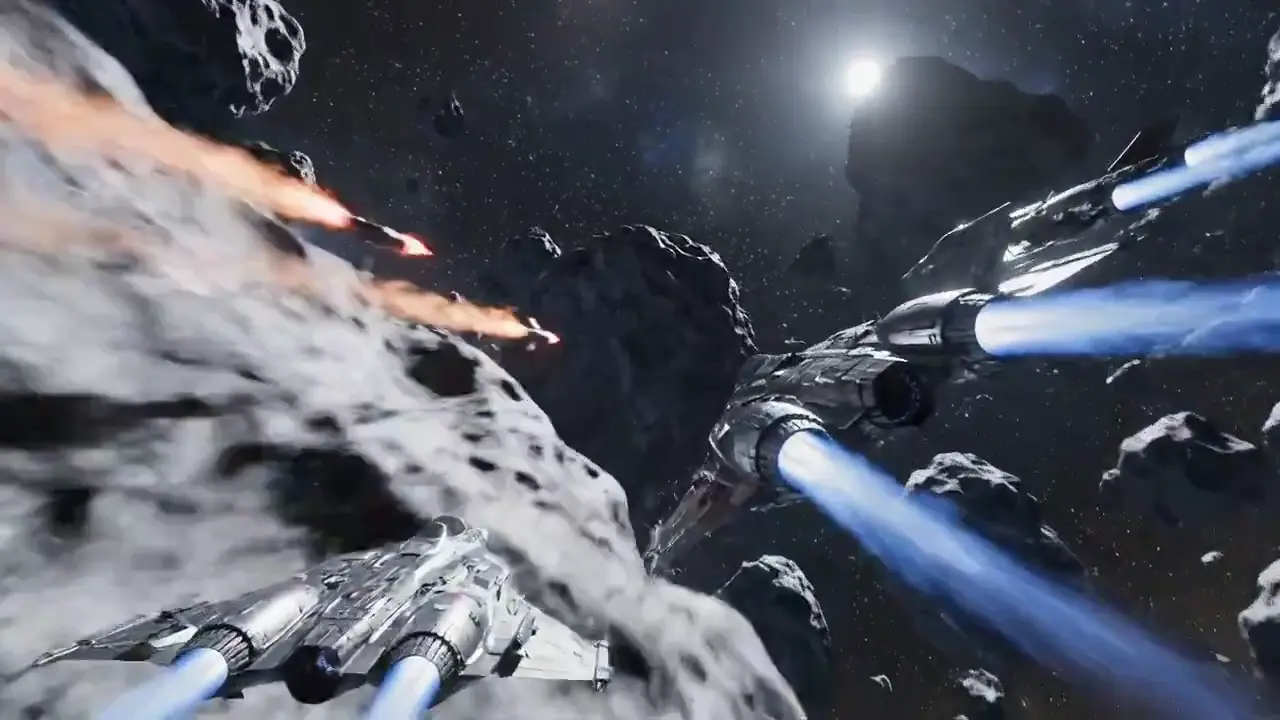
A fast chase with stable shapes and a readable flight path.
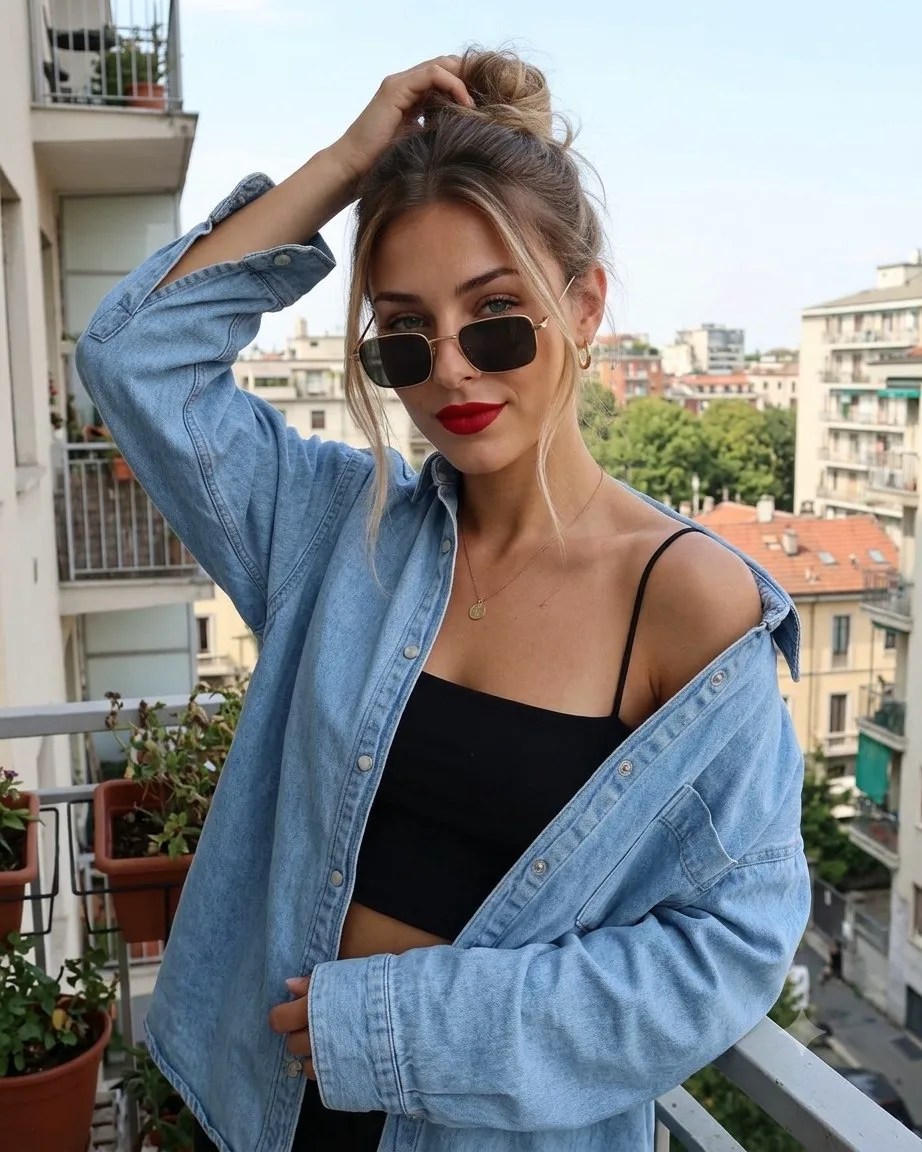
Follow a small silver starfighter through a dense field of slowly rotating asteroids. Start just behind its left wing as a larger pursuer appears between two rocks. The fighter banks right, threads a narrow opening and briefly disappears behind a sunlit boulder before returning to view. Keep the ship design and scale stable through every camera move. Use sharp sunlight, deep shadows, tiny engine flares and drifting dust for depth. Build a short electronic score under engine noise and one cockpit warning tone. Do not cut to a different ship or add readable text. Finish with the fighter crossing into open space while the pursuit remains behind.
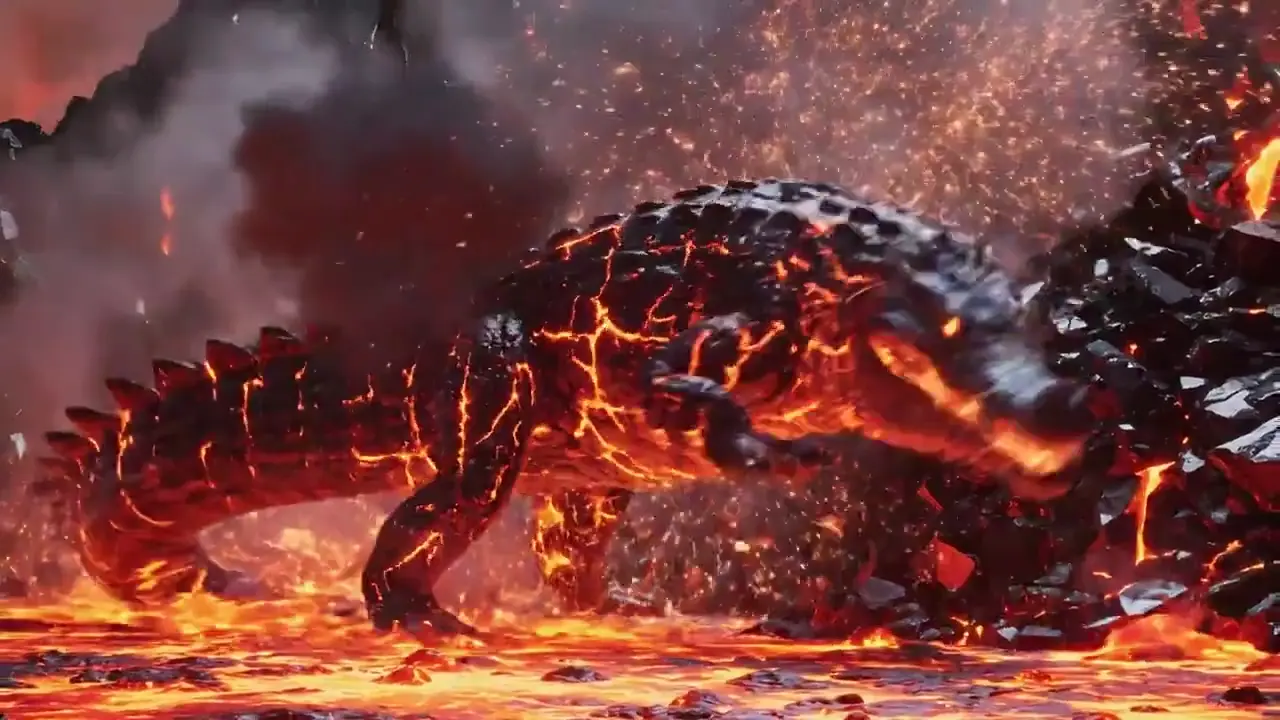
A creature reveal carried by light, scale and slow movement.
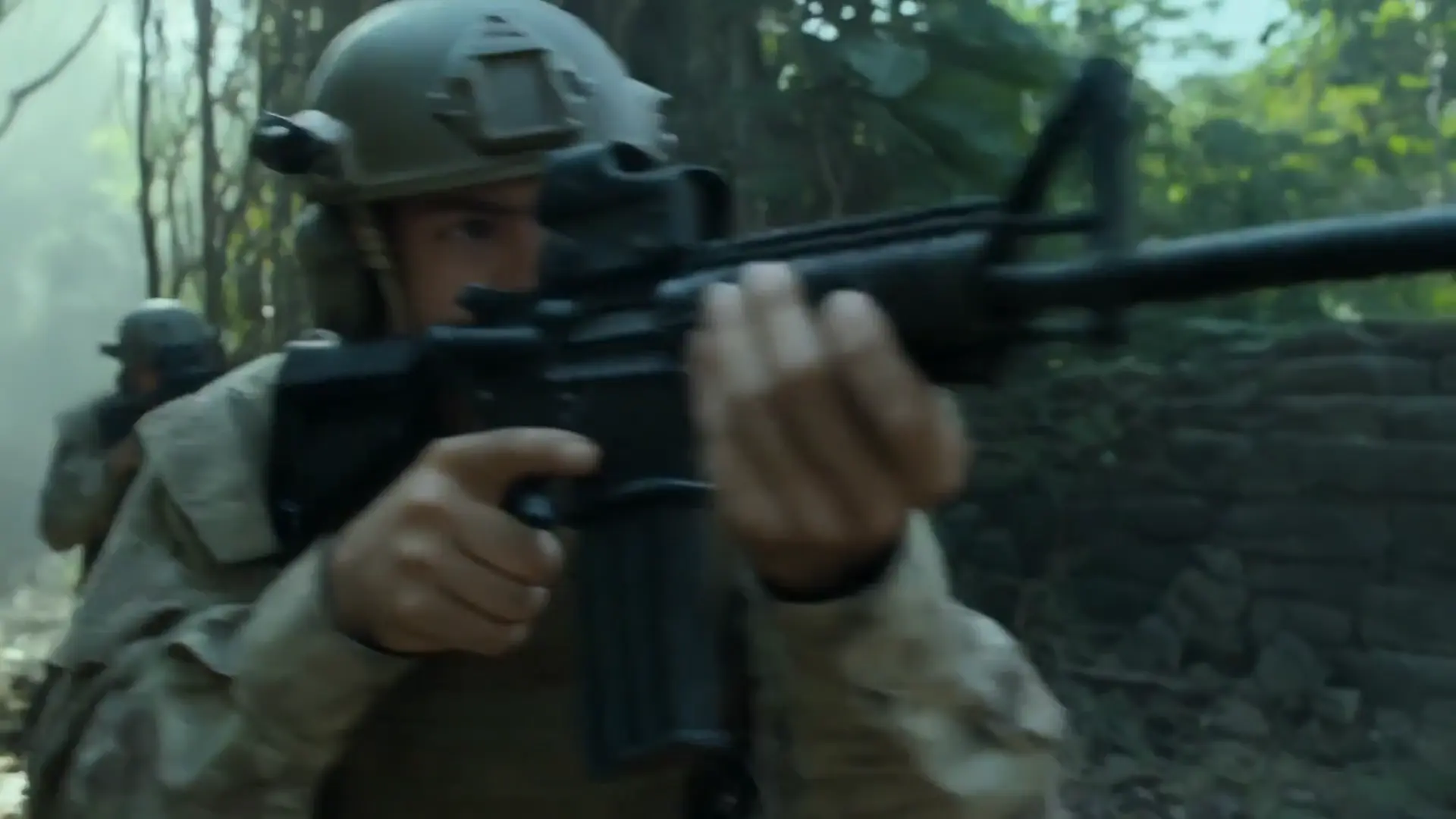
Show a volcanic basin at dusk, with black rock surrounding a slow river of orange lava. The camera begins close to the rough surface as a glowing ridge rises through it. A huge crocodile-shaped creature lifts its head, molten light visible between dark plates, and turns toward the lens. Pull back steadily to reveal its body without changing the shape of the snout or the arrangement of the scales. Let small fragments cool and darken as they fall from its jaw. Use heavy movement, heat distortion, deep rumbling and scattered rock cracks. Hold the final wide composition long enough to read the creature against the landscape.
Five practical checks for evaluating the reference workflow; these are original Virvy criteria, not testimonials.
Does the subject keep a stable identity from the first frame to the last?
Use these comparisons as orientation. Choose settings in the generator to see the credits required.
Compare how each workflow handles the same short story, not two unrelated showcase clips. Keep the subject, framing and target length similar. Look for a clear action, believable contact with objects and sound that belongs to the room. The useful question is which result fits your edit with fewer repairs, not which model wins in every situation.
Try a scene with one face, a small movement and a short line of dialogue. Watch the eyes and hands during the turn, then listen for timing around pauses and breaths. For an action shot, repeat the test with the same camera path. These checks help separate an attractive still frame from a clip that remains useful in motion.
Repeat a simple scene across the two workflows before moving to a complex sequence. Hold the reference image, aspect ratio and prompt constant, then inspect the transition between actions. Check whether clothing and background objects stay in place and whether the ending is clean enough to cut. A consistent test is more useful than comparing unrelated promotional examples.
Keep the same character description, action and camera direction in both versions. Pay attention to the first and last close-ups: a convincing opening does not tell you whether the identity survives the whole shot. Listen to the dialogue separately, then check how much retiming or cleanup an editor would need before using either clip.
Answers about model settings, credits and generation.
Choose your settings, review the displayed credits, then click Generate to start. Sign in and add enough credits first.
The generator shows the credits for your selected model and settings. Click Generate to submit directly; no second confirmation is needed.
The reference page presents sound as part of the model workflow; Virvy will expose the setting only after the provider is connected and verified.
The model reference lists 4, 6 or 8 seconds. Choose from the durations available in the generator.
The generator accepts an image reference when the selected model contract supports it. The page will explain when an image is required.
720p, 1080p, 4K appears in the model reference. The generator shows the credits before you click Generate.
The model weights and provider runtime are not included here; this page is a browser-based product reference.
No payment or credit deduction happens in this preview. Refund behavior will be documented only after the server-side payment and task ledger are verified.
Describe your scene, choose your settings and check the displayed credits. Click Generate to start without another confirmation.
Reference reading about Veo 3.1.