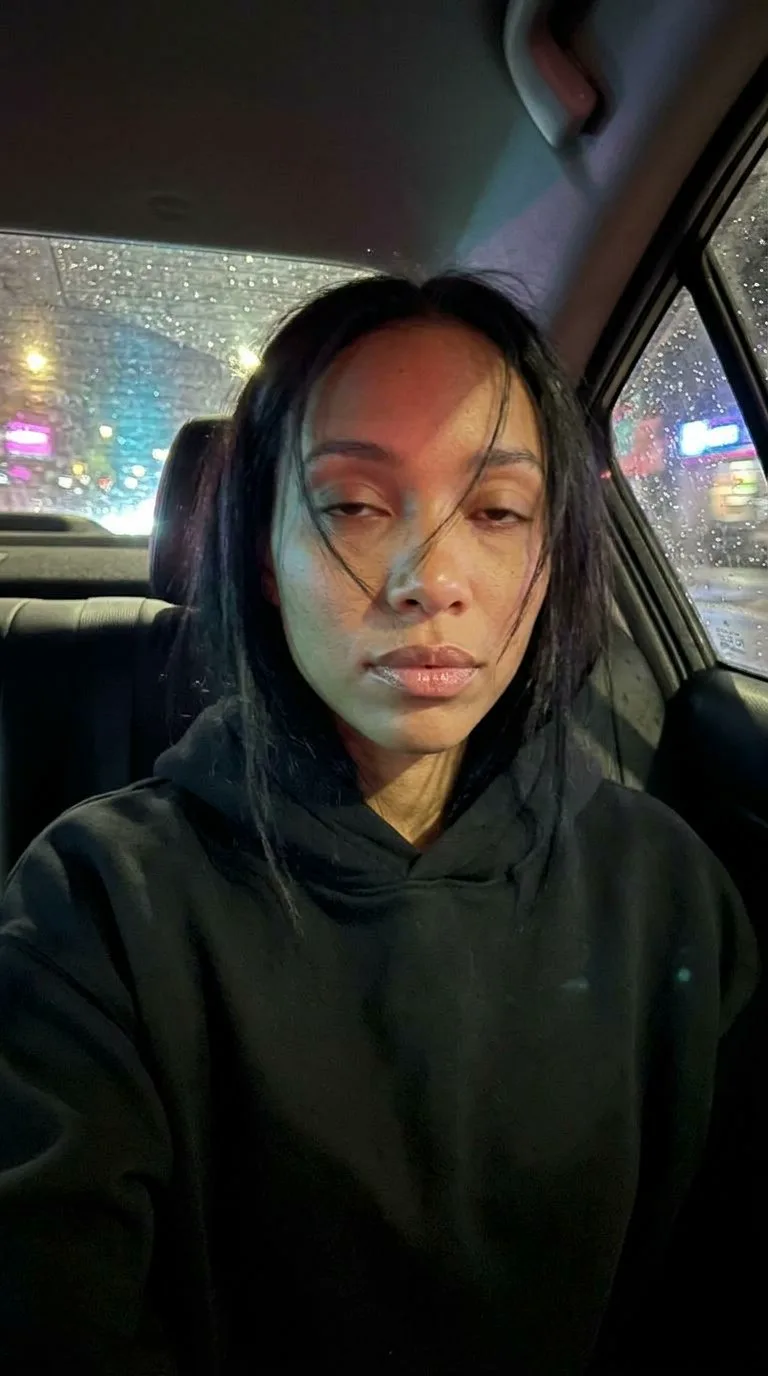

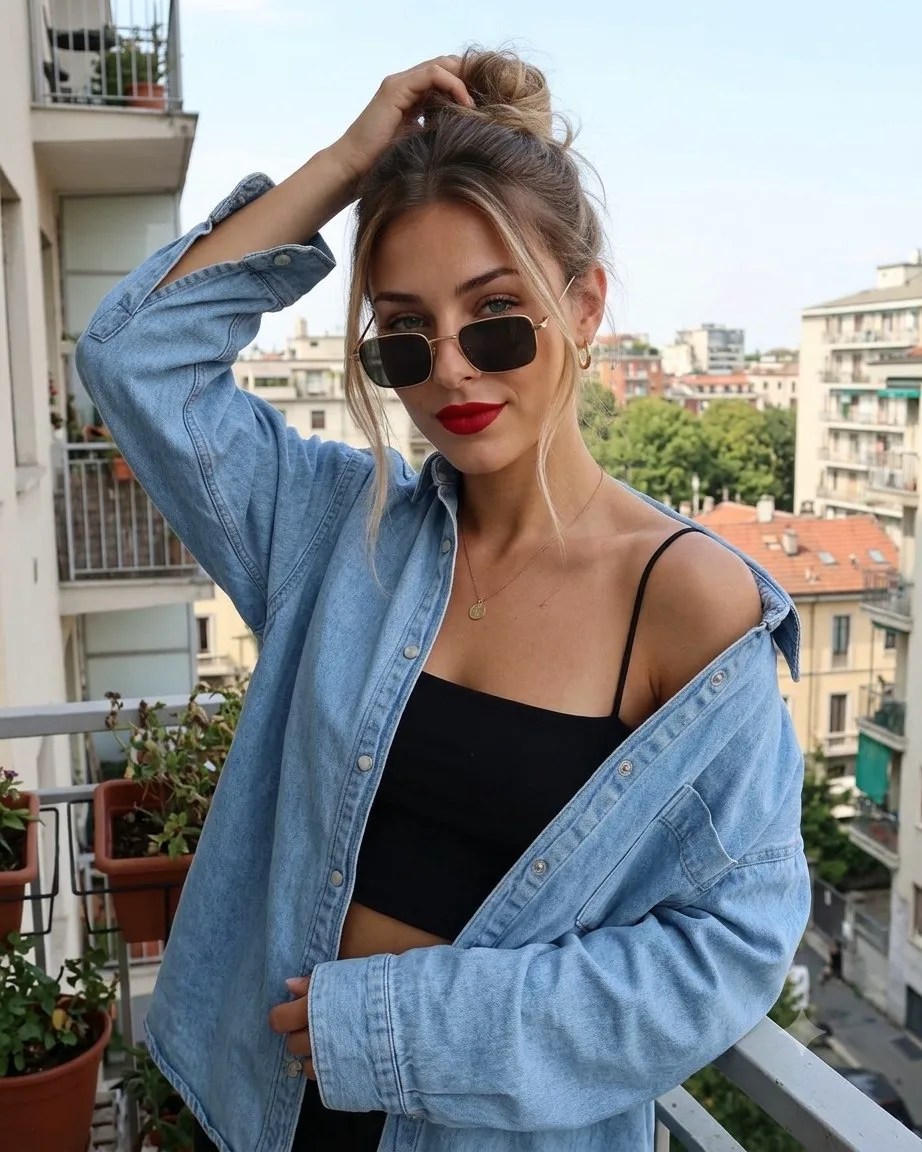

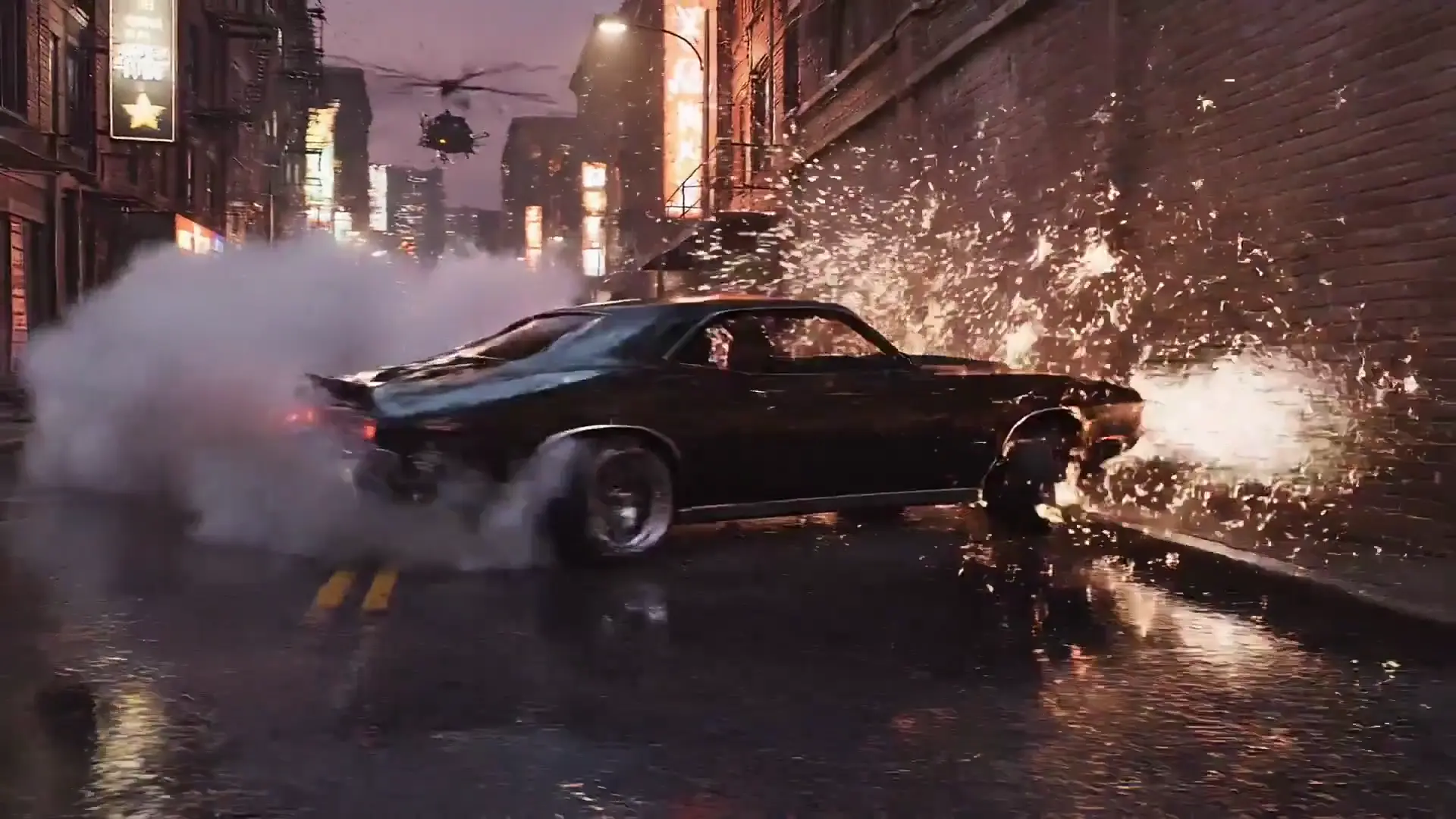
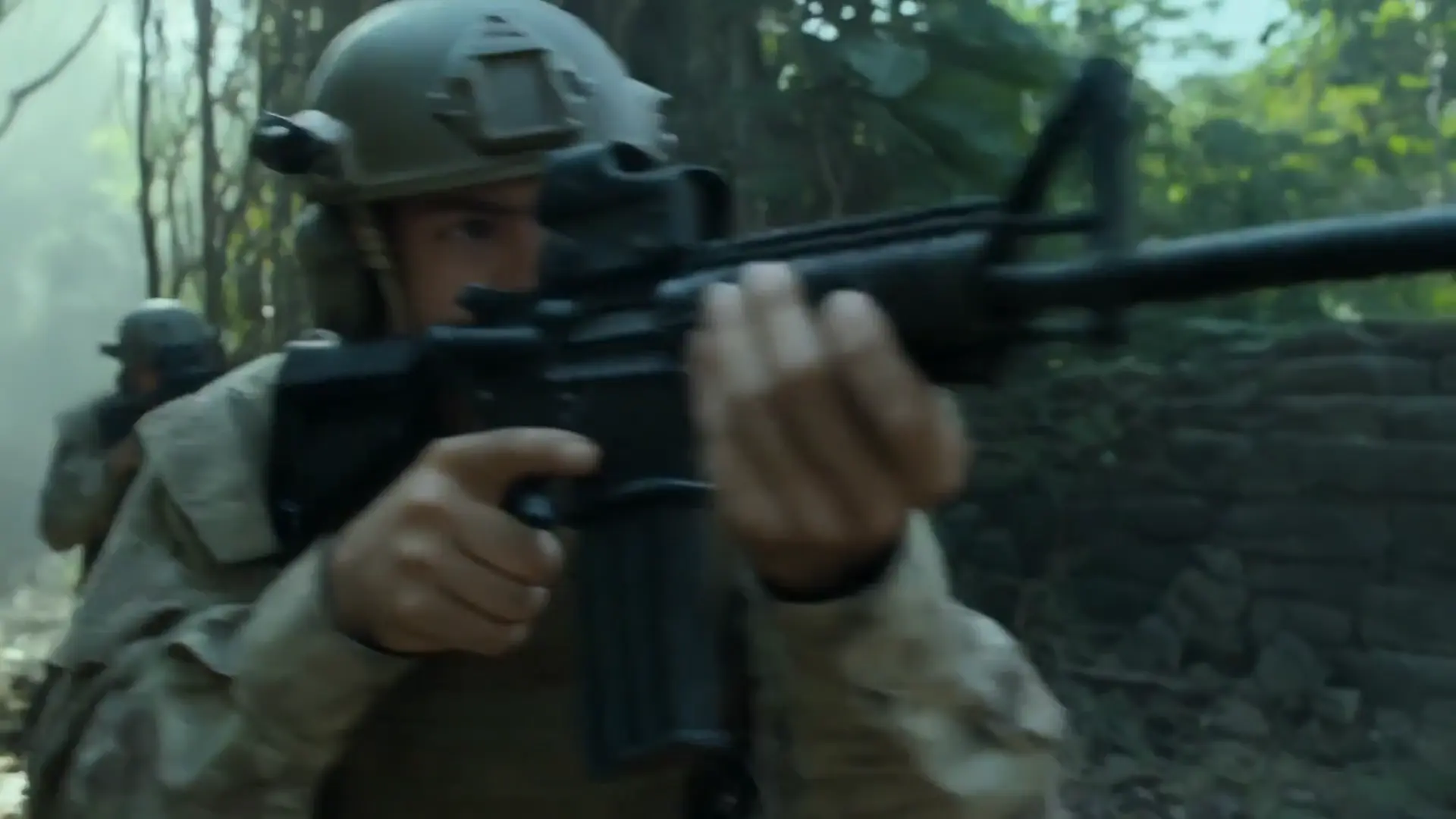
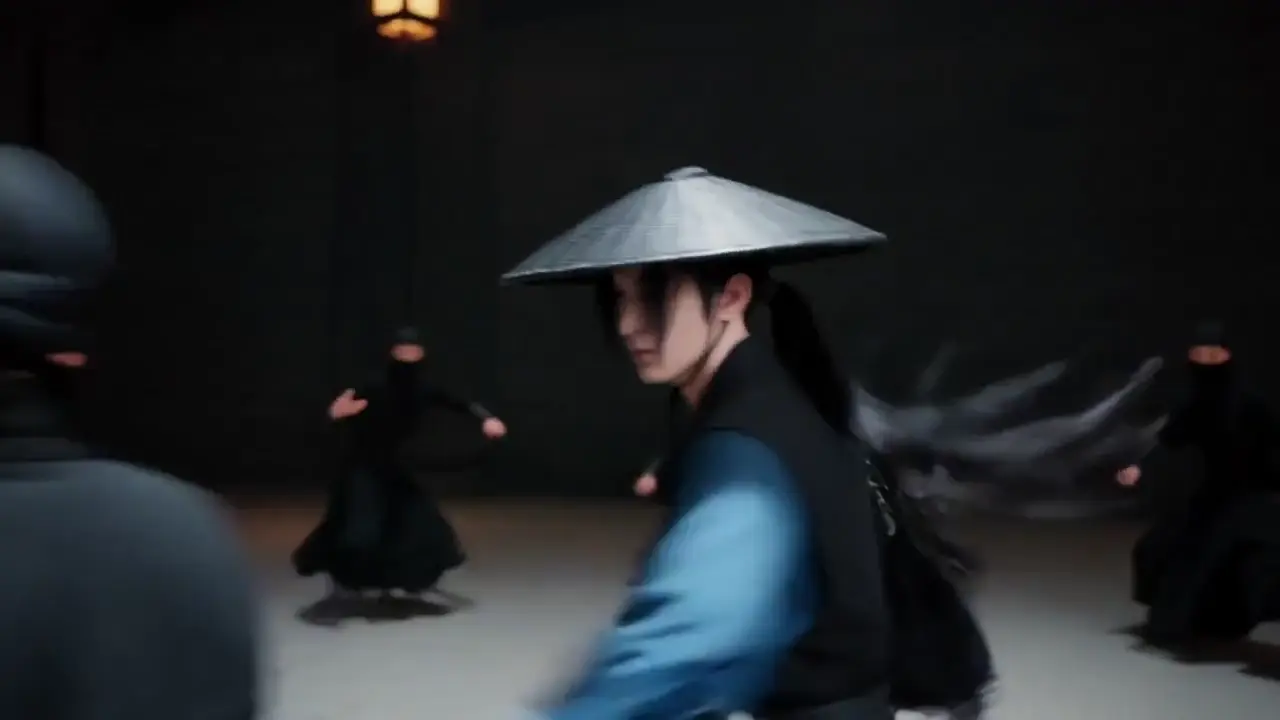
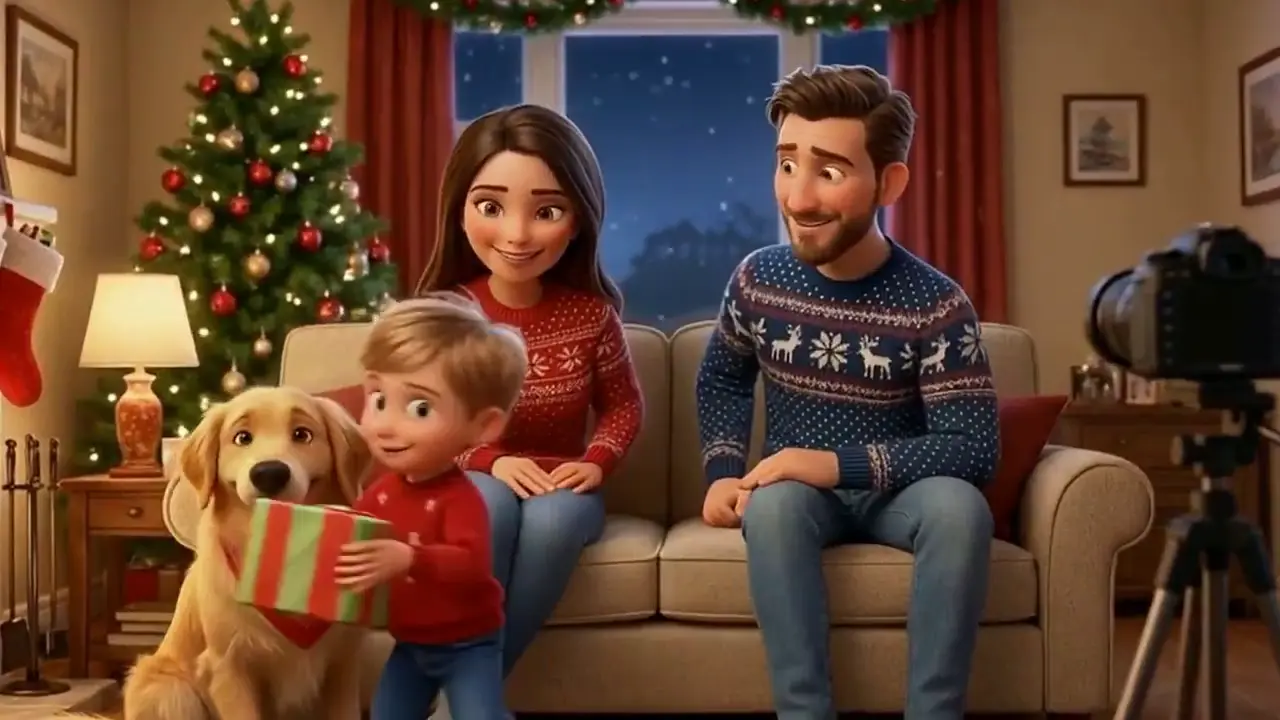
Lock the look in one still
Fix the characters, location and light in a base image.
A fast video workflow for expressive faces, clean anime lines and quick keeper shots.
Pricing unavailable for these settings
Checking generation availability…
This model is not available for generation.
Checking your sign-in status…
Explore image and video models in one place. Choose another model to compare the same idea and find the right look.
Reference clips observed on the source page; not Virvy customer work.
Draft cheaply, change one variable and render the keeper at a higher setting.
Fix the characters, location and light in a base image.
Test the idea where a take costs least.
Adjust only action, camera or light.
Keep the prompt and still for the final.
Choose your settings and check the displayed credits, then click Generate. Your task starts after the automatic checks pass.
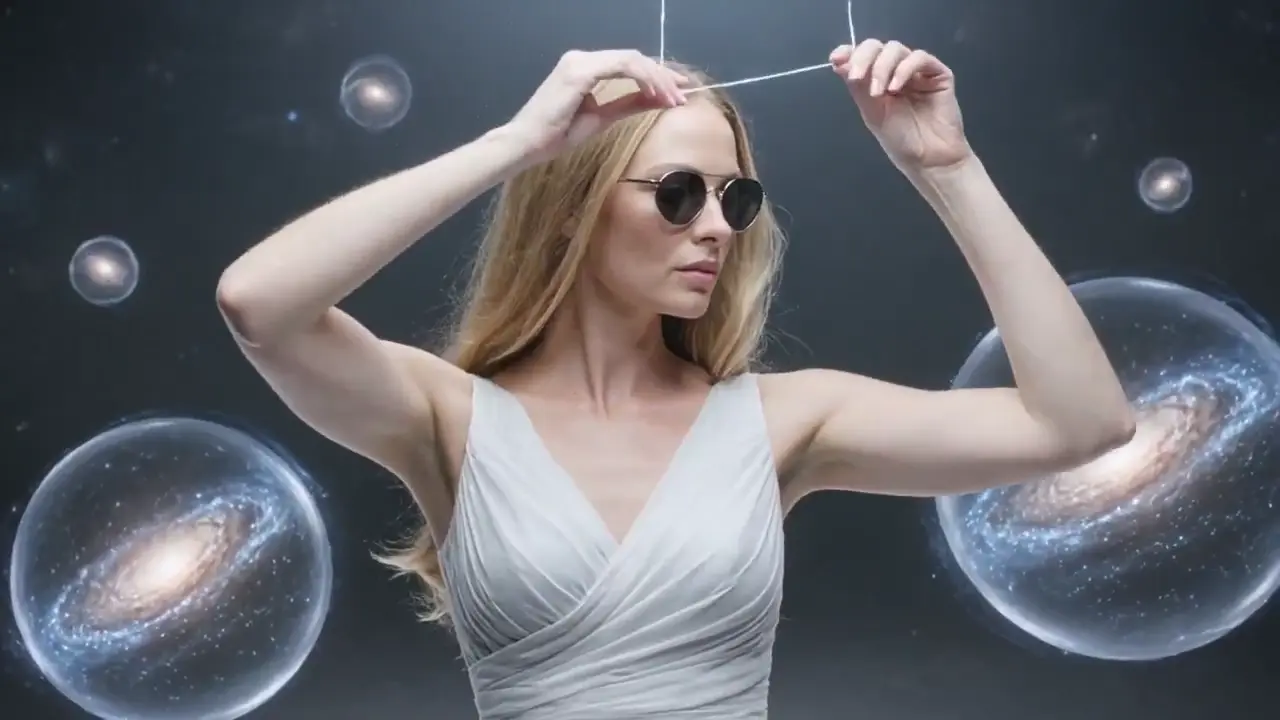
KLING 3.0 TURBO ON VIRVY
Start from a prompt or a visual reference.
The source model page presents audio as part of the pass.
Virvy keeps the controls usable without a paid request.
Reference notes, not enabled-provider claims.
A draft-first workflow gives you room to compare several versions of one shot. Begin with a short, clearly framed action and keep a note of what changed between attempts. Move to a higher-resolution version only after the face, motion and composition are worth keeping.
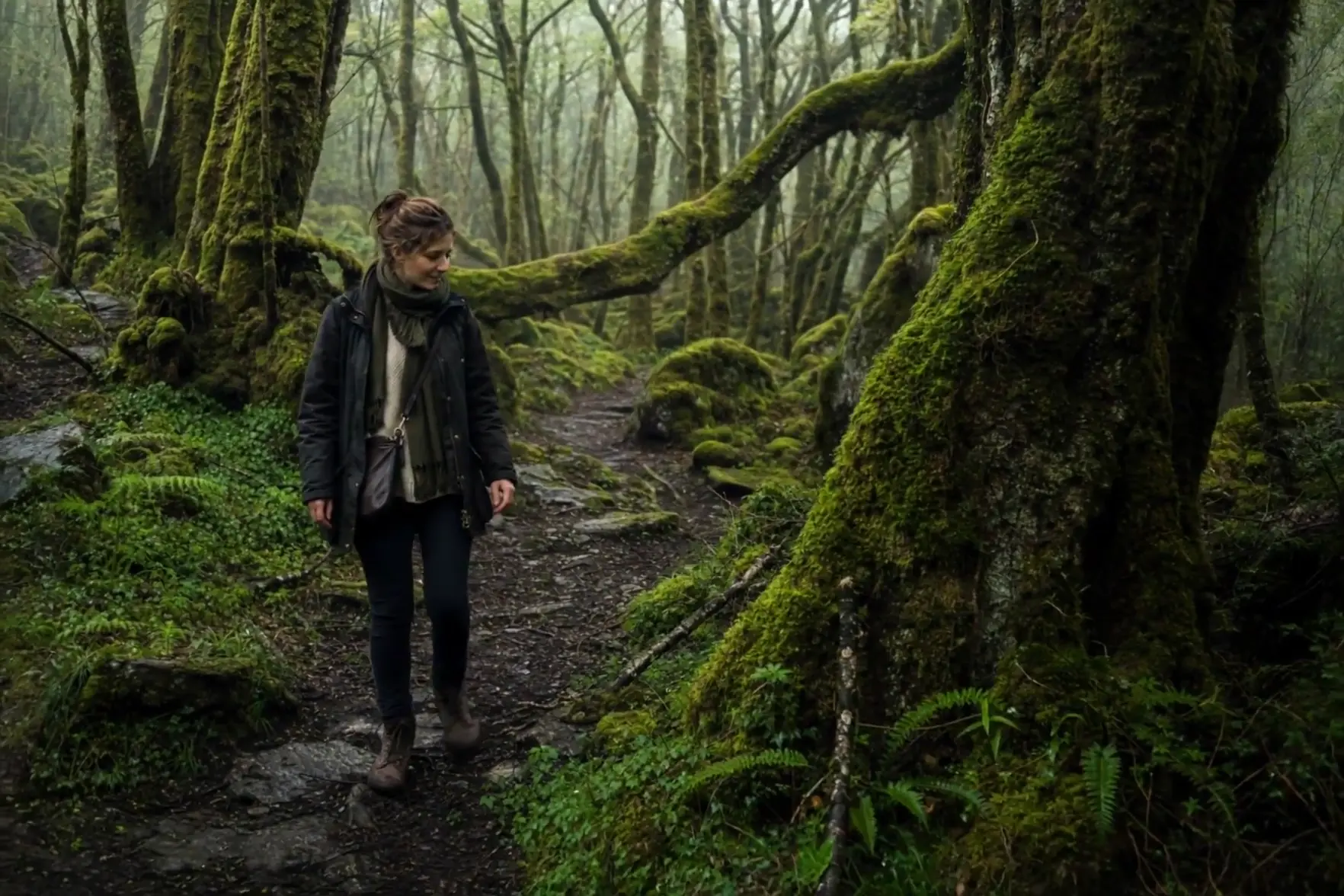
Small movements are often the hardest to hide behind style. Try a glance, a breath or a slow turn before adding a complicated camera move. Keep the lighting and pose stable so you can judge whether the expression reads naturally from the first frame to the last.
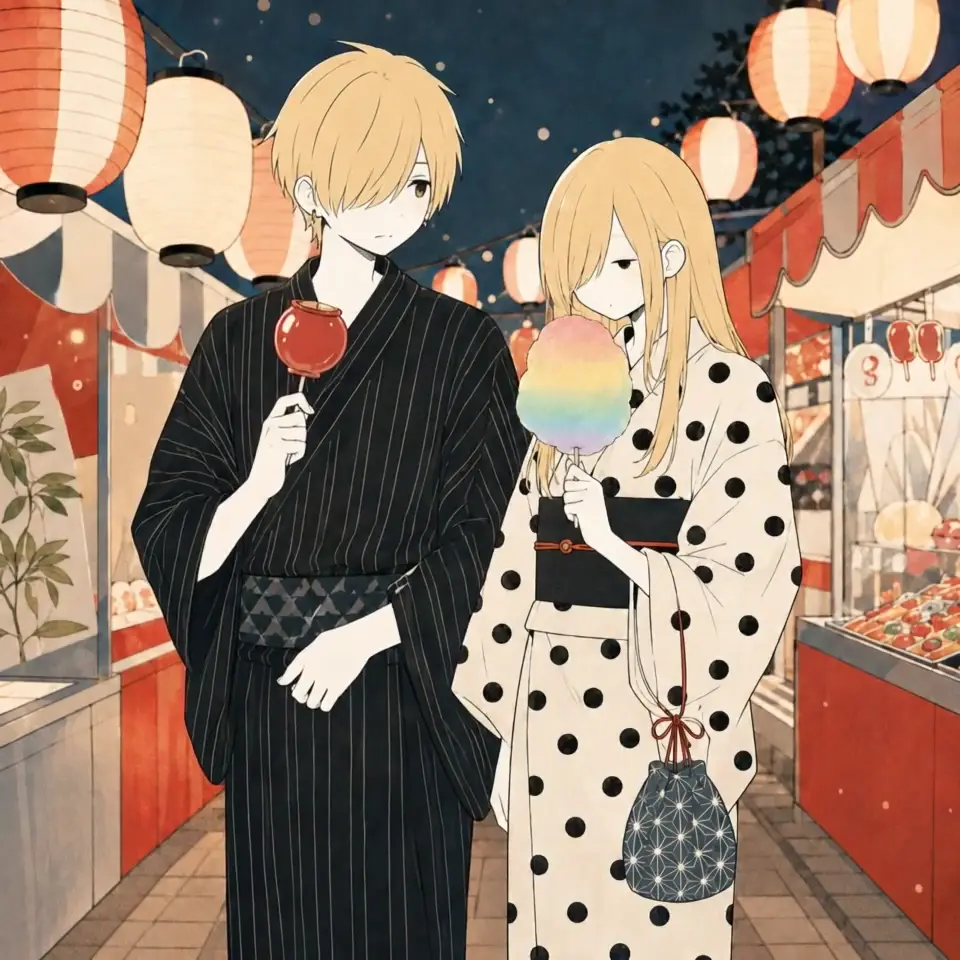
For drawn characters, a stable outline matters as much as a dramatic pose. Describe the head shape, costume and color blocks before the movement. Use one readable gesture, then inspect the hands, profile and background lines for flicker or unexpected changes during the shot.
Use these scene recipes as a starting point. Each one follows the subject and visual idea of the reference clip, with original wording you can edit.
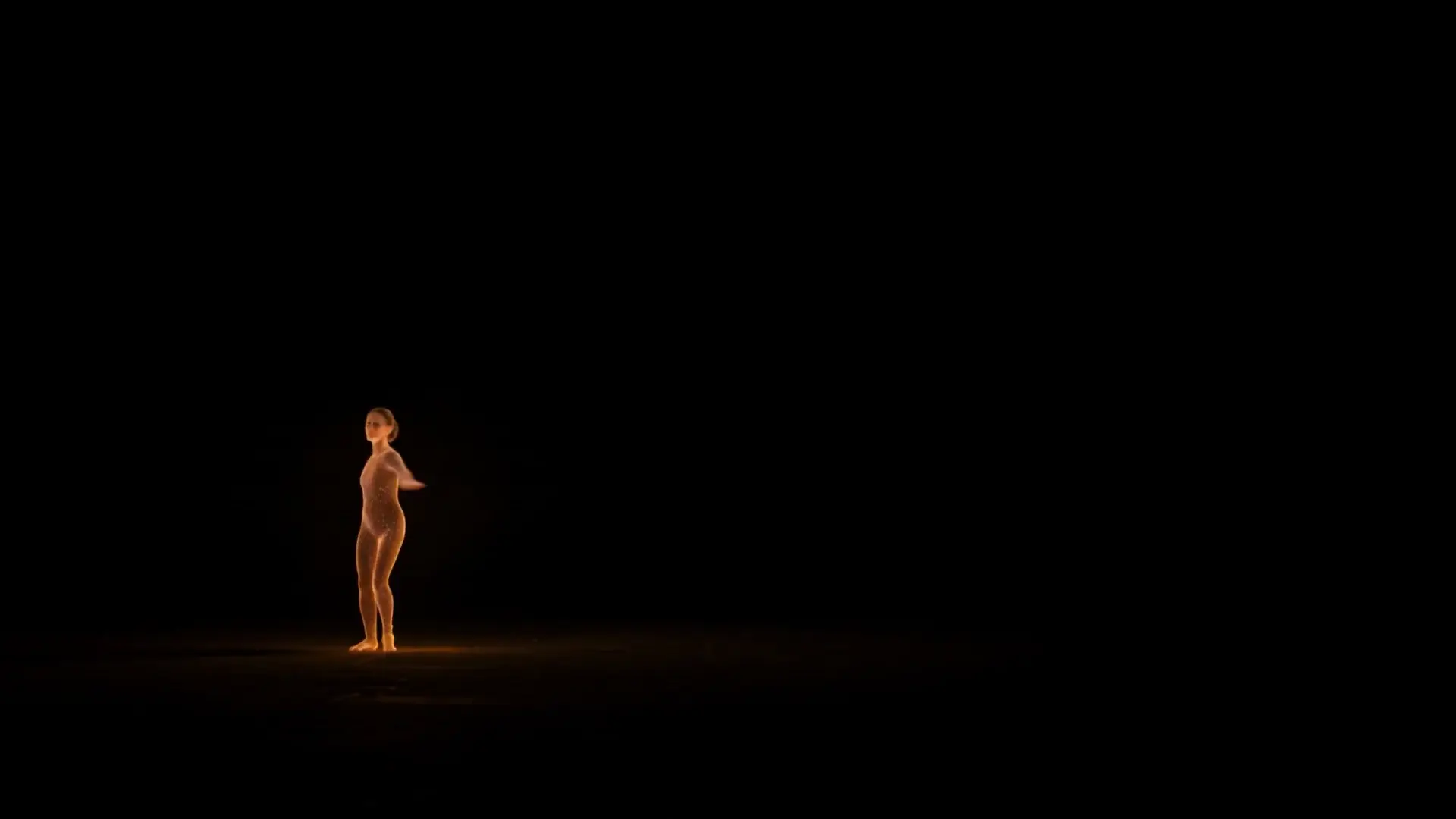
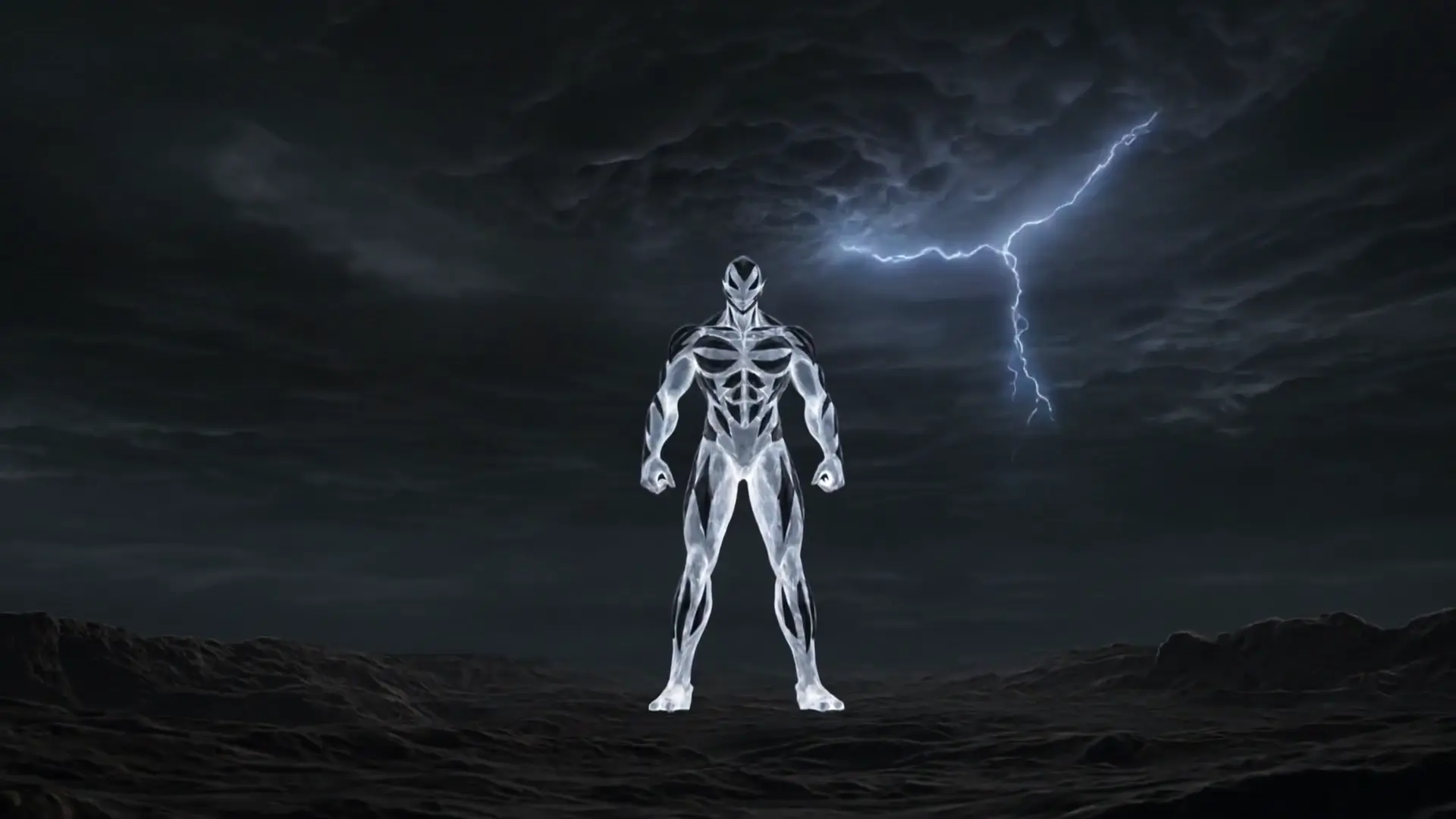
A human gesture becomes a moving shell of light and particles.
Treat a supernova as a dancer on a dark, empty stage. Begin with a human silhouette made from a dense core of white light, standing still with one hand raised. As the figure turns, narrow ribbons of orange and violet particles trace the movement of the arms. A slow step becomes a full spin; the ribbons expand into a glowing shell and then draw back toward the body. Follow with one smooth circular camera move, keeping the same proportions and a readable face-shaped silhouette. Let the floor reflect the brightest particles. Build from a low pulse to a soft burst of sound, then finish on a held pose as the last sparks fade.
Five practical checks for evaluating the reference workflow; these are original Virvy criteria, not testimonials.
Does the subject keep a stable identity from the first frame to the last?
Use these comparisons as orientation. Choose settings in the generator to see the credits required.
Try a scene with one face, a small movement and a short line of dialogue. Watch the eyes and hands during the turn, then listen for timing around pauses and breaths. For an action shot, repeat the test with the same camera path. These checks help separate an attractive still frame from a clip that remains useful in motion.
Try a scene with one face, a small movement and a short line of dialogue. Watch the eyes and hands during the turn, then listen for timing around pauses and breaths. For an action shot, repeat the test with the same camera path. These checks help separate an attractive still frame from a clip that remains useful in motion.
Repeat a simple scene across the two workflows before moving to a complex sequence. Hold the reference image, aspect ratio and prompt constant, then inspect the transition between actions. Check whether clothing and background objects stay in place and whether the ending is clean enough to cut. A consistent test is more useful than comparing unrelated promotional examples.
Try a scene with one face, a small movement and a short line of dialogue. Watch the eyes and hands during the turn, then listen for timing around pauses and breaths. For an action shot, repeat the test with the same camera path. These checks help separate an attractive still frame from a clip that remains useful in motion.
Answers about model settings, credits and generation.
Choose your settings, review the displayed credits, then click Generate to start. Sign in and add enough credits first.
The generator shows the credits for your selected model and settings. Click Generate to submit directly; no second confirmation is needed.
The reference page presents sound as part of the model workflow; Virvy will expose the setting only after the provider is connected and verified.
The model reference lists 4, 6, 8 or 10 seconds. Choose from the durations available in the generator.
The generator accepts an image reference when the selected model contract supports it. The page will explain when an image is required.
720p, 1080p appears in the model reference. The generator shows the credits before you click Generate.
The model weights and provider runtime are not included here; this page is a browser-based product reference.
No payment or credit deduction happens in this preview. Refund behavior will be documented only after the server-side payment and task ledger are verified.
Describe your scene, choose your settings and check the displayed credits. Click Generate to start without another confirmation.