Prepare the photo
Use one clear portrait with the face visible.
Photo + motion reference · AI video template
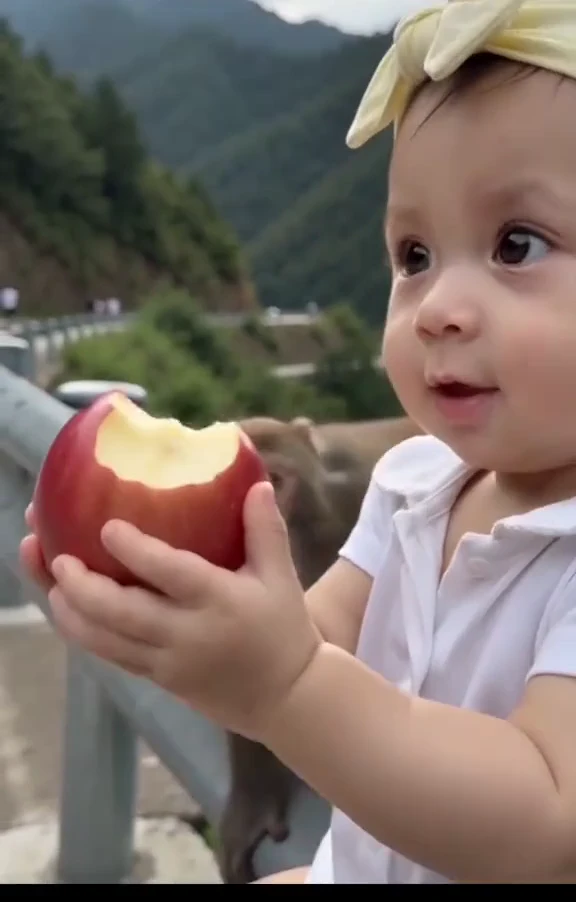
On a mountain boardwalk, a child holds an apple near the camera. A macaque reaches over, takes the apple and eats it on the railing as the child turns back with a surprised expression. Keep this a fictional AI scene, not wildlife-interaction advice.
Make my versionChoose a scene, describe it or add a photo, and review the current cost before generating. The videos shown here are samples. · Source: @prinsika86
On a mountain boardwalk, a child holds an apple near the camera. A macaque reaches over, takes the apple and eats it on the railing as the child turns back with a surprised expression. Keep this a fictional AI scene, not wildlife-interaction advice.
On a mountain boardwalk, a child holds an apple near the camera. A macaque reaches over, takes the apple and eats it on the railing as the child turns back with a surprised expression. Keep this a fictional AI scene, not wildlife-interaction advice.
On a mountain boardwalk, a child holds an apple near the camera. A macaque reaches over, takes the apple and eats it on the railing as the child turns back with a surprised expression. Keep this a fictional AI scene, not wildlife-interaction advice.
Replace only the foreground child with the uploaded person; keep the macaque, apple and boardwalk separate.
Related searches: Monkey Eating Apple AI · Macaque Steals Your Apple
Try the generatorThis template sends the selected video as a motion reference. Your photo supplies the replacement identity. AI interpretation can vary; the reference is not a guarantee of the final result.
Use one clear portrait with the face visible.
On a mountain boardwalk, a child holds an apple near the camera. A macaque reaches over, takes the apple and eats it on the railing as the child turns back with a surprised expression. Keep this a fictional AI scene, not wildlife-interaction advice.
Replace only the foreground child with the uploaded person; keep the macaque, apple and boardwalk separate.
Use one clear portrait with the face visible.
Choose a supported duration, ratio and resolution. Estimates update with every selection and include this reference video; actual inputs receive a fresh quote.
Track the task and download its finished video. The reference sample stays separate from your result.
Keep the recognizable action while changing the lead.
Replace only the foreground child with the uploaded person; keep the macaque, apple and boardwalk separate.
Add captions after downloading so spelling and timing remain under your control.
Use credits across supported image and video tools.







Payments are processed securely by Stripe. Available methods depend on your country, device and checkout eligibility.
Try a different action with the same workflow.
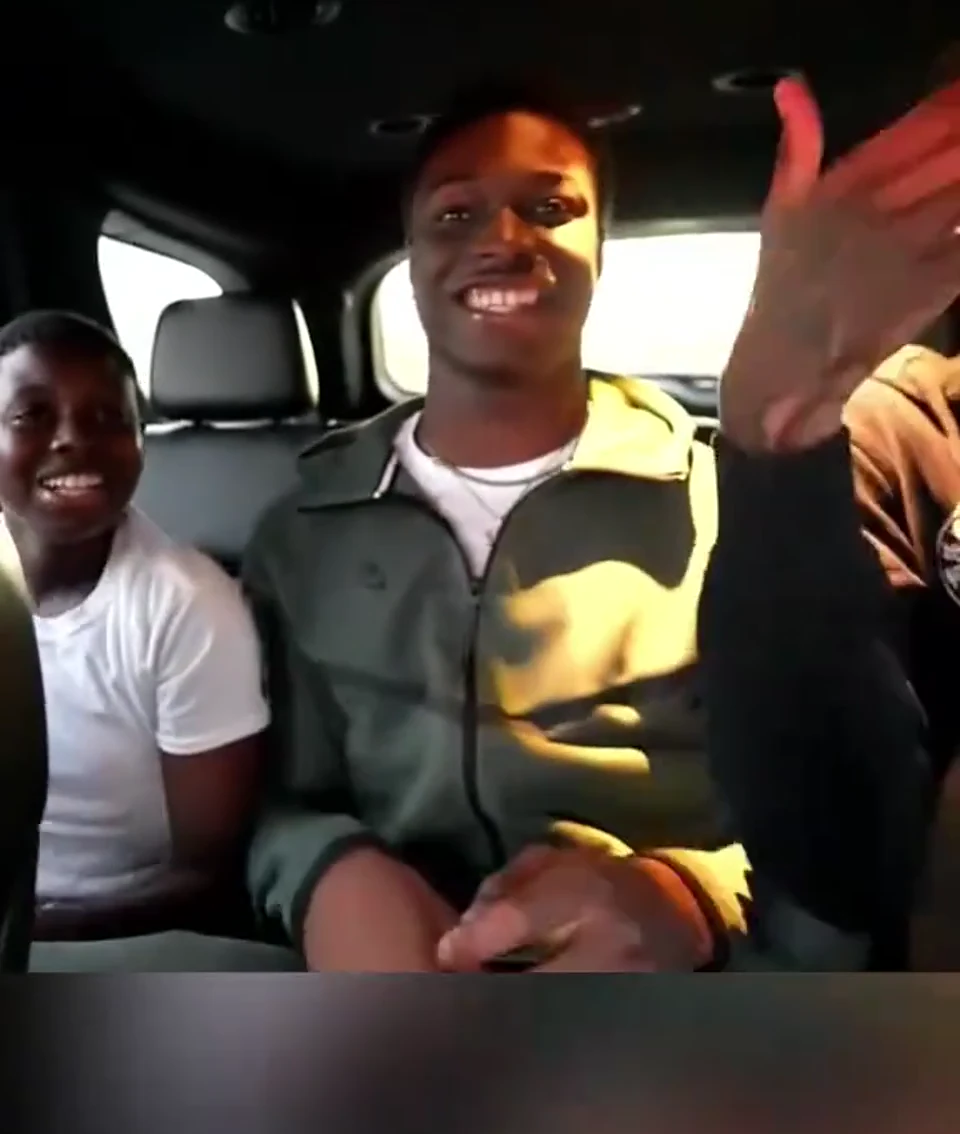
A passenger seated in a car claps raised hands, brings both hands toward the mouth and reacts as the camera briefly turns toward a companion. Keep the seated gestures and quick handheld reaction.
View template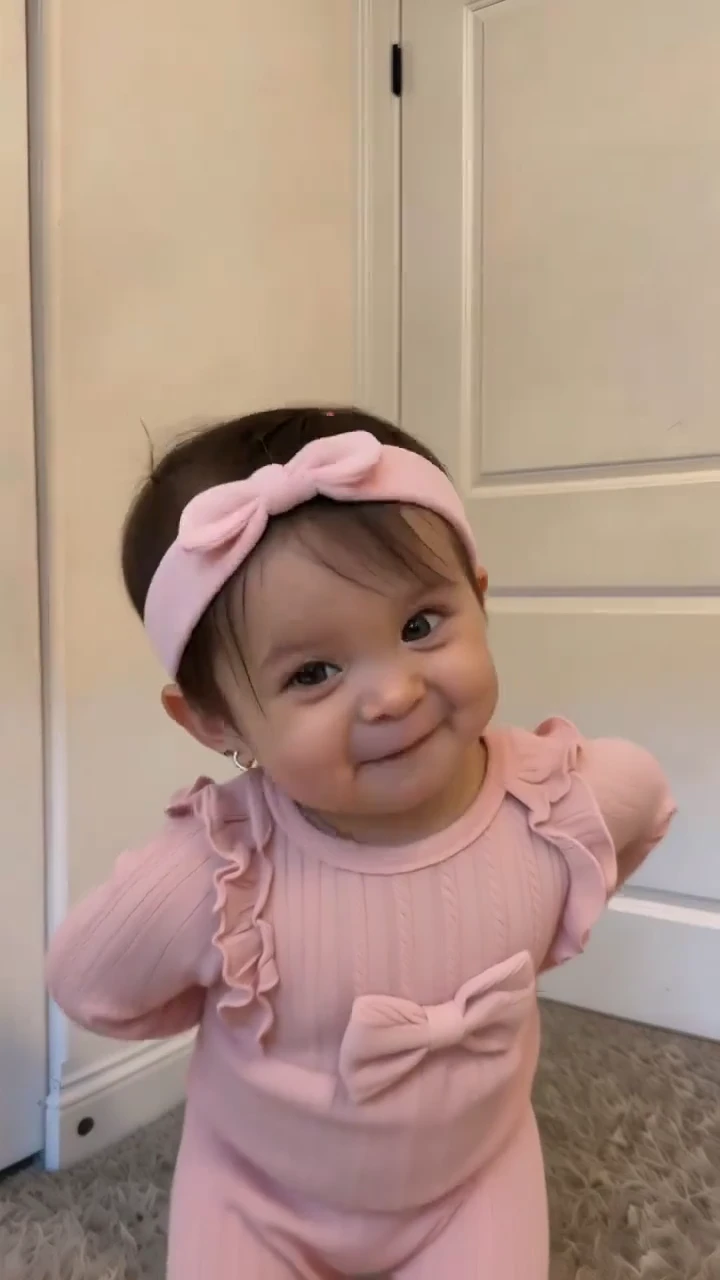
A toddler standing in a doorway sways, raises open palms, brings hands together and points toward the chest with playful expressions. Keep the small steps and readable hand gestures rather than adult choreography.
View template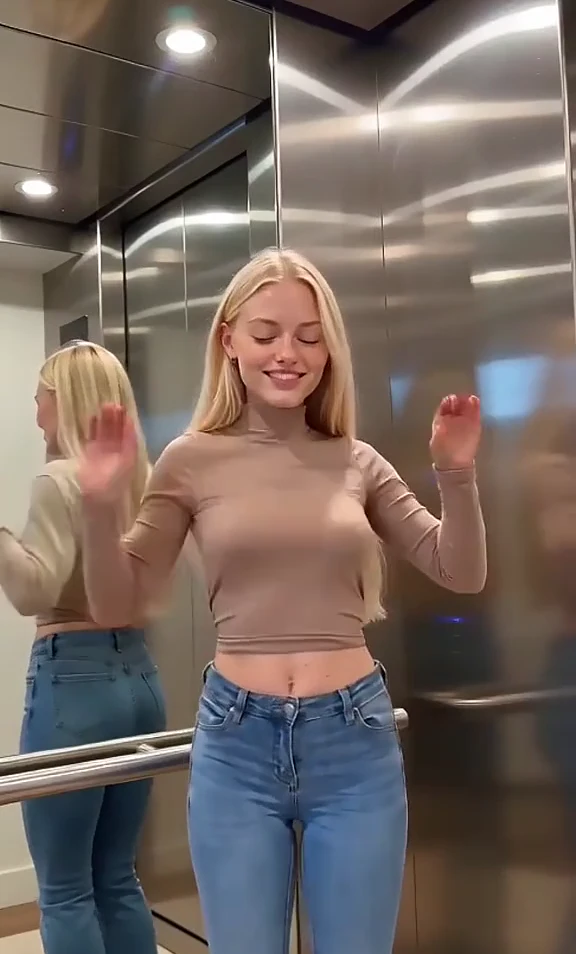
One adult in a mirrored elevator raises open hands, makes small shoulder and hip bounces and extends both hands forward. Reflections follow the same dancer rather than adding new people.
View template