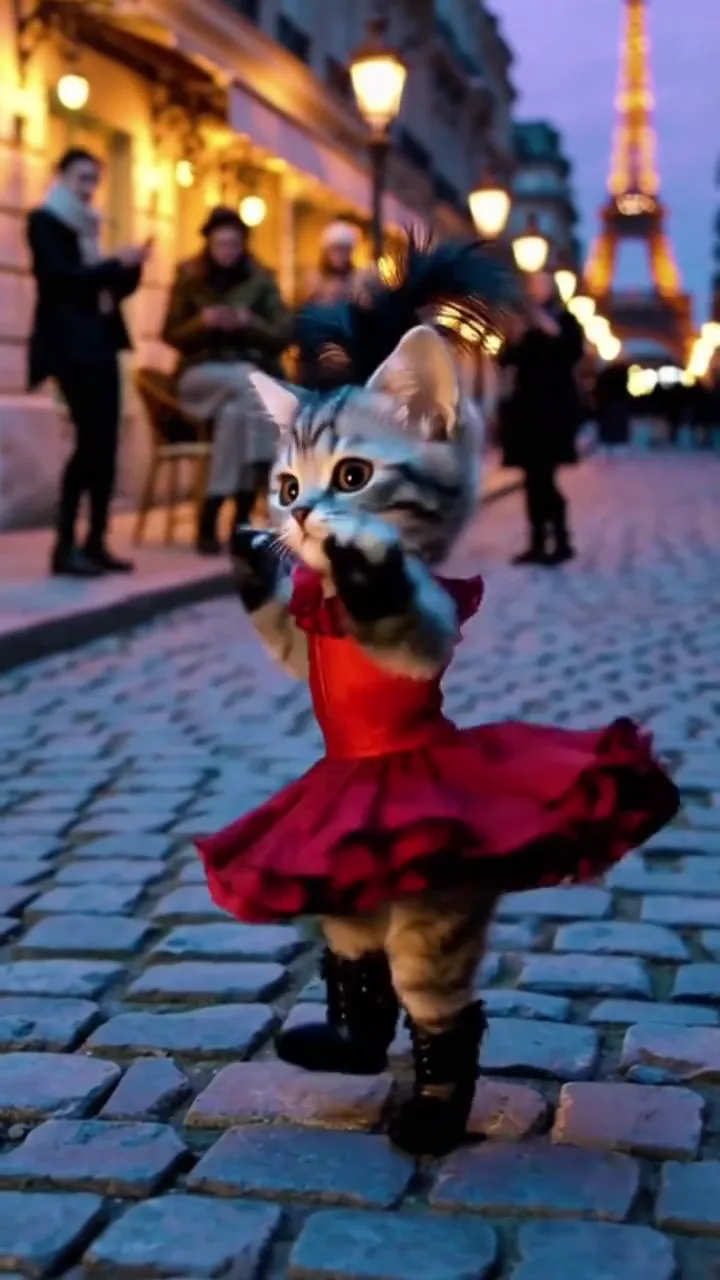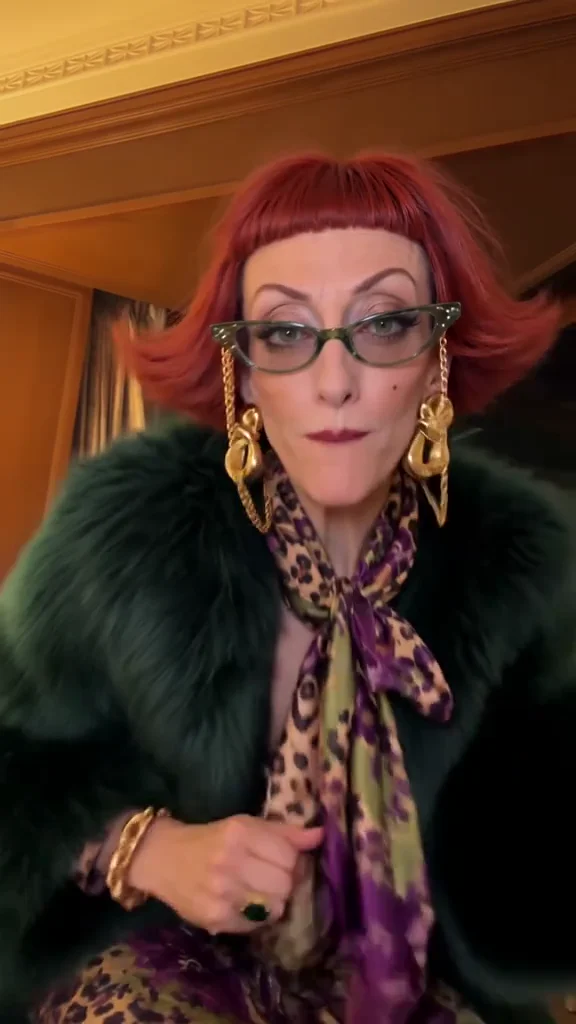
Keep the face clear
Use one sharp photo of yourself or an adult who agreed to this use. Keep one person in frame, face unobstructed and hands visible; a waist-up or full-body photo gives the dance more room.
Win William iPhone Dance · One-photo motion template
Turn one authorized adult photo into a hotel-room phone reveal, dance, toss and exit. Start with 15 seconds and 9:16, then choose the supported settings you need.
Make my versionChoose a scene, describe it or add a photo, and review the current cost before generating. The videos shown here are samples. · Reference: Coco Vex · checked 28 October 2026
Adult / NSFW content is prohibited.
Terms of Service| Tier | Model | 480p (credits) | 720p (credits) |
|---|---|---|---|
| Standard | Seedance 2 Mini | 240 | 510 |
| Fast | Seedance 2 Fast | 510 | 1,100 |
| Pro | Seedance 2.0 | 855 | 1,835 |
| Ultra | Seedance 2.5 | 1,235 | 2,770 |
| Kling 4.0 | Kling 4.0 | — | 1,825 |
The template video is included in this 10-second estimate. Kling 4 requires audio; sample photo pricing is indicative, and the live quote is confirmed before generation.
This is a separate source sample, not a preview made from your upload. The camera stays in the room while the dancer moves from close-up to full body.
iPhone Kupi Dance and Win William iPhone Dance are observed names for this video idea. This page serves the make-my-own-video task; song, lyrics and translation searches have a different purpose.
Show a closed folding phone close to the camera, open it into a large screen, step back for a short dance, then toss it once, catch it and leave the frame.
Replace only the adult dancer with the person in the uploaded photo. Keep one dancer, one consistent folding device, the hotel setting and the action order. Do not add other people or copy a public figure’s identity.
Try the generatorThe selected local video is sent as a motion reference, and your photo provides the replacement identity. AI may change the details, choreography or timing; the sample does not guarantee the result.
Use one sharp photo of yourself or an adult who agreed to this use. Keep one person in frame, face unobstructed and hands visible; a waist-up or full-body photo gives the dance more room.
Review the hinge, screen shape and fingers during the reveal. During the toss, watch for a disappearing device, extra phones or an incomplete catch.
One photo supplies one dancer. The reference sets the movement, not a promise of identical output.
Use one sharp photo of yourself or an adult who agreed to this use. Keep one person in frame, face unobstructed and hands visible; a waist-up or full-body photo gives the dance more room.
Choose a supported model, duration, ratio, resolution and audio setting. The estimate includes this reference video. Actual inputs get a fresh quote; changed prices require confirmation and insufficient balance opens recharge.
Follow the task in the generator, then download the successful result. Check the face, phone, catch and timing before adding your caption or platform music.
These are quality risks to review, not measured improvements over other tools.
Look for face drift when the dancer turns or moves away from the lens. A sharp source photo helps, but does not guarantee identity preservation.
Follow the device from the hand through the air and back. Watch the hinge, fingers and screen for shape changes or text artifacts.
Changing duration may compress or extend the movement. Check your final clip against music you may use; exact beat synchronization is not guaranteed.
Use credits across supported image and video tools.







Payments are processed securely by Stripe. Available methods depend on your country, device and checkout eligibility.
Try another action with the same generation workflow.
Use one sharp photo of yourself or an adult who agreed to this use. Keep one person in frame, face unobstructed and hands visible; a waist-up or full-body photo gives the dance more room.
Make my version