Prepare the photo
Use one clear portrait with an unobstructed face.
Photo + motion reference · AI video template
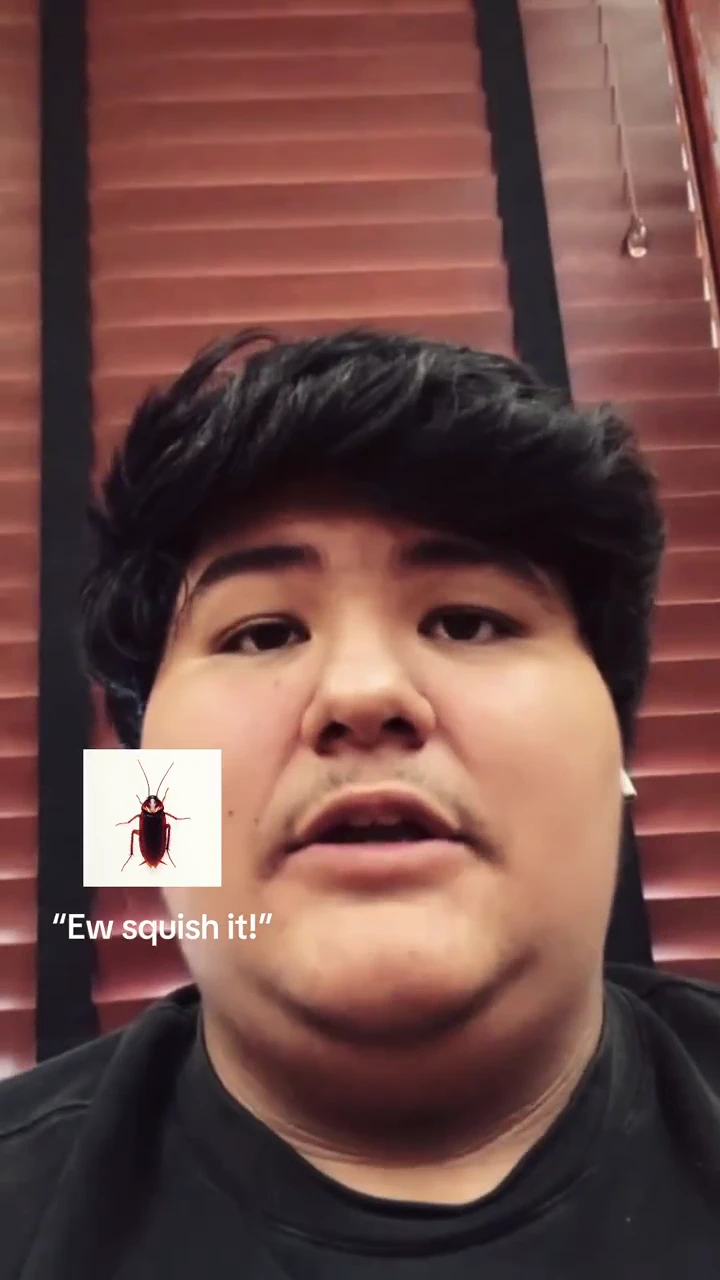
Open on a close portrait with a small roach cue, cut through flying butterflies on black, then reveal the same lead in a short sequence of polished portraits with a butterfly cue. Keep the before-and-after beat. Add final captions separately if exact wording matters.
Make my versionChoose a scene, describe it or add a photo, and review the current cost before generating. The videos shown here are samples. · Source: @djcastanedaa
Open on a close portrait with a small roach cue, cut through flying butterflies on black, then reveal the same lead in a short sequence of polished portraits with a butterfly cue. Keep the before-and-after beat. Add final captions separately if exact wording matters.
Open on a close portrait with a small roach cue, cut through flying butterflies on black, then reveal the same lead in a short sequence of polished portraits with a butterfly cue. Keep the before-and-after beat. Add final captions separately if exact wording matters.
Open on a close portrait with a small roach cue, cut through flying butterflies on black, then reveal the same lead in a short sequence of polished portraits with a butterfly cue. Keep the before-and-after beat. Add final captions separately if exact wording matters.
Use the uploaded portrait for the featured person in the opening and reveal. Keep the insect and butterfly graphics separate from the person.
Related searches: I Want Wings AI · Roach Butterfly Glow-Up · Be Gentle Trend
Try the generatorThis template sends the selected video as a motion reference. Your photo supplies the replacement identity. AI interpretation can vary; the reference is not a guarantee of the final result.
Use one clear portrait with an unobstructed face.
Open on a close portrait with a small roach cue, cut through flying butterflies on black, then reveal the same lead in a short sequence of polished portraits with a butterfly cue. Keep the before-and-after beat. Add final captions separately if exact wording matters.
Use the uploaded portrait for the featured person in the opening and reveal. Keep the insect and butterfly graphics separate from the person.
Use one clear portrait with an unobstructed face.
Choose a supported duration, ratio and resolution. Estimates update with every selection and include this reference video; actual inputs receive a fresh quote.
Track the task and download its finished video. The reference sample stays separate from your result.
Keep the recognizable action while changing the lead.
Use the uploaded portrait for the featured person in the opening and reveal. Keep the insect and butterfly graphics separate from the person.
Add captions after downloading so spelling and timing remain under your control.
Use credits across supported image and video tools.







Payments are processed securely by Stripe. Available methods depend on your country, device and checkout eligibility.
Try a different action with the same workflow.
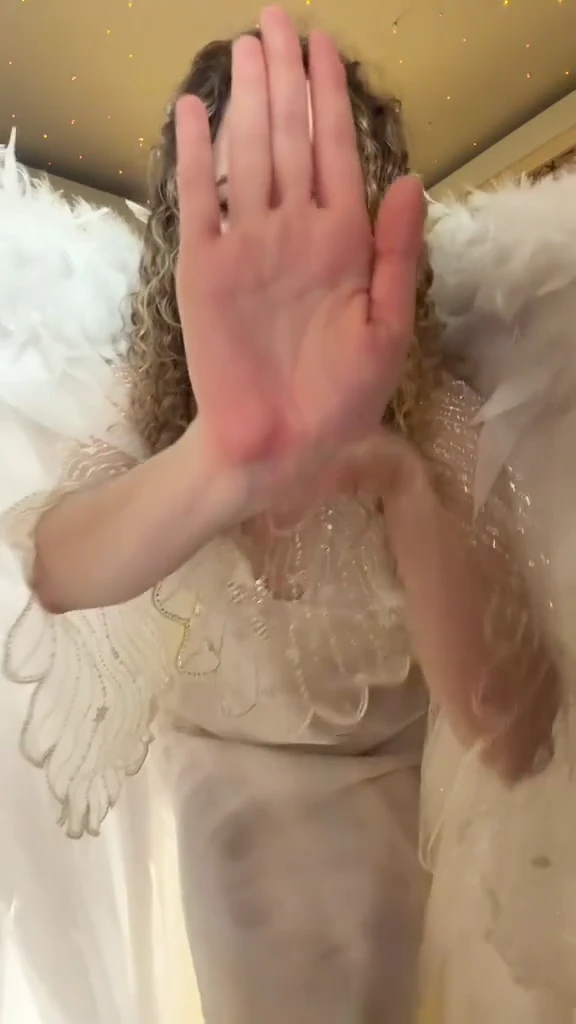
Give your portrait a feathered-wing reveal in a warmly lit room, from the opening hand gesture to the turn and closing pose.
View template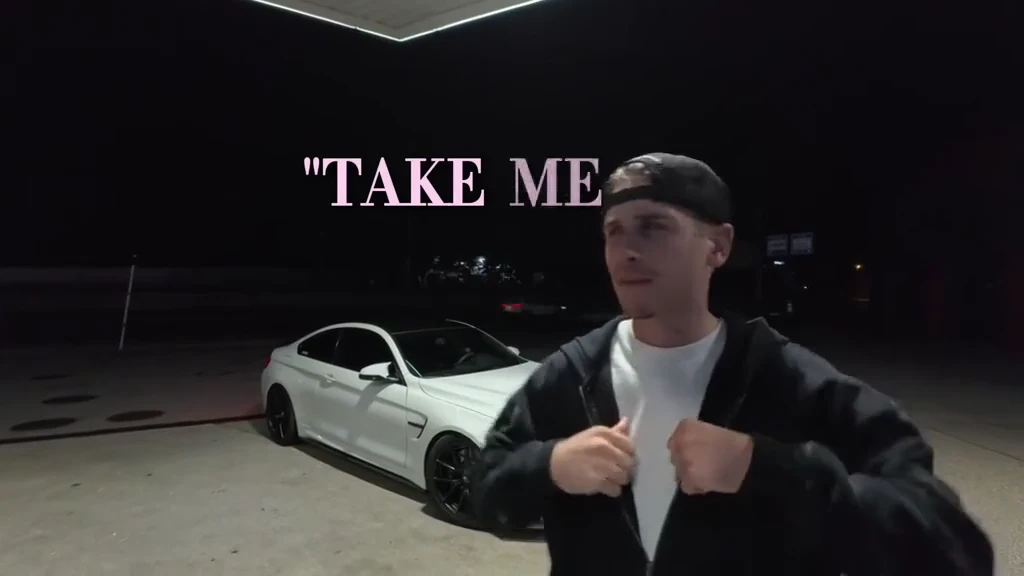
Turn your portrait into a gas-station performance beside a white coupe, followed by a drive-off and passenger-view sing-along.
View template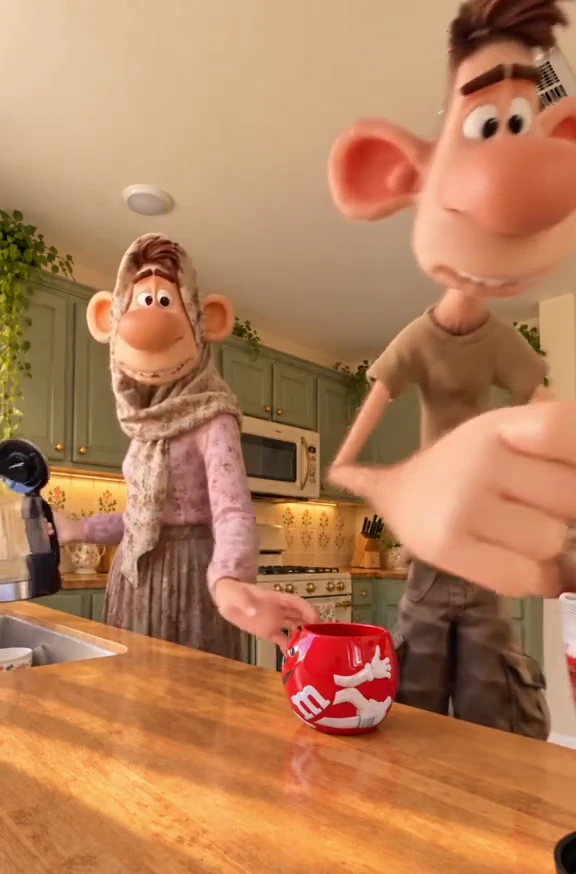
Turn a portrait into an elastic kitchen comedy.
View template