Prepare the photo
Use one clear adult portrait with no makeup filter.
Photo + motion reference · AI video template
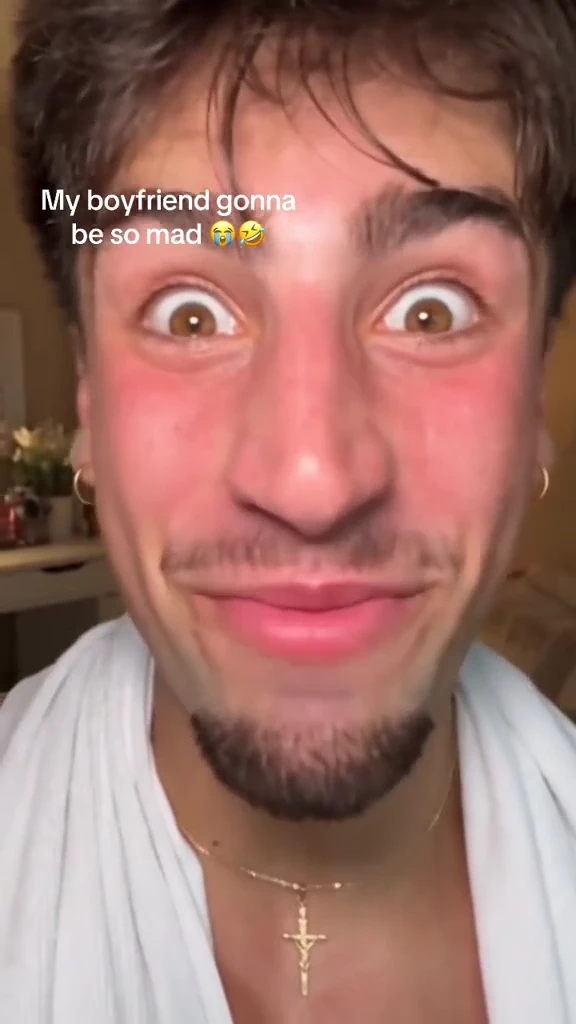
Keep the close-up as hands apply foundation, blush, eye makeup and glossy lipstick, ending with a made-up smile.
Make my versionChoose a scene, describe it or add a photo, and review the current cost before generating. The videos shown here are samples. · Source: @capcutdailyuk
Keep the close-up as hands apply foundation, blush, eye makeup and glossy lipstick, ending with a made-up smile.
Keep the close-up as hands apply foundation, blush, eye makeup and glossy lipstick, ending with a made-up smile.
Keep the close-up as hands apply foundation, blush, eye makeup and glossy lipstick, ending with a made-up smile.
Replace only the person receiving makeup; preserve the makeup artist’s hands.
Related searches: Boyfriend Makeup Prank Filter · Boyfriend Makeup AI
Try the generatorThis template sends the selected video as a motion reference. Your photo supplies the replacement identity. AI interpretation can vary; the reference is not a guarantee of the final result.
Use one clear adult portrait with no makeup filter.
Keep the close-up as hands apply foundation, blush, eye makeup and glossy lipstick, ending with a made-up smile.
Replace only the person receiving makeup; preserve the makeup artist’s hands.
Use one clear adult portrait with no makeup filter.
Choose a supported duration, ratio and resolution. Estimates update with every selection and include this reference video; actual inputs receive a fresh quote.
Track the task and download its finished video. The reference sample stays separate from your result.
Keep the recognizable action while changing the lead.
Replace only the person receiving makeup; preserve the makeup artist’s hands.
Add captions after downloading so spelling and timing remain under your control.
Use credits across supported image and video tools.







Payments are processed securely by Stripe. Available methods depend on your country, device and checkout eligibility.
Try a different action with the same workflow.
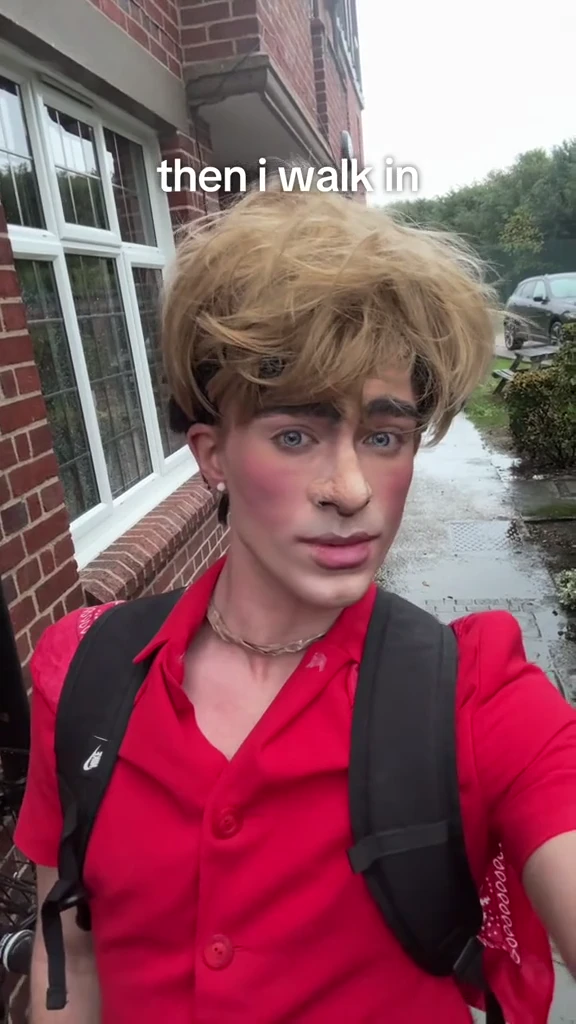
Walk beside a brick building with a steady selfie camera and an understated glance. Keep the walking rhythm and outdoor surroundings.
View template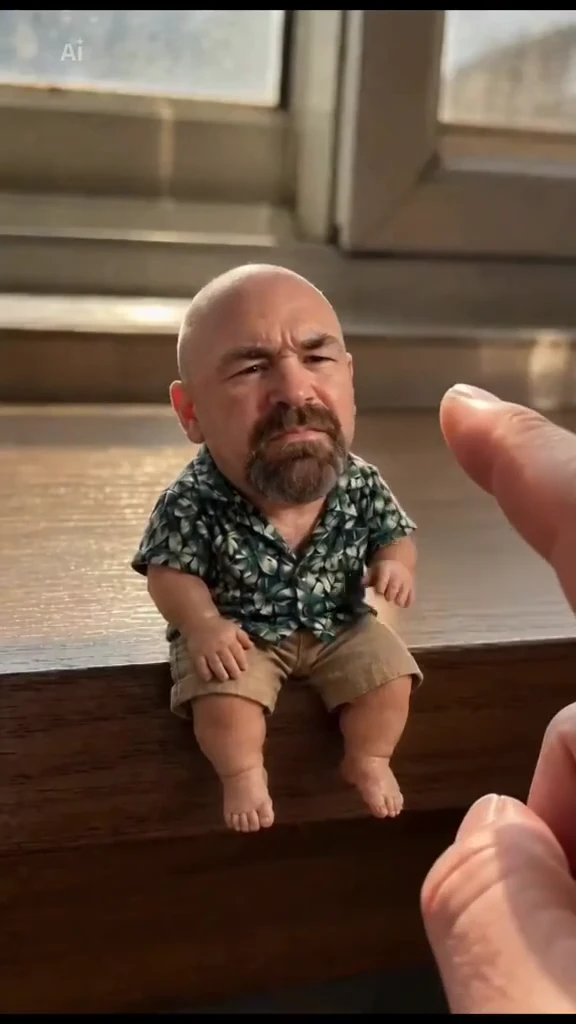
A miniature adult sits on the wooden window ledge, reacts to an offered ice cream, eats it and walks away along the ledge. Preserve the scale contrast and giant hand.
View template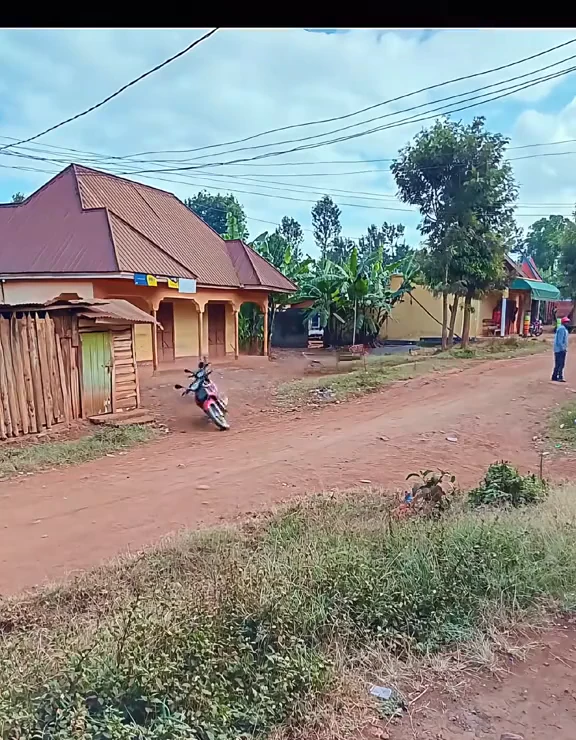
Keep the village-road camera fixed as the small wooden roadside hut grows legs, lifts itself and runs away. Leave the large house, road and trees intact.
View template