

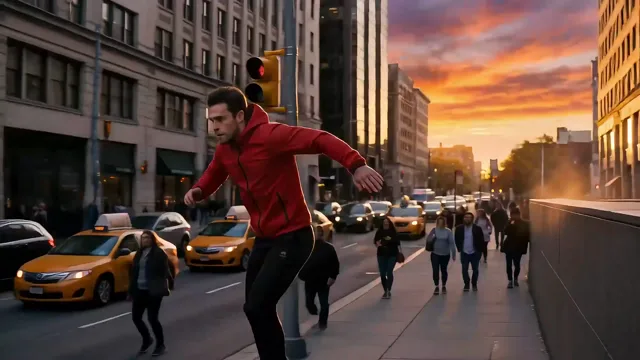
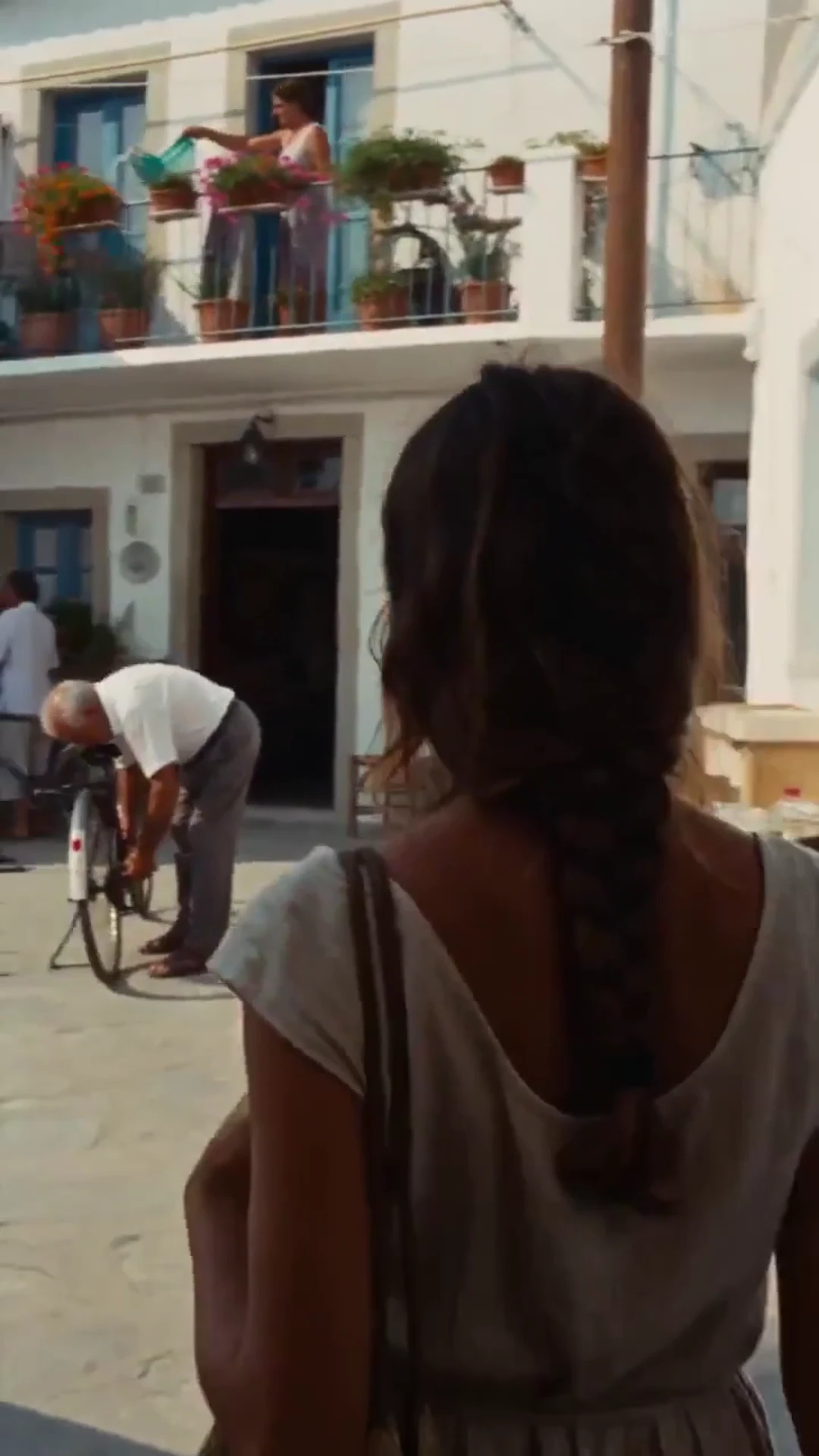
Make the AI Trends Your Own
Pick a trending effect or start with your own prompt. Create AI videos and images with your favorite models.
Review cost before generating
0/500
AudioOn
45 credits for this generation
Checking your sign-in status…
Trending nowSee all
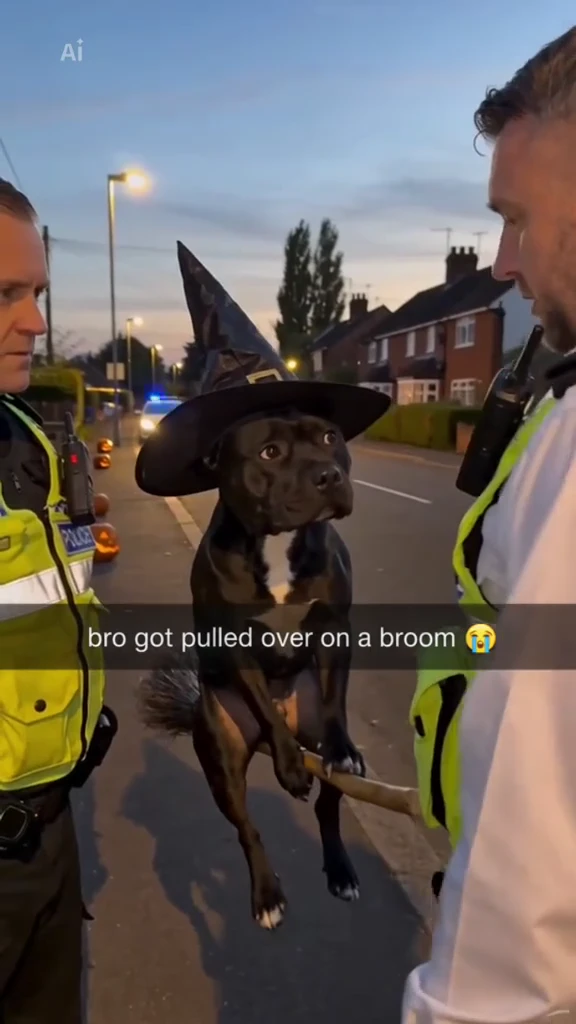 Bro Got Pulled Over on a Broom AIStart from your photo →
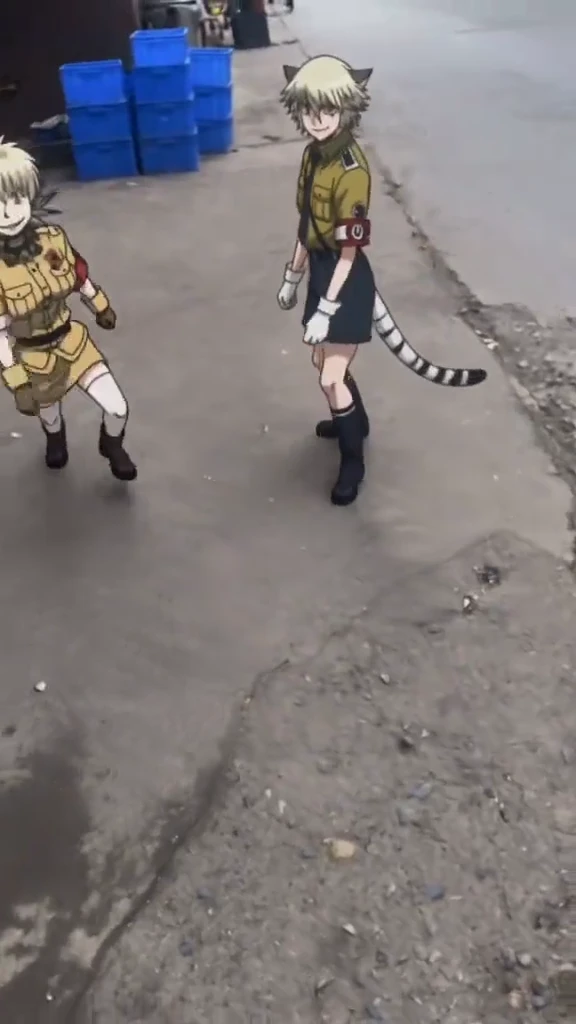 Bing Bing Bing Phonk Animation AIStart from your photo →
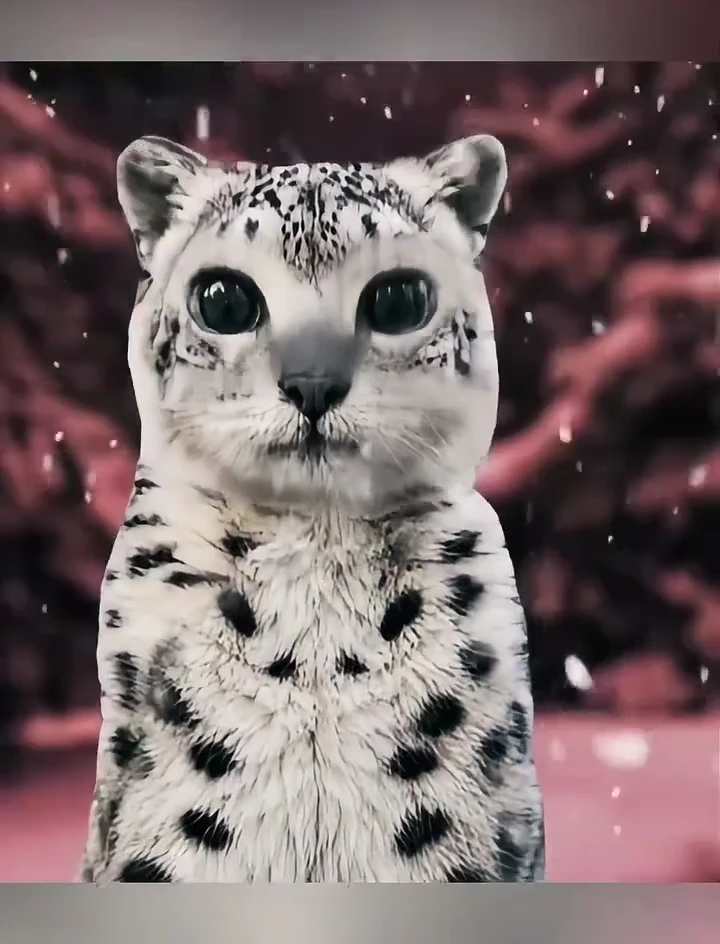 Paws At You Snow Leopard AIStart from your photo →
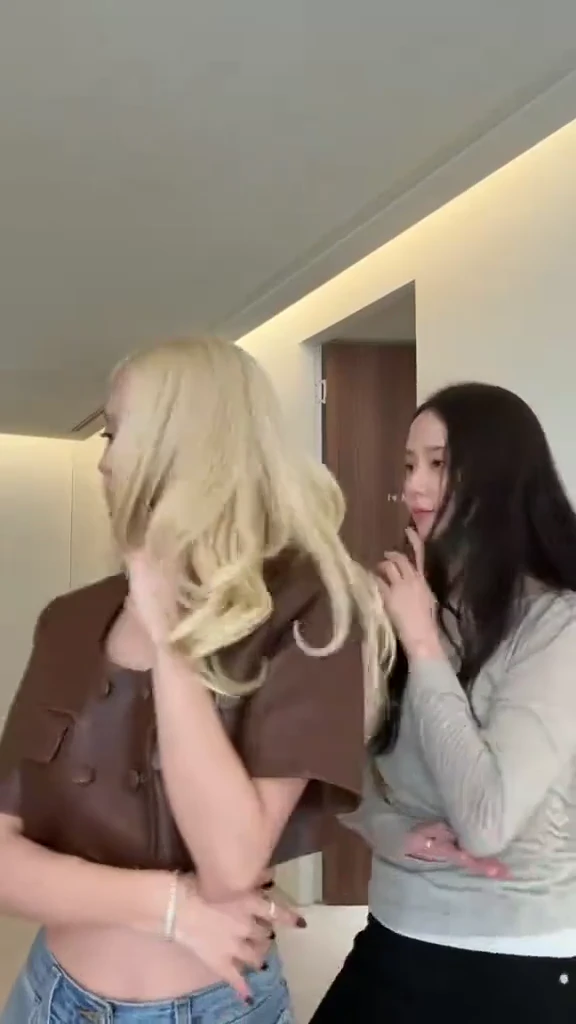 Jisoo Addicted Dance AIStart from your photo →
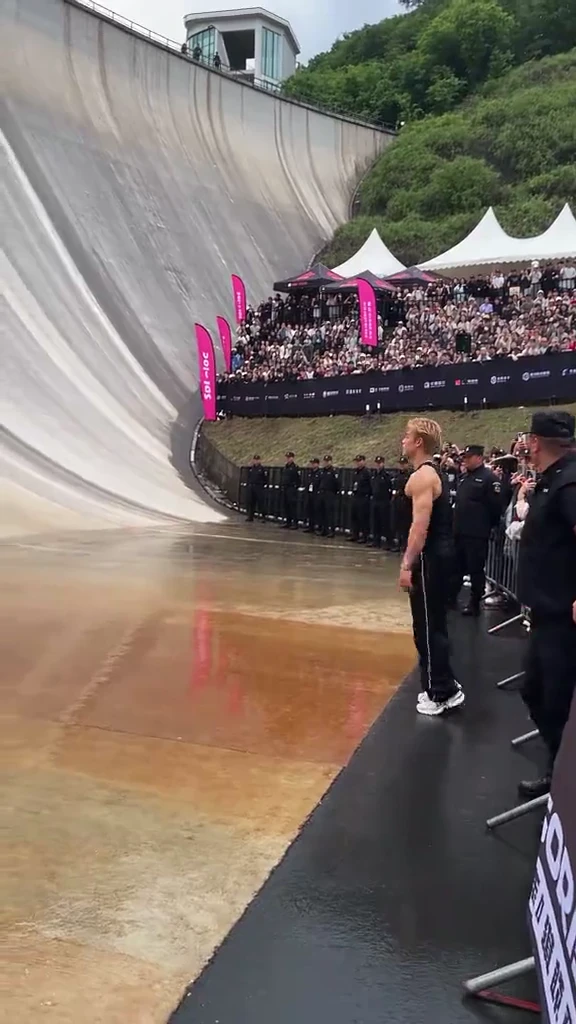 Giant Ramp Climbing AIStart from your photo →
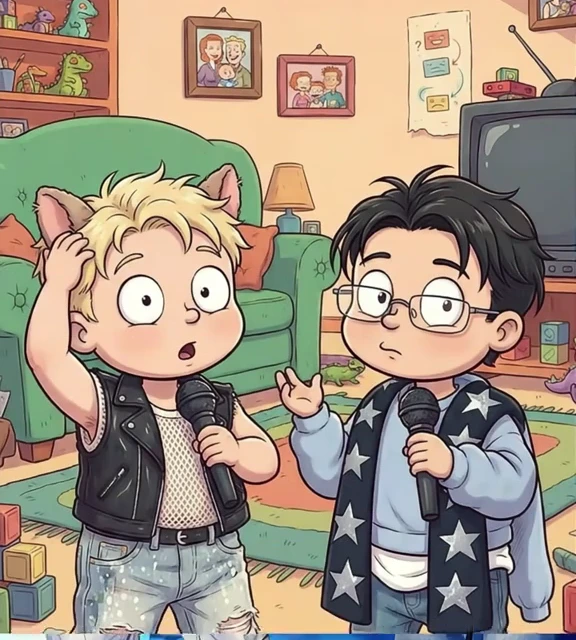 Rugrats Filter / 90s Cartoon AIStart from your photo →
AI MODELS
Choose the model behind your idea
Use a ready-made trend or pick the model you want to direct.
REFERENCE DIRECTIONS
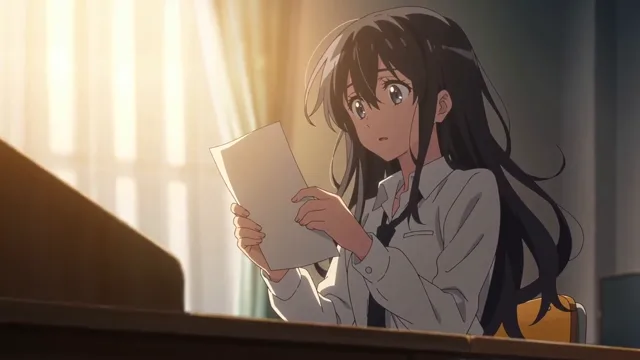
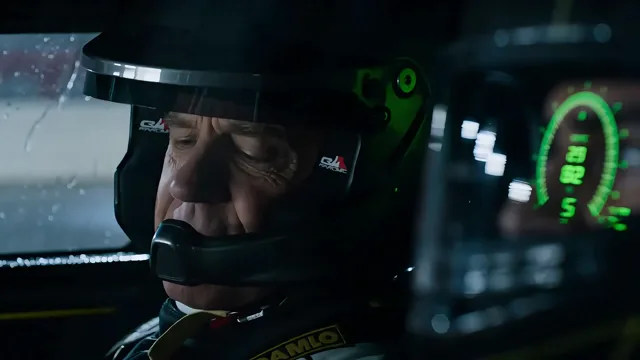
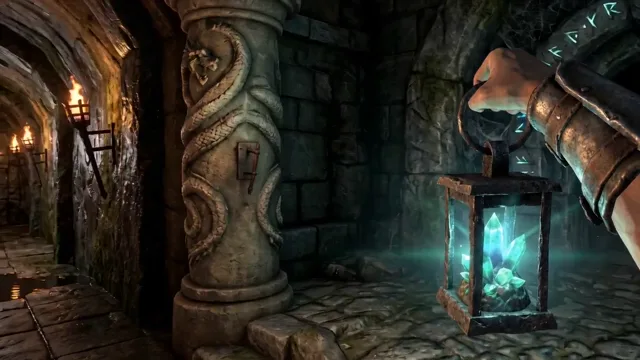
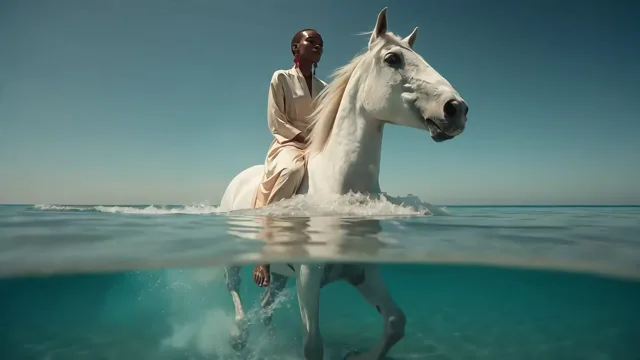
Effect previews
Browse sample directions before you start.
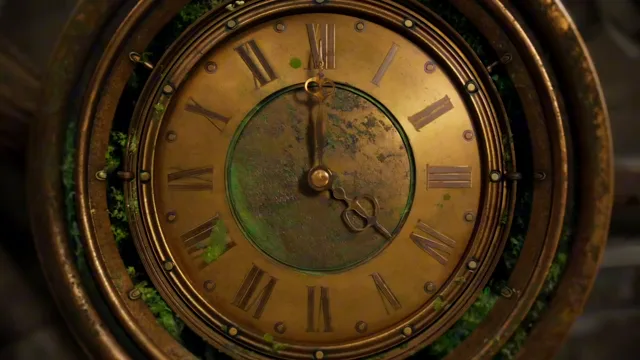
Ready-made AI tools
Ready-made effects
Start with a direction that already has a shape.
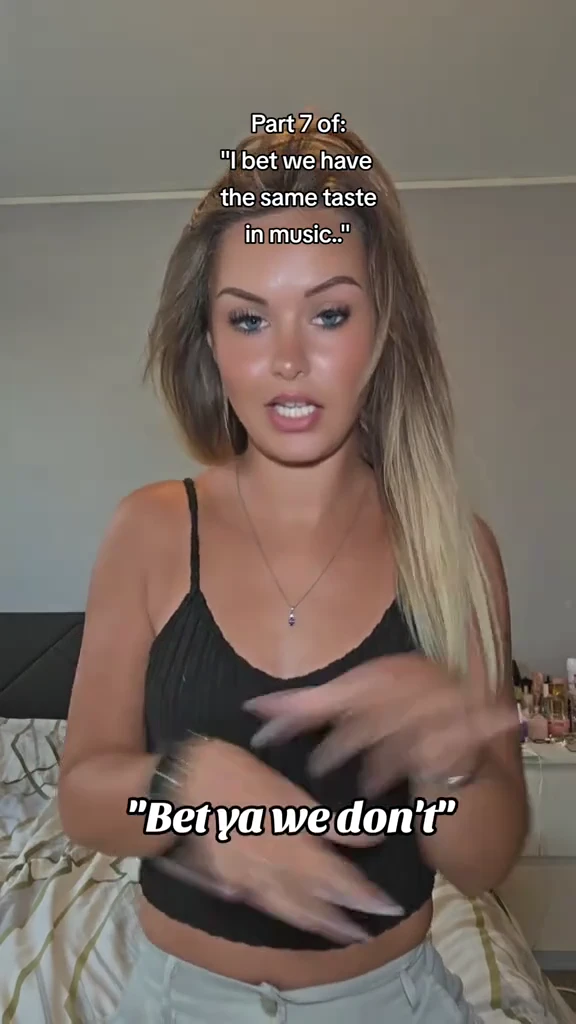
AI VIDEOAsereje Lip Sync AI
A single performer faces a bedroom selfie camera, mouths a song phrase, marks the rhythm with both hands and reacts with playful expressions. Preserve the close upper-body framing and recognizable hand gestures. This preview is sped up to fit the complete performance into the reference limit.
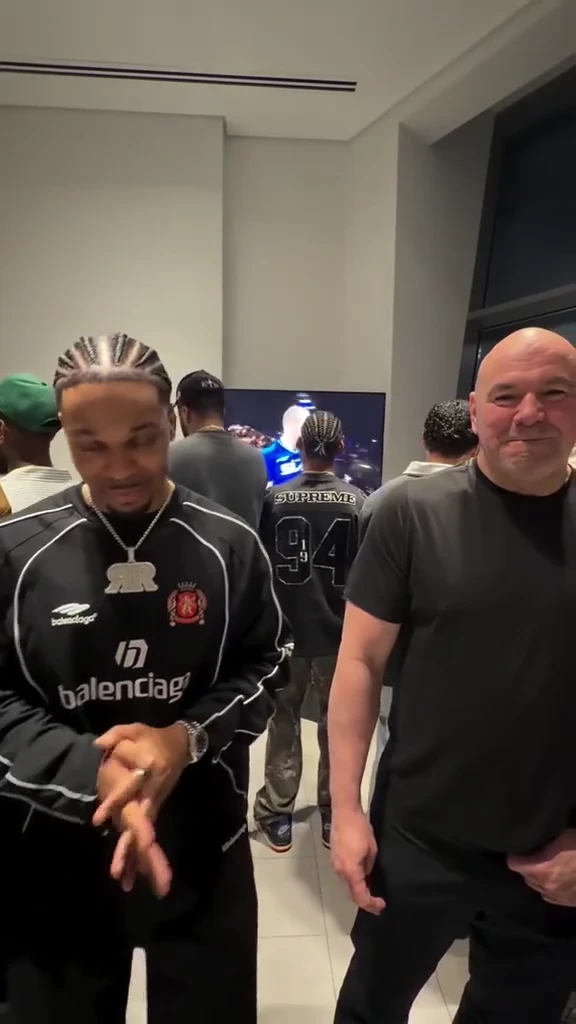
AI VIDEOBaby Justin Bieber Lip Sync AI
A handheld camera moves through a crowded backstage room from a singer in a black-and-white tracksuit to a mustard-shirt singer, a singer in a light overshirt and cap, then a singer in a dark shirt and cap. Each faces the lens, mouths a song phrase and gestures before the camera moves on. Preserve the continuous group hand-off rhythm and busy room.
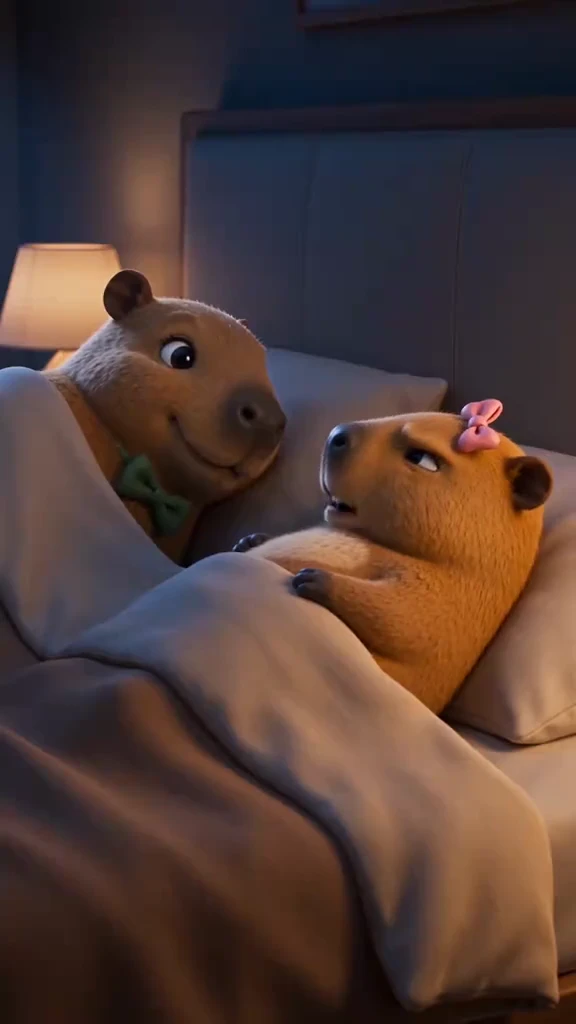
AI VIDEOCapybara Couple AI
Two cartoon capybaras lie under a blanket. The front capybara turns away with a frown while the partner gently cuddles closer, and the expression softens. Preserve the bedroom, blanket, pink bow and gentle sequence. The preview is sped up to keep the complete scene within the reference limit.
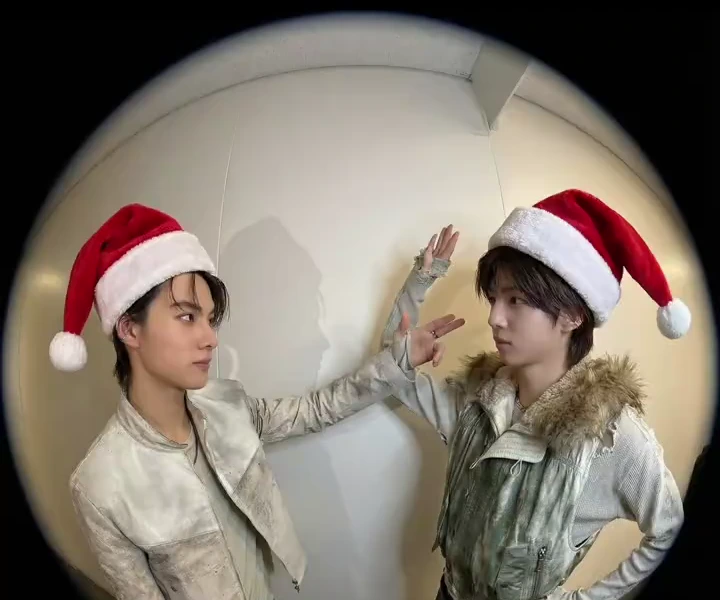
AI IMAGEChristmas PFP AI
Turn a portrait or pet photo into a Christmas profile picture with a red Santa hat, a clean composition and warm seasonal light. Keep faces clear for a small circular avatar crop.
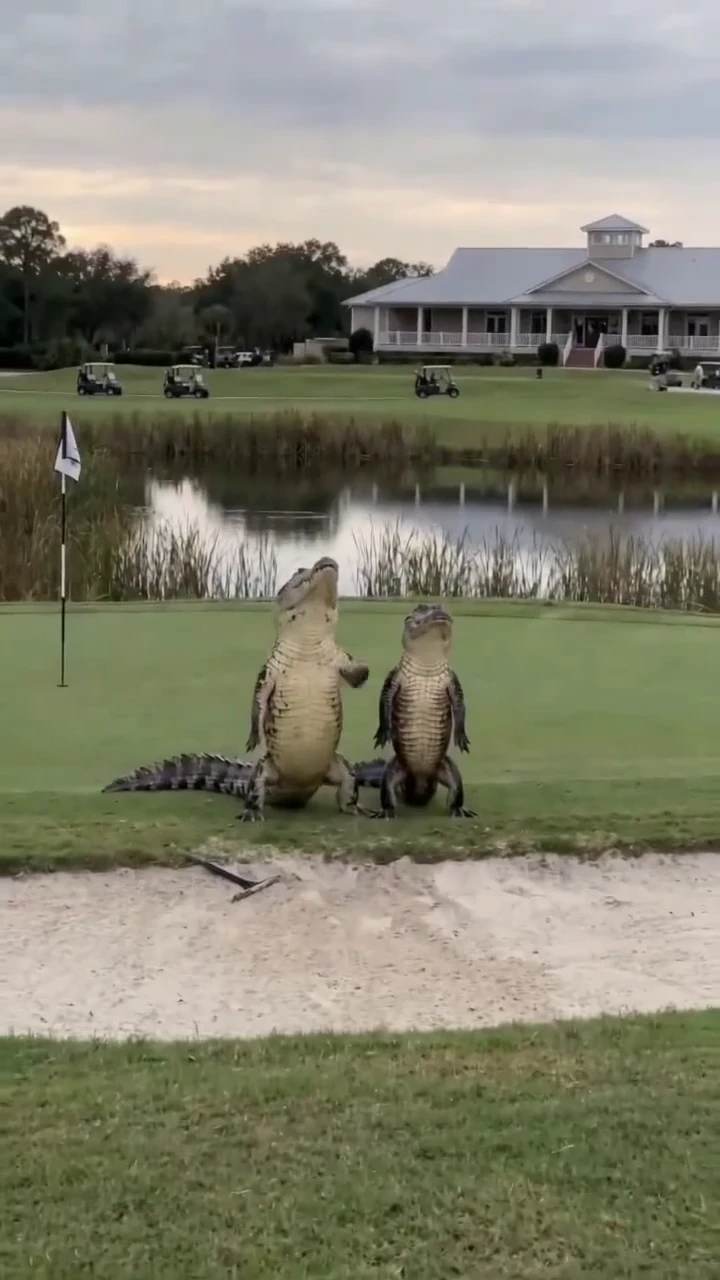
AI VIDEODancing Crocodiles AI
Two upright crocodiles dance beside a golf-course pond, step sideways, swing their forelegs and sway together. Keep the outdoor lawn, pond and synchronized pair.
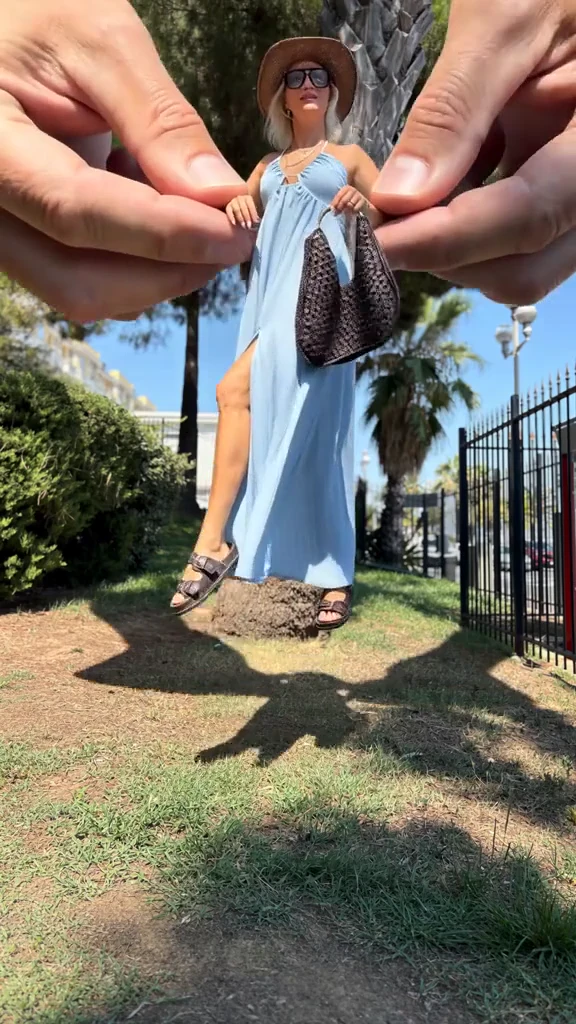
AI VIDEOGiant Hands Dress Up AI
Two giant hands remove a blue outer dress from a small adult doll-like figure, reveal a one-piece swimsuit and dress the figure in a brown top and trousers with a hat, sunglasses and handbag. Preserve the outdoor tree setting and playful scale difference.
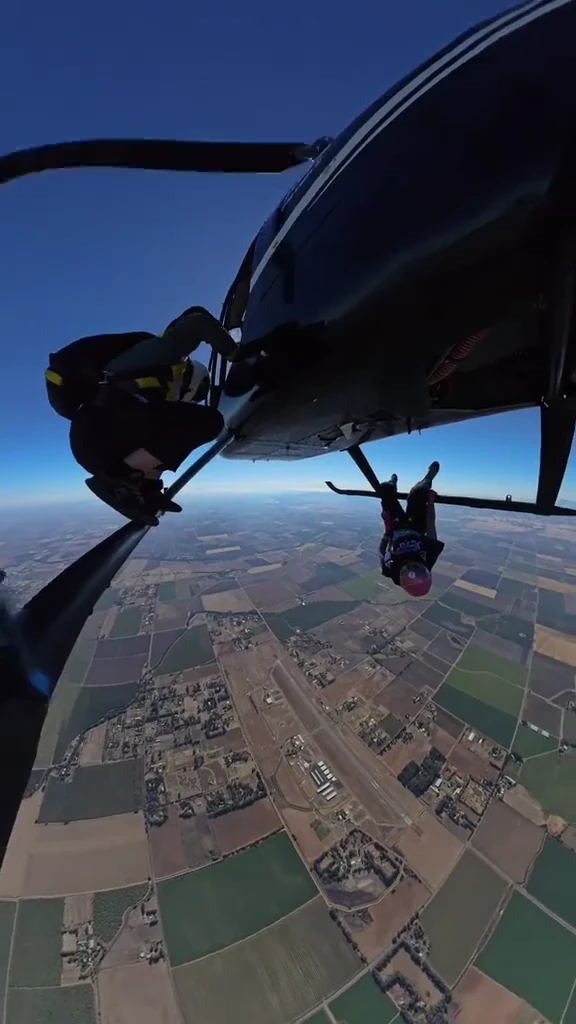
AI VIDEOHelicopter Skydive AI
Two skydivers hang beneath a helicopter skid. The nearer left skydiver pulls up and lets go, followed by the second skydiver; the camera follows their aerial freefall over fields. Preserve the helicopter and changing aerial perspective. This is an AI scene recreation.
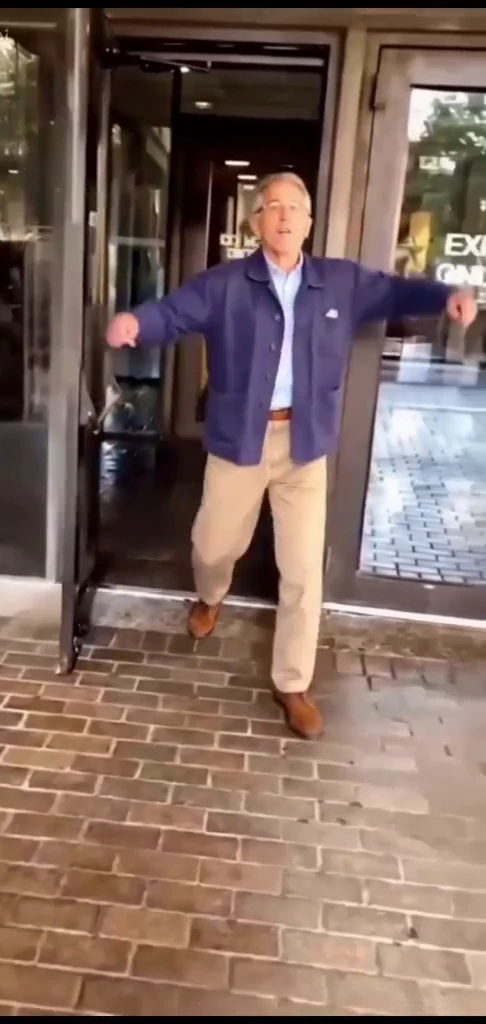
AI VIDEOI Just Beat The Case AI
An adult in a blue jacket steps out through glass doors, gestures toward the camera, flexes and skip-kicks along a brick walkway. Preserve the doorway, rhythmic steps and backward-moving camera.
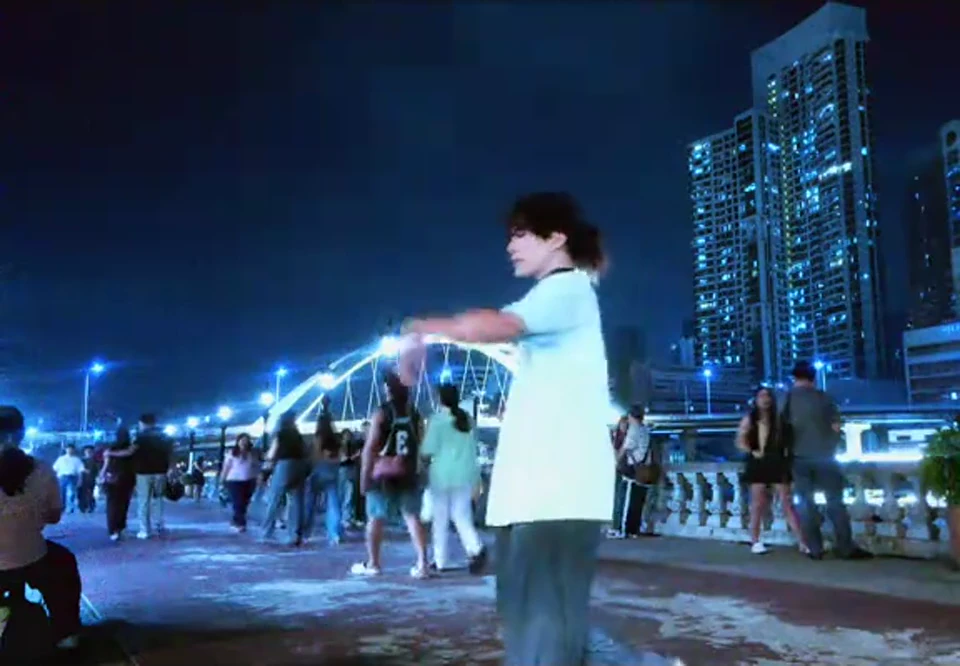
AI VIDEOThe Last Dance AI
Two dancers hold one hand on a blue-lit waterfront promenade, extend their free arms, step apart and rotate around each other. Preserve the continuous duet, skyline and passing bystanders.
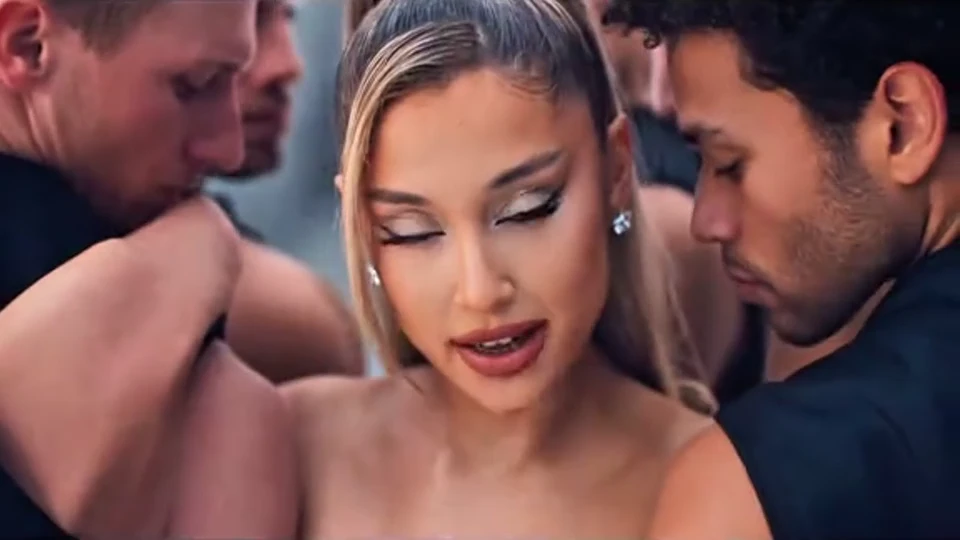
AI VIDEOLike JENNIE Dance AI
A lead dancer in a pale ruffled gown performs sharp arm shapes, side steps and turns on a red carpet, surrounded by a synchronized crew in dark suits. The camera widens and moves overhead to reveal the formation.
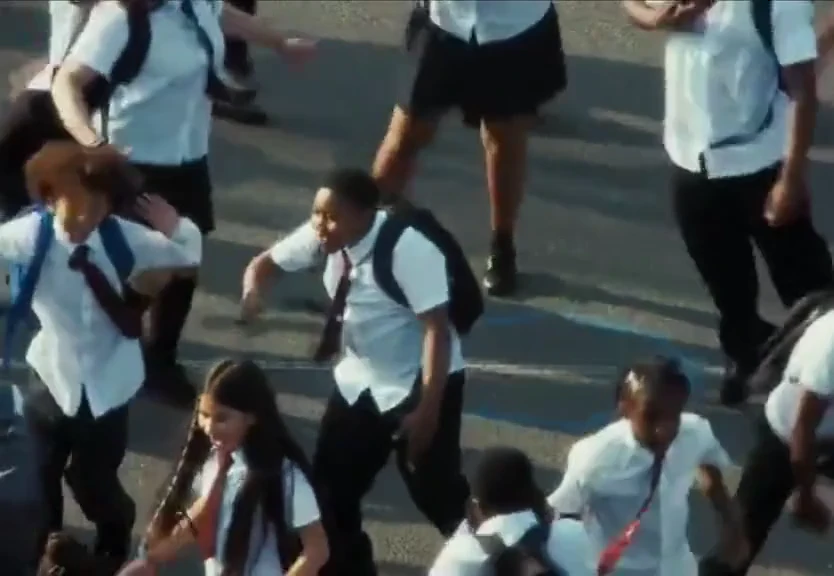
AI VIDEOLonyo Dance AI
A large uniformed dance group performs coordinated steps, hand gestures and low bounces on a marked playground, seen from a raised camera that changes distance to reveal rows of dancers. Preserve the group spacing and rhythmic routine.
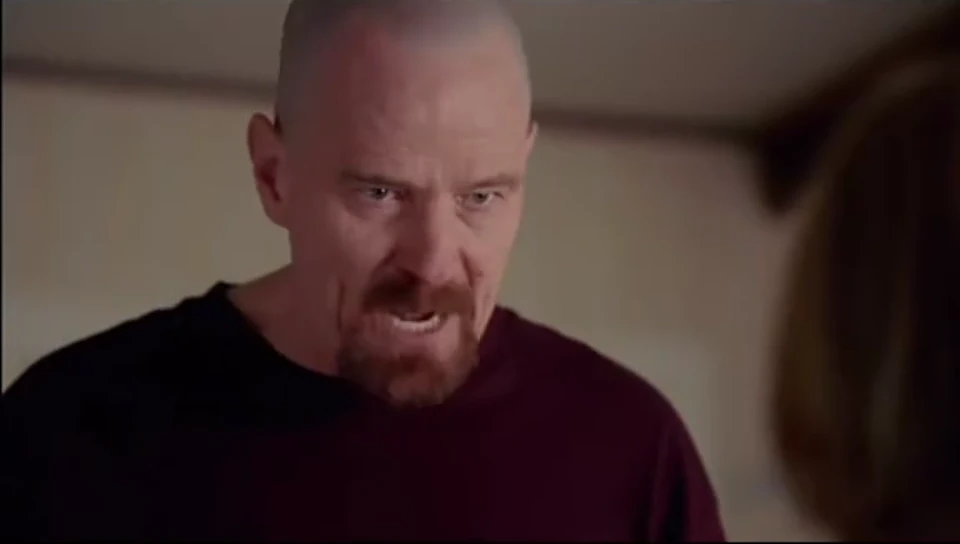
AI VIDEOThe One Who Knocks AI
A standing speaker in a dark burgundy top delivers an intense monologue in a bedroom, gestures with one hand and leans toward the seated listener. Preserve the framing and dramatic change in expression.
Examples
Example gallery
Compare a few directions before you choose an effect.
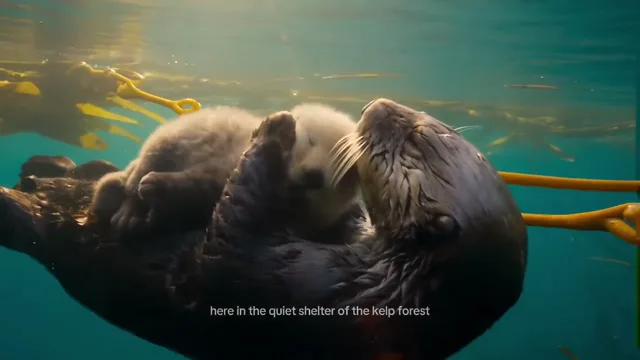
Sea Otter Kelp Forest
Viral-ready templates
What you can make with Virvy
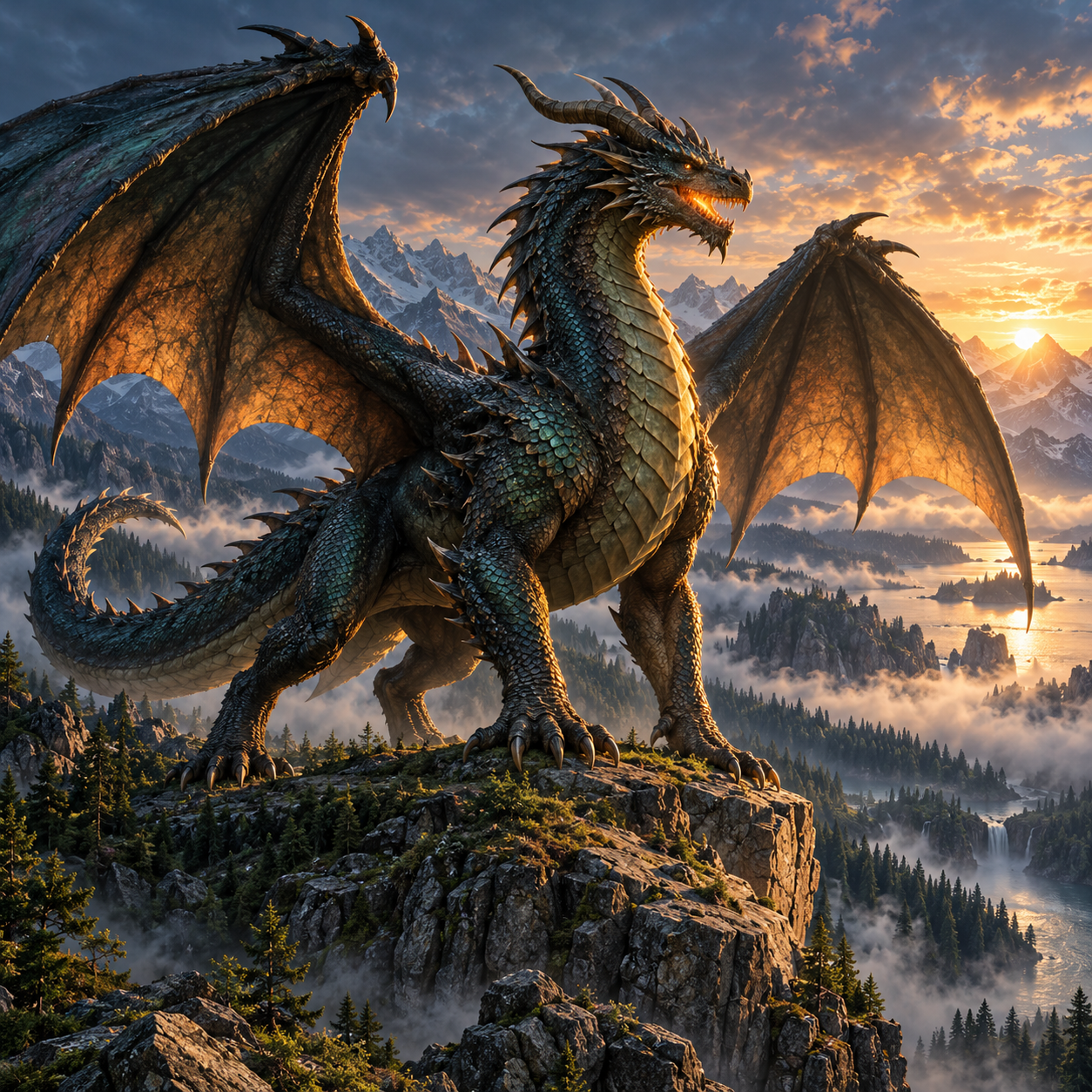
A new look for an ordinary photo.
Try a sketch, a clean product shot, or a seasonal design. Start with an image and choose the direction.
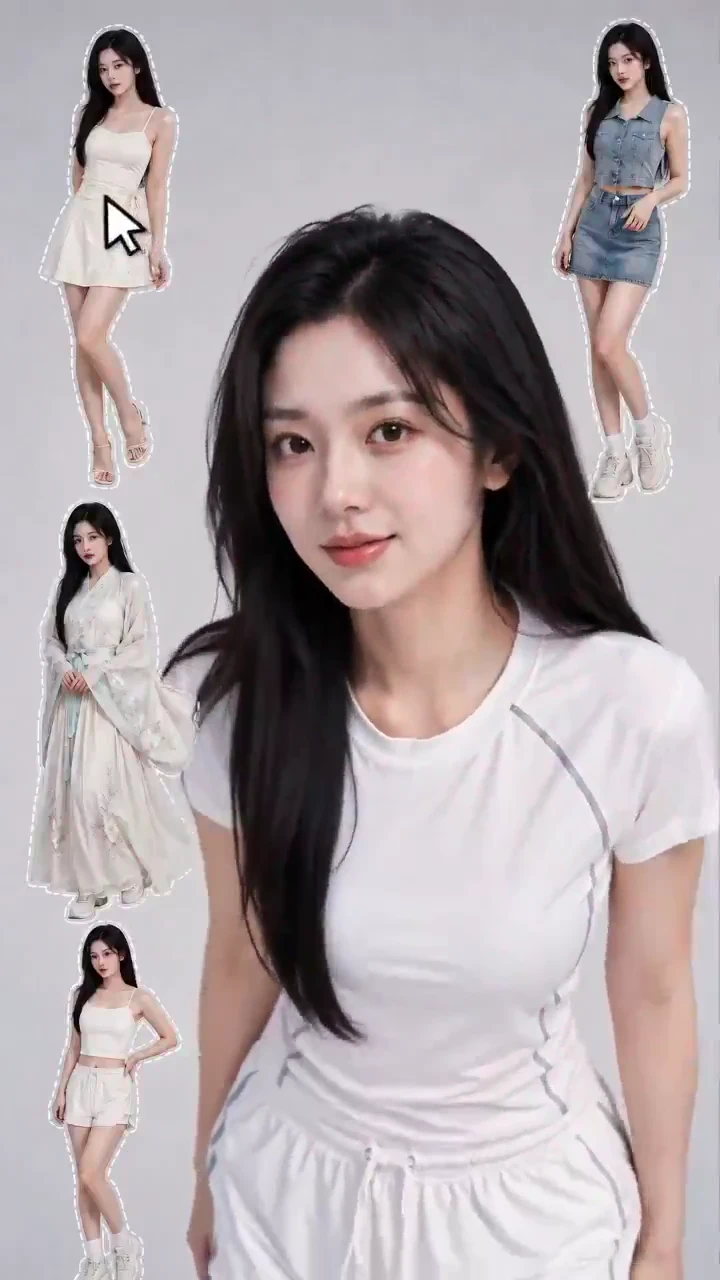
One idea. Endless transformations.
Explore new looks, unexpected transitions, and fresh ways to bring your ideas to life.
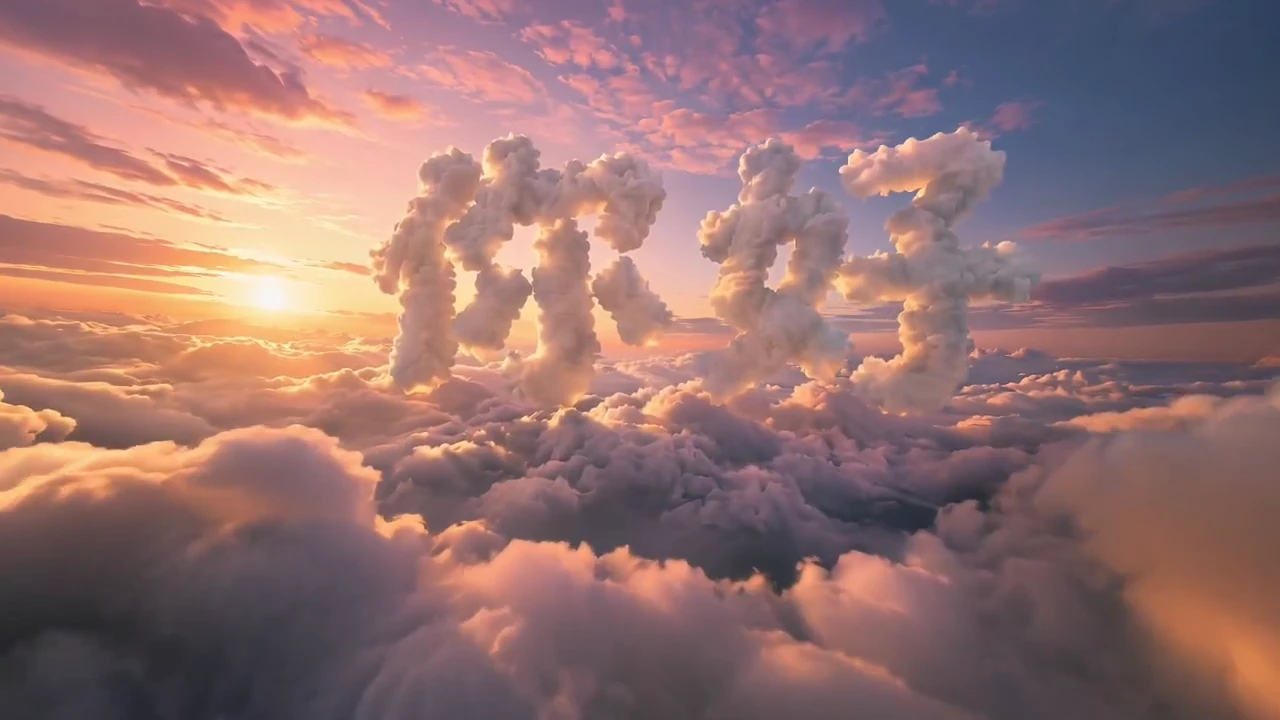
A cinematic finish
Review a polished reference, then choose a model and submit your own generation.
USE CASES
Put both generators to work
A small set of directions for products, stories, and experiments.
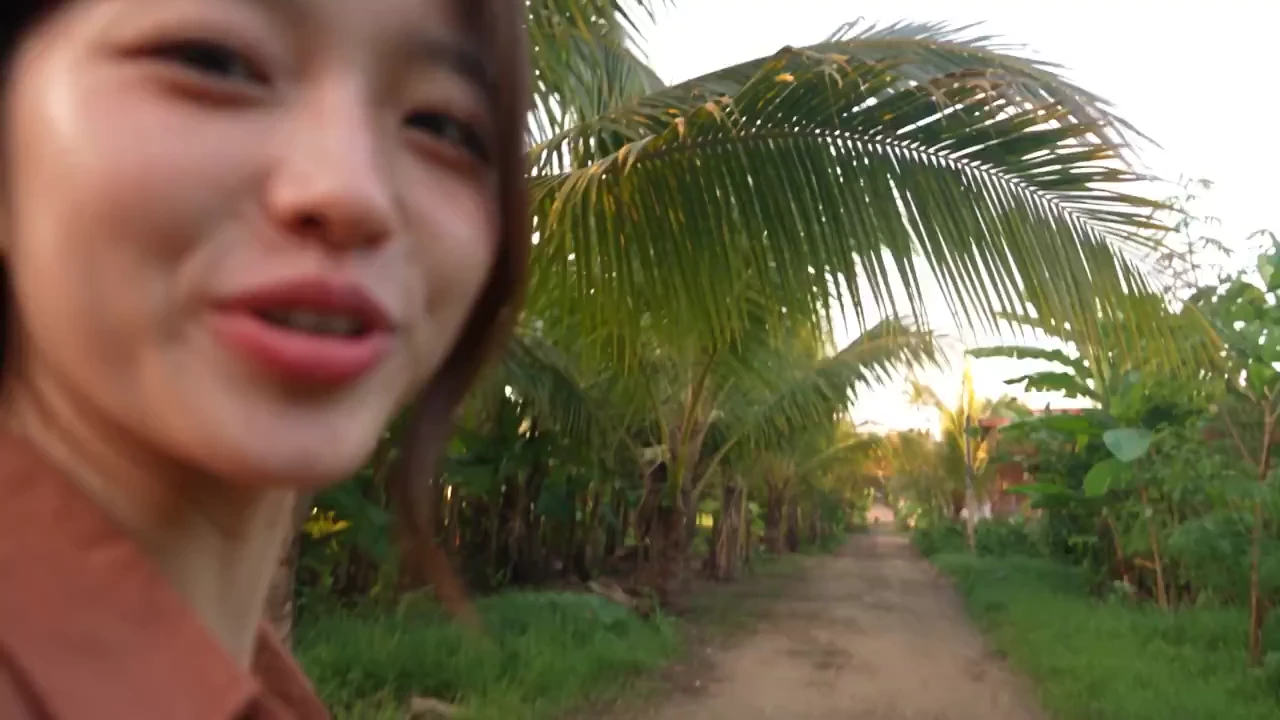
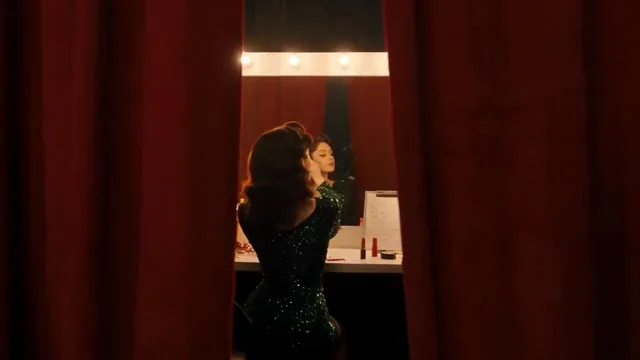
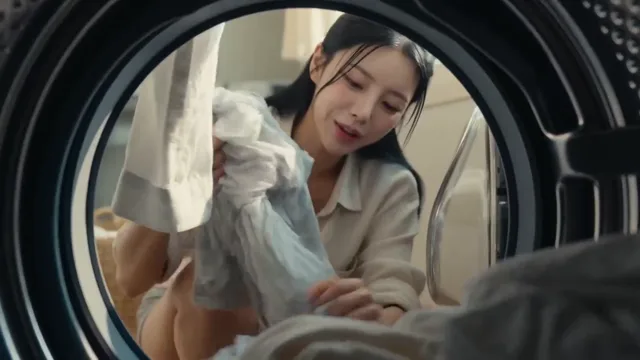
Retro travel vlog
Handheld memories with a 2000s feel.
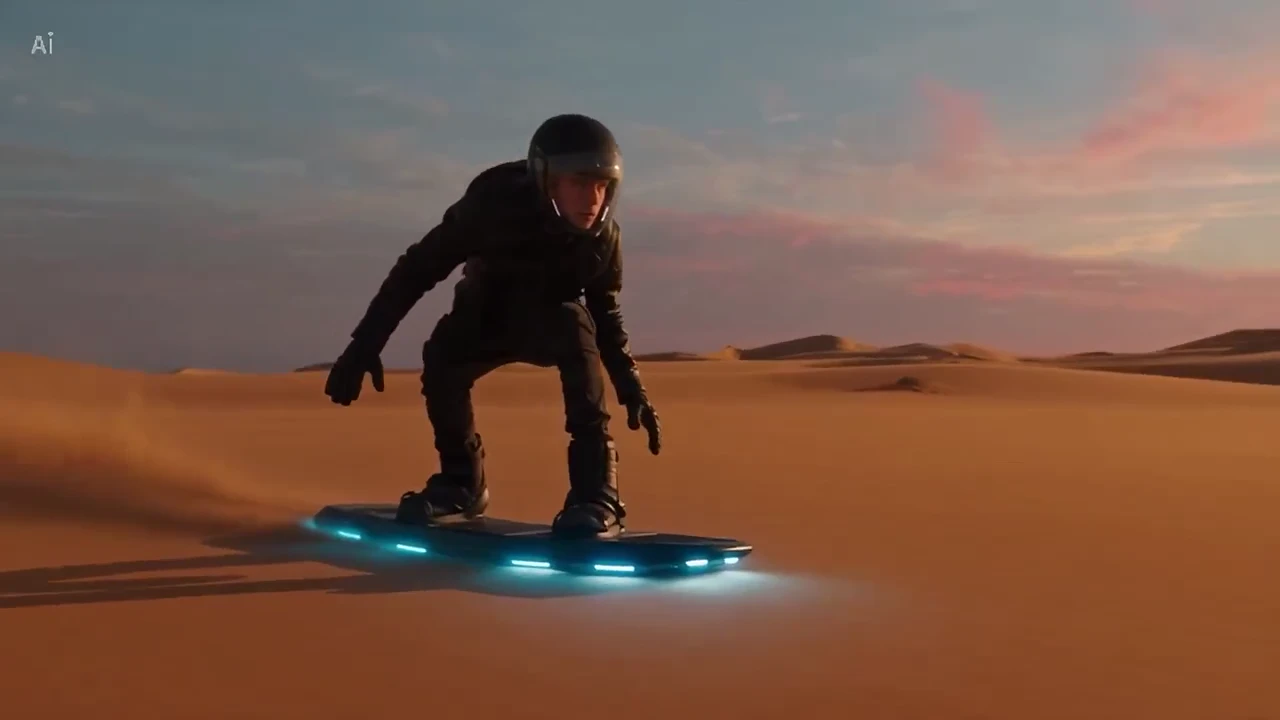
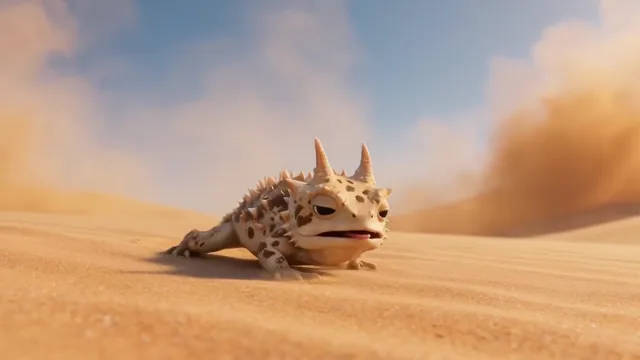
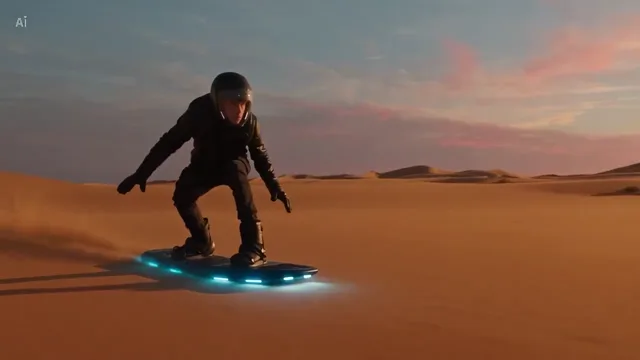
Desert hoverboard
A sunset ride across the dunes.
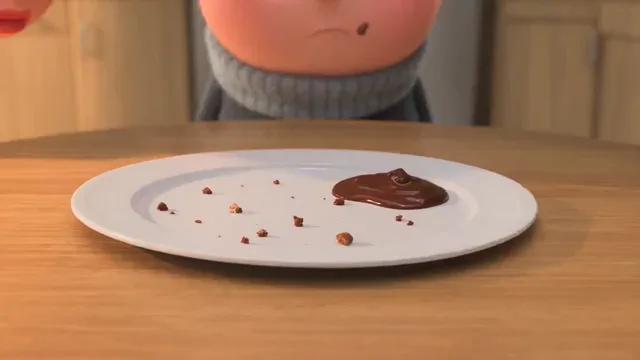
Fruit biscuit ad
A playful product spot with fruit and biscuits.
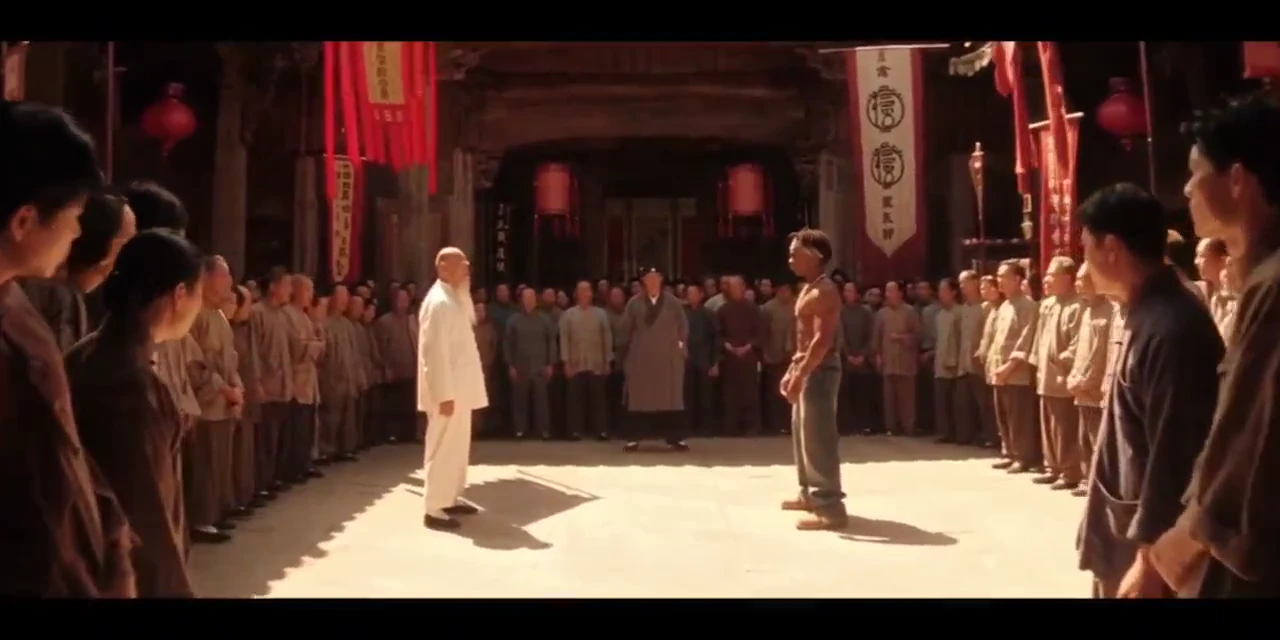
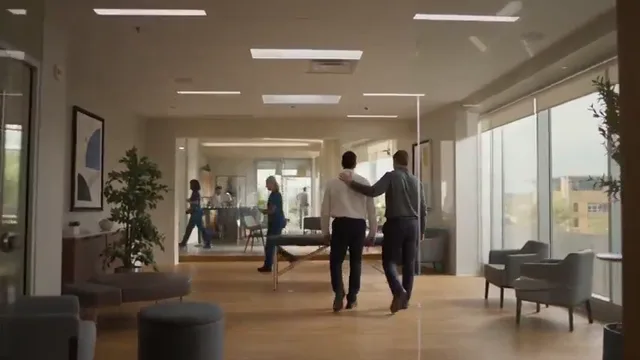
Arena showdown
A tense duel with a surprise finish.
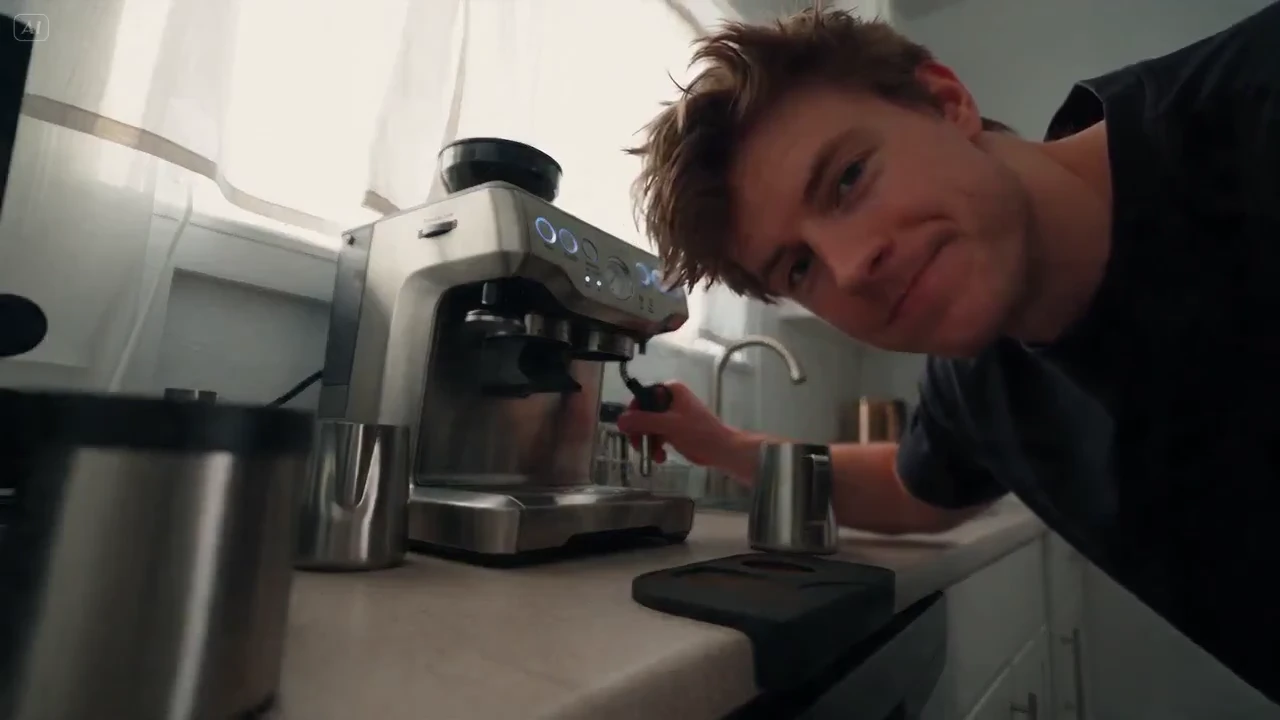
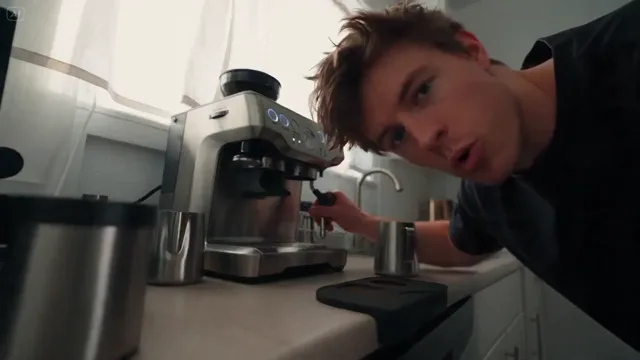
Coffee ASMR
Coffee-making sounds, captured up close.
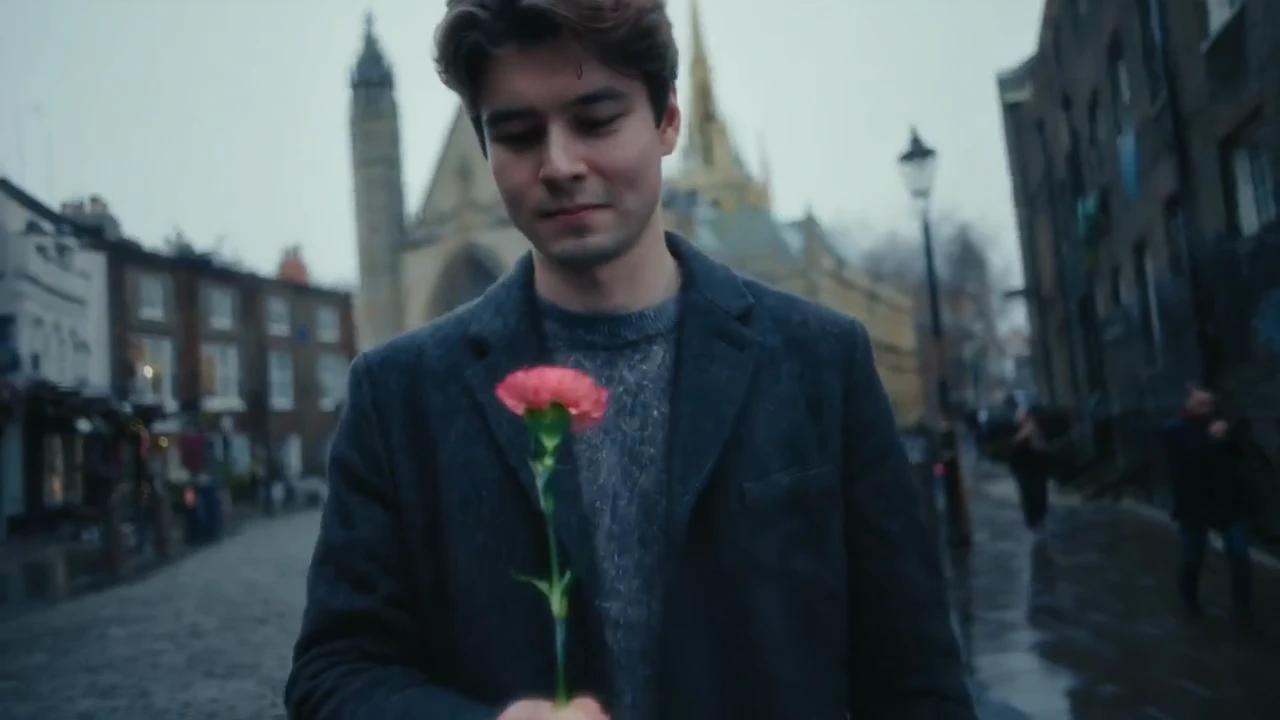
A flower, a thank-you
A simple gesture of gratitude.
THE WORKFLOW
How the workflow works
Choose an effect, add your input, review the cost, and generate.
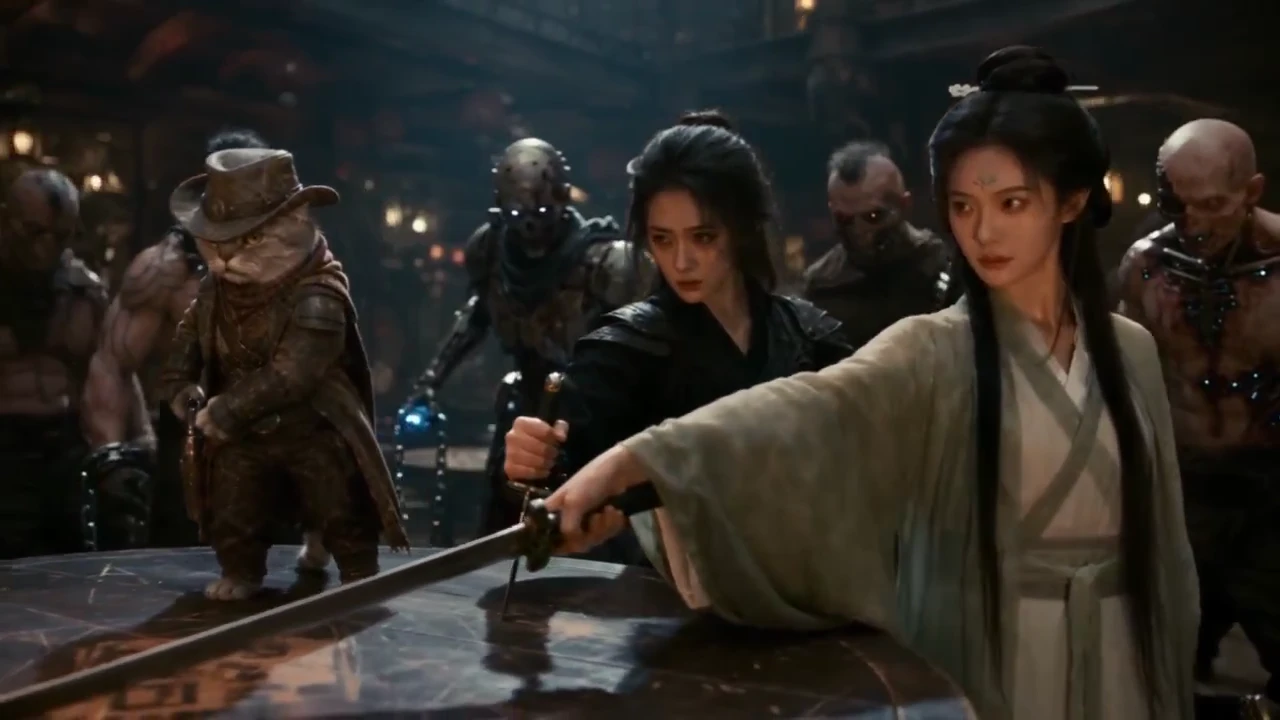
Pick an effect
Browse the samples and choose a starting point.
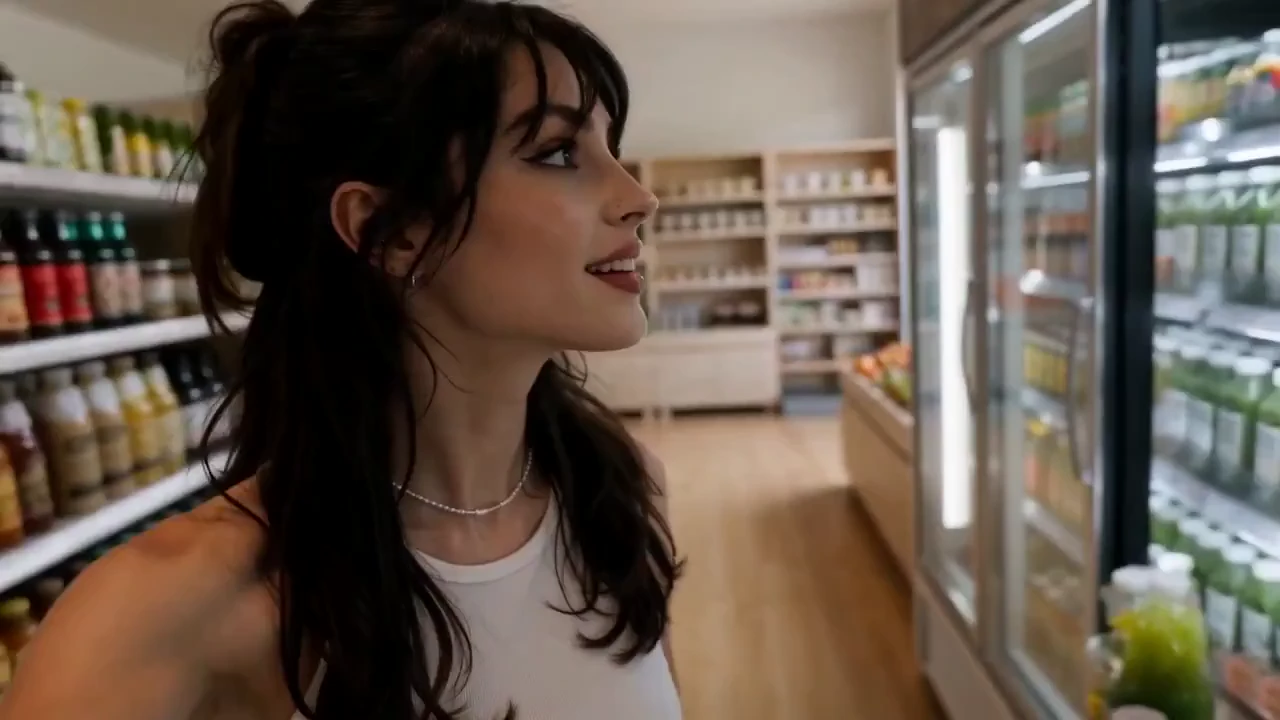
Make it yours
Add a photo, write a prompt, and choose your settings.
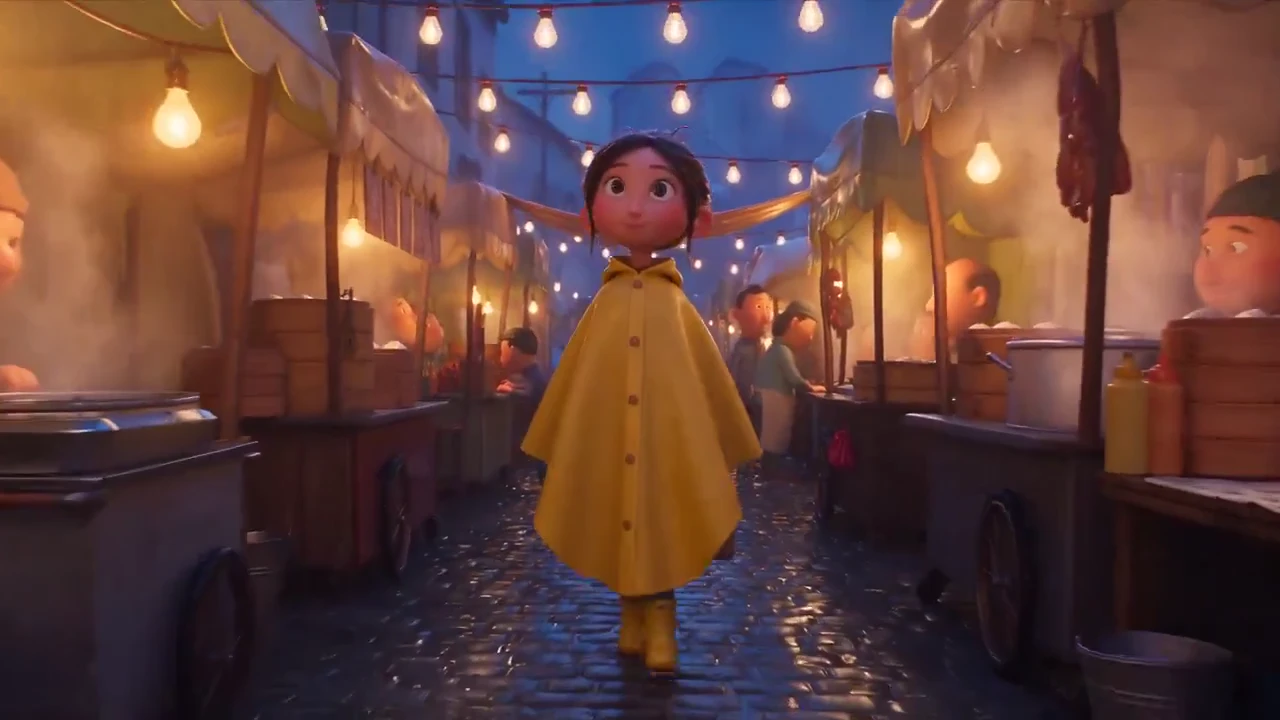
Review settings and cost
Pick the model and format, then review the credit estimate.
Generate and review
Submit the generation, then review or download your result.
MEET VIRVY
What is Virvy?
From a photo. To something worth sharing.
Virvy brings AI image and video creation together. Start with an everyday photo, a written idea, or a trending template. Choose a model and make it your own.
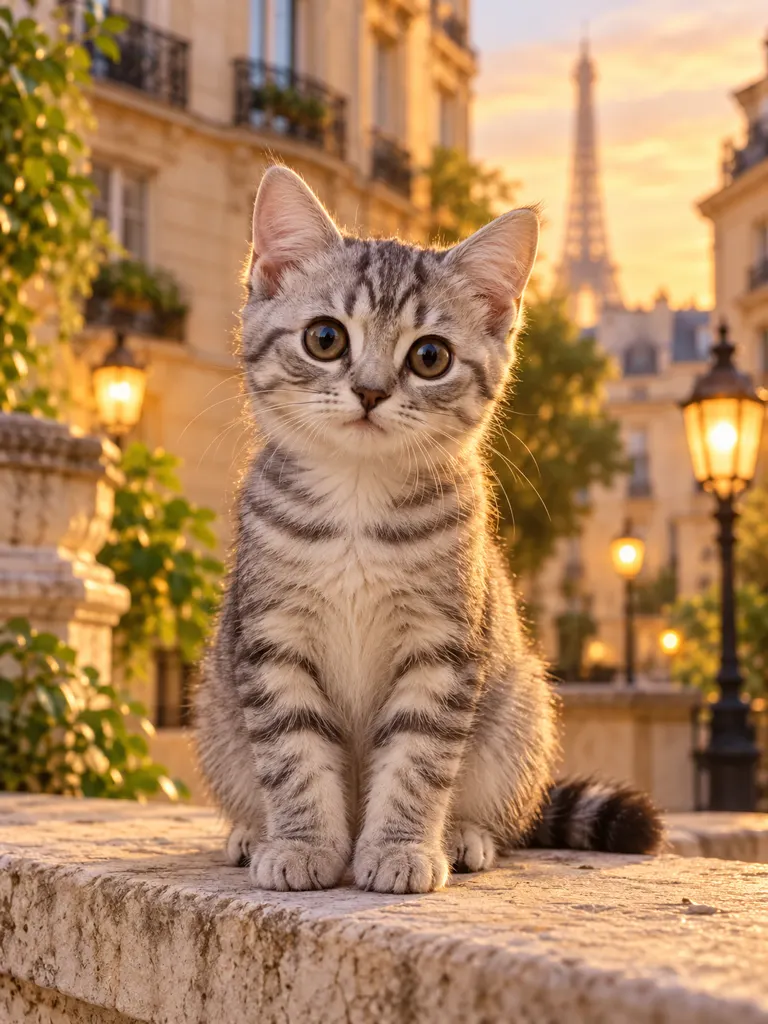
Images and video
Start with an idea or a photo. Explore what it could become.
See credits before creating
Choose your model and settings, then review the credit cost.
Try your inputs before signing in
Prepare your prompt and reference photo. Sign in when you are ready to generate.
The photo is illustrative and the video is a template example. Results depend on your inputs and model.
THE STUDIO
One studio for image and video ideas
Choose a direction, set your prompt, and send a priced generation when ready.
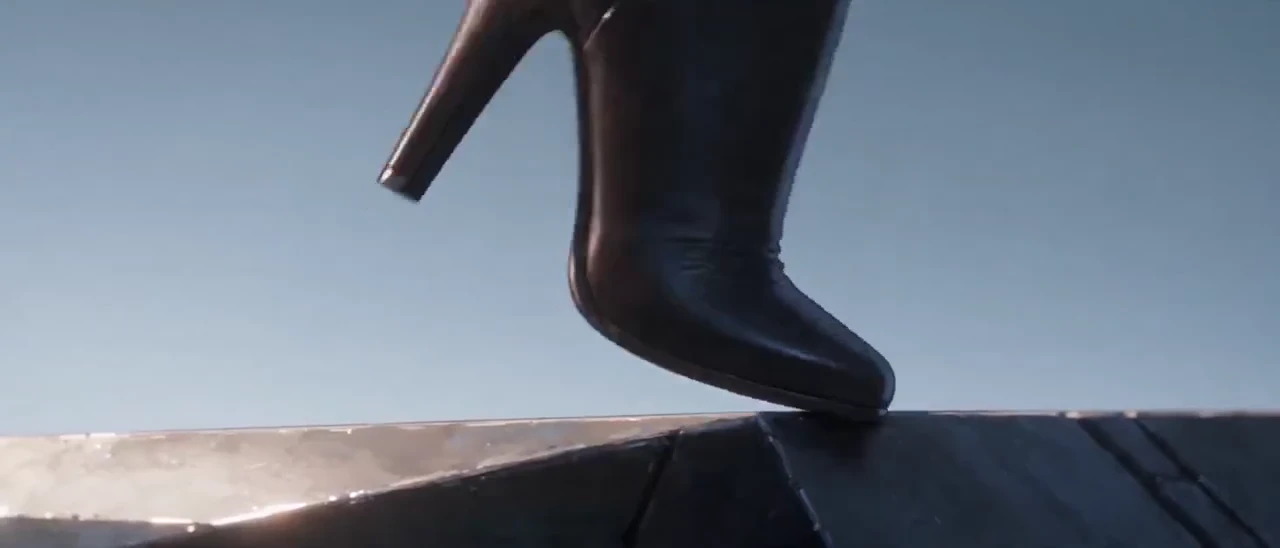
AI VIDEO
Video generator
Turn a direction into a moving reference.
AI IMAGE
Image generator
Make the visual direction concrete before production.
Keep the idea moving
Switch between visual directions without losing the input that made the idea useful.
✓One visible prompt
✓Clear effect presets
✓A preview you can judge
VIRVY AT A GLANCE
A quick look at the Virvy catalog
Explore featured effects, current models, and two generation modes in one place.
145FEATURED EFFECTS
20VIDEO MODELS
25IMAGE MODELS
2MODES
One shared credit balance
One-time credit packs
Use credits across supported image and video tools.
One shared credit balanceUse credits across supported image and video tools.
Effect Starter
$9.99
1,200 credits, one-time
- Unlock every model with this one-time pack; signup and daily reward credits work across all models after purchase.
- Prompt examples
- Never expires
Creator Pack
$19.90
3,000 credits, one-time
- Unlock every model with this one-time pack; signup and daily reward credits work across all models after purchase.
- Prompt examples
- Save and reuse presets
- Never expires
Studio Pack
$29.90
5,000 credits, one-time
- Unlock every model with this one-time pack; signup and daily reward credits work across all models after purchase.
- Prompt examples
- Save and reuse presets
- Batch generation queue
- Never expires
Pay safely and securely with







Payments are processed securely by Stripe. Available methods depend on your country, device and checkout eligibility.
FAQ
A few things to know.
READY WHEN YOU ARE
What will you make next?
Start with a photo, an idea, or an effect you like.